Part Enhancements
Check out the newest enhancements to the Part Environment.
Sheet Metal Enhancements
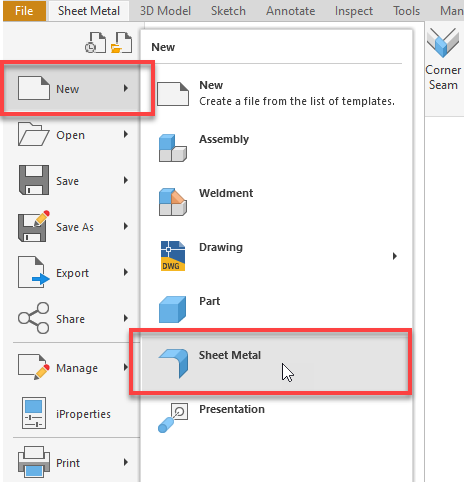
Sheet Metal Access from the "File > New" menu
Access to the Sheet Metal feature has been made more convenient in this release of Inventor. It can now be found directly under the "File > New" menu, as well as in the "New" drop-down menu on the Quick Access Toolbar (QAT). By default, Sheet Metal.ipt template files located in the active template folder are used.

Flange Enhancements
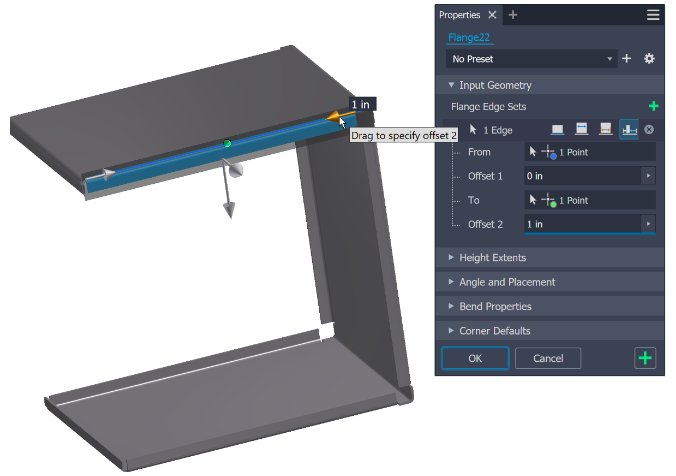
The following enhancements were made fo the Flange command this release:
- It is now possible to drag the manipulator to edit Width Distance or Offset.
- Also, you can input values directly into the in-canvas Heads-Up Display (HUD) to edit Width Distance or Offset.
- Press the Tab key while in the canvas to switch between active HUDs for editing.
Face and Cut Sketch Breadcrumb Enhancements
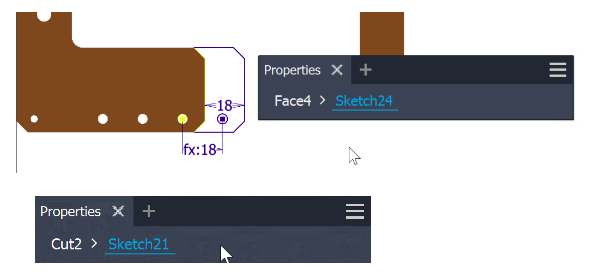
In this release, following enhancements have been made to the sketch breadcrumb:
- You can now directly rename the sketch by editing its breadcrumb.
- You can edit sketch entities by simply clicking on the sketch breadcrumb. This allows you to enter or switch to the sketch environment, providing a more seamless and efficient workflow.
Presets for Thicken/Offset
The Thicken/Offset command now includes the ability to define presets. You can specify your own preset with set values.
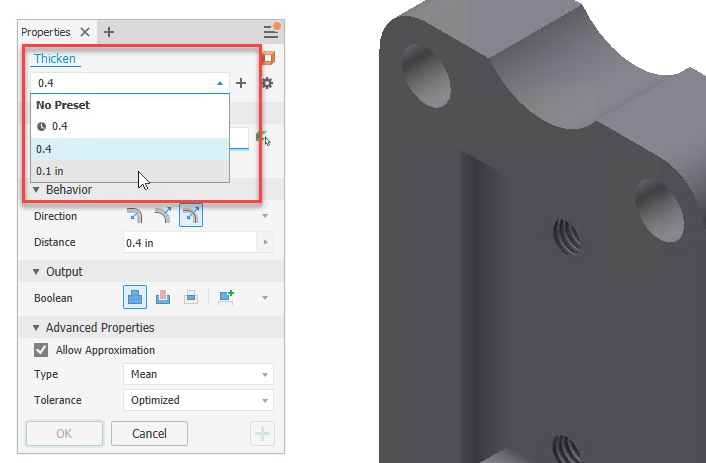
For more information see To Work with Presets.
Quick Access to XLS settings
A new "Open Library Location" command is added to the Advance Settings in the Property Panel. This provides quick access to XLS files containing the settings.
It is available in the following commands:
- Hole
- Thread
- Finish

For more information see To Assign a Finish to a Component, To Create Holes, To Create Thread.
Window select for Features filter
Previously, the window selection was only available in the assembly environment when the feature selection filter was activated.
The window selection feature is now enabled in the part environment as well. This allows you to select several features simultaneously.
Edit Text, Edit Box
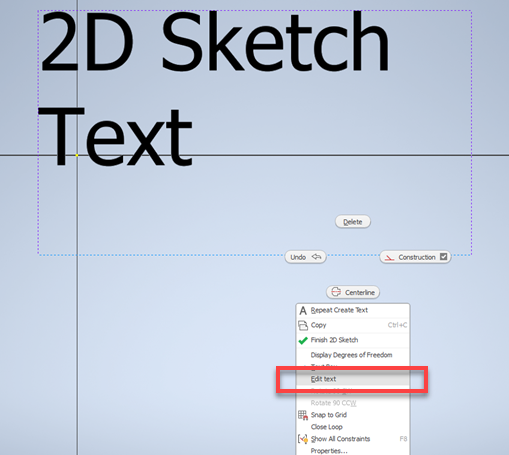
In both part and assembly sketches, the text can be edited directly. First, select the bounding geometry, whether points or lines. Then, right-click and select "Edit Text'" or "Edit Box".