Drawing/Sheet Format Templates Enhancements
The Sheet Format workflow is streamlined to provide a more productive process for creating drawing (.idw, .dwg) files. New behaviors make drawing workflows repeatable and require less effort.
Get Going Fast: Sheet Formats/Sheets Streamlined Workflow
Overview: Views and View Settings Creation Now Automated
When you select a drawing template for a new drawing file, for each sheet with one or more predefined views, you'll be prompted for a component. The component is placed according to the settings defined for each view. For example, let's say you created 1 sheet in your template with 2 base views, 1 projected and 1 auxiliary view with custom view settings. Upon new drawing creation, you'll be prompted for a component to place for the sheet. The component in this example will be placed with 2 base views, 1 projected and 1 auxiliary view in accordance with the custom view settings defined in each view on the sheet.
In addition to views and view settings, Sheet Metal settings and the Parts List and its format settings also persist when creating a new drawing with a sheet with predefined views.
For more information, see To Work with Sheets and Sheet Formats.
Drawing Template/Sheet and Sheet Format Workflow Enhancements
When you create a new drawing sheet from an existing sheet format, the new sheet inherits the following settings based on the originating sheet format:
The settings of each placed view. For example, if one view is placed with shaded, and another is placed with unshaded, each time you use the sheet format with customized sheets, the views will be placed with the same settings.
Sheet Metal settings
Note: If there is a flat pattern defined, sheet formats and templates are updated to retain the Sheet Metal flat pattern view as they do a base view. When you choose a Sheet Format template with a flat pattern view saved, it is populated based upon the sheet metal part that is the source for the drawing.The Parts List and its format settings.
General/generic tables.
Notes and text.
Select Component for View on Sheet Dialog Box Enhancements
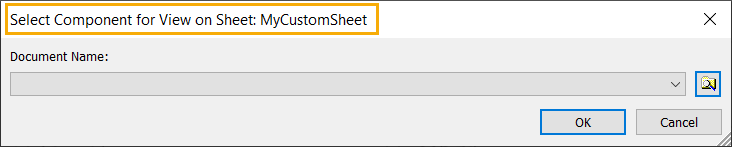
- The name of the Sheet the selected component will use now displays in the title.
- The dialog box is now resizable
Create Sheet Format Dialog Box Enhancements
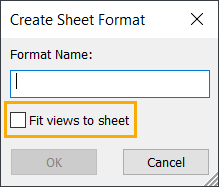
- When selected, the new Fit views to sheet automatically scales views according to the size of the components and the sheet. When deselected (default), views created using this custom sheet format will use the scale that is in the views when this custom sheet format was saved.
- The dialog box is now resizable
For more information, see To Work with Sheets and Sheet Formats.
New Drawing Creation Enhancements
Directly Access Sheet Format Templates When Creating a New Drawing File.
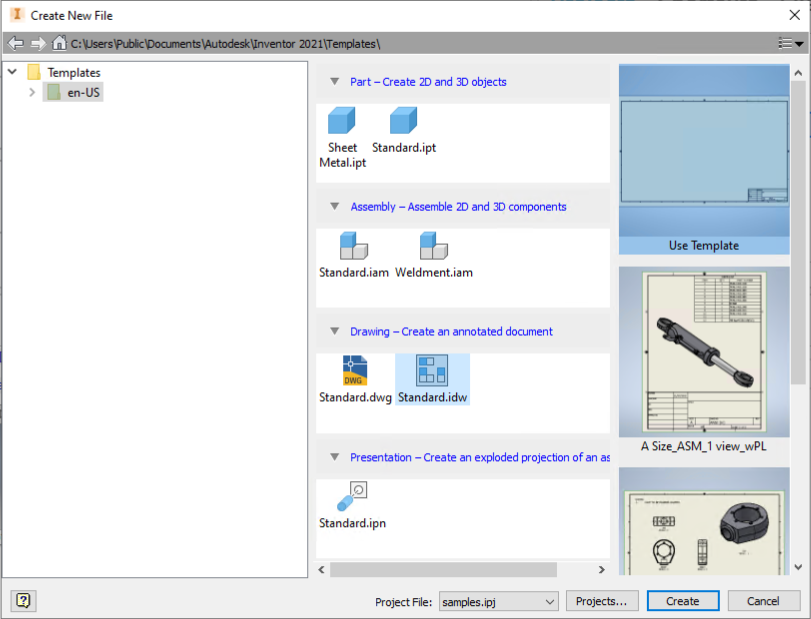
- From the Create New File dialog box: Drawing templates are now available in the column on the right. Thumbnails show the Sheet Formats saved in the drawing template file.
In a part or assembly file: The context menu option, Create Drawing View, now launches a streamlined Create New File dialog box. Thumbnails show the Sheet Formats saved in the drawing template file.
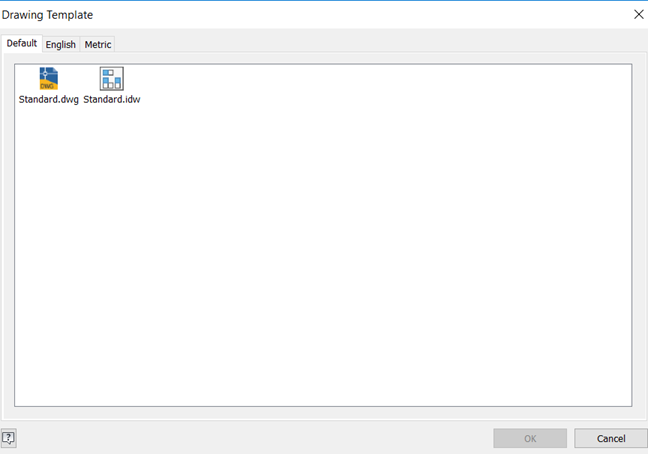
2021 Pre-2021 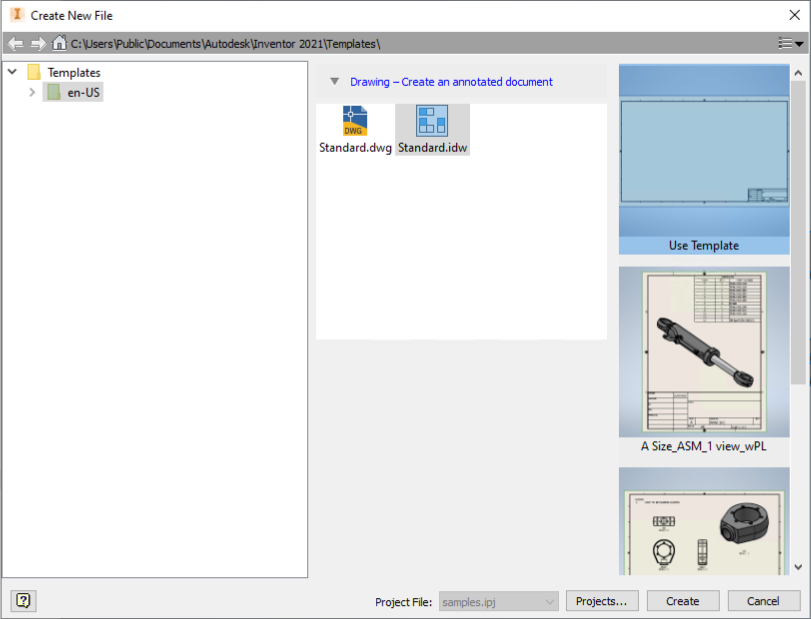
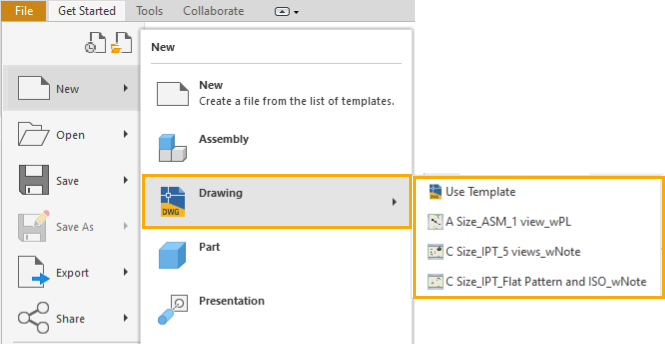
From the File menu: The new flyout menu lists the drawing templates and any Sheet Formats saved in a drawing template file.
For more information, see Examples of Creating New Drawing File.