Export > Cube Image Preferences
In the Menu Bar, click Edit > Preferences, then on the left side of the dialog box, select Export > Cube Image. After making any changes, press Apply and OK to save them.
Base
This section contains options for resolution, supersampling, and export type settings.
- Resolution - Select a render resolution for cube images.
- Supersampling - Select a supersampling quality for cube image rendering. Higher values may impact performance.
Type - Set the type of cube image rendering:
Separate Images (six planar images)
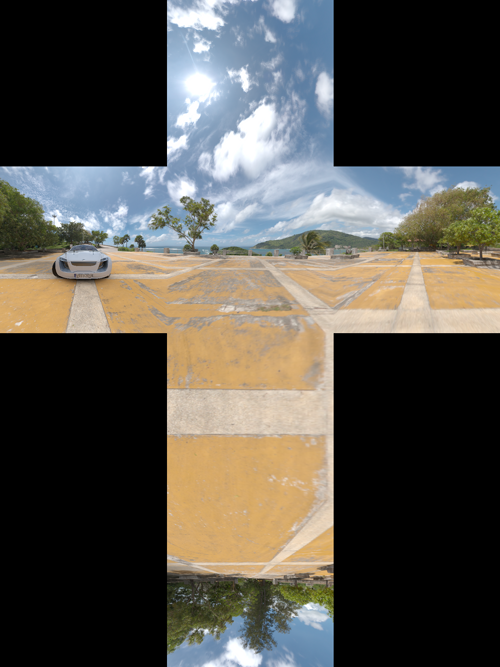
Vertical Cross
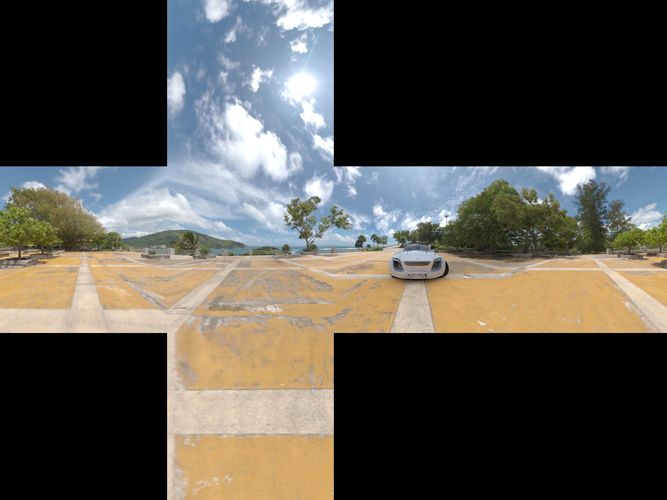
Horizontal Cross
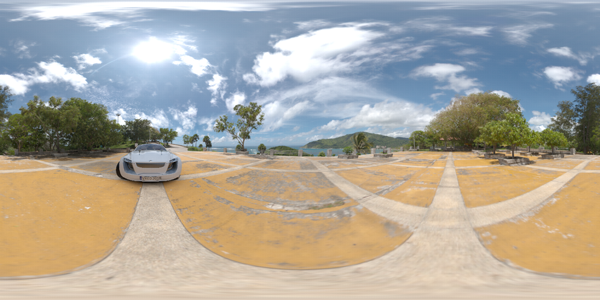
Spherical Map