Submit a Job During Check-in
You can submit visualization attachments to the job processor when checking files into a vault.
Start to check in a file.
In the Check-in dialog, click the Settings button and select Send to Job Server in the Visualization Attachment Options section.
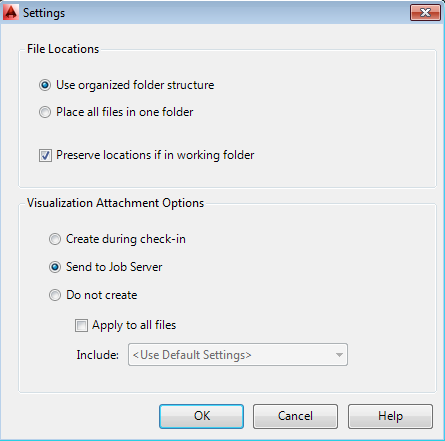
Click OK and complete the check-in.
The visualization attachment is sent to the job processor.