In this exercise, you will resize a plot by swinging an attached plot line from a specified reference point.
This exercise continues from Exercise 1: Sliding a Plot Lot Line.
Specify plot creation settings
- Open Parcel-2B.dwg, which is located in the tutorials drawings folder.
- Click tab
 panel drop-down Find.
- On the Plot Layout Tools toolbar, click
 .
.
- Specify the following parameters:
As you specify each parameter, notice that a preview graphic is displayed at the bottom of the Plot Layout Tools window.
Plot Sizing
Automatic Layout
- Minimum Area: 8000.00
- Minimum Frontage: 40.0000
- Use Minimum Frontage At Offset: No
- Frontage Offset: 20.0000
- Minimum Width: 40.0000
- Minimum Depth: 50.0000
- Use Maximum Depth: Yes
- Maximum Depth: 200.0000
- Multiple Solution Preference: Use Shortest Frontage
- Automatic Mode: Off
- Remainder Distribution: Place Remainder In Last Plot
Swing one end of a plot plot line
- On the Plot Layout Tools toolbar, click
 Swing Line – Edit.
- In the Create Plots – Layout dialog box, click OK.
You are prompted to select the attached plot line to adjust.
- In the drawing, click the plot line that is between plot 104 and plot 105.
- Select the plot to adjust by moving the cursor over property 104 and clicking. Notice that the plot borders are highlighted.
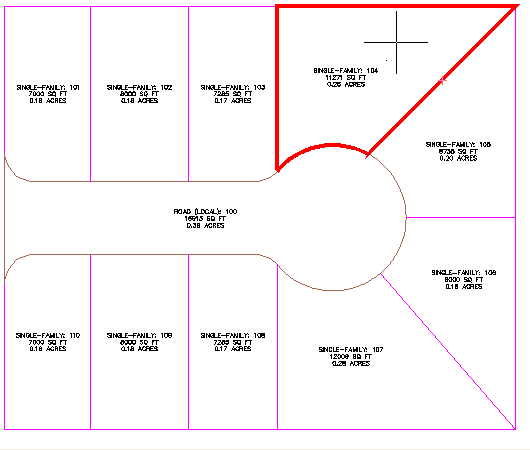
- Specify the plot frontage as shown in the following image.
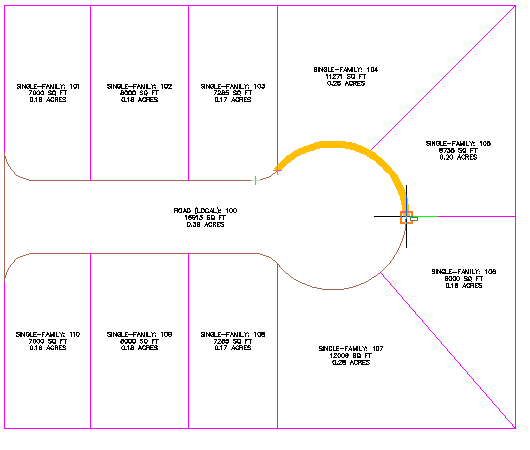 Note:
Note:You must turn off OSNAP to perform the following step.
- Move the cursor to the approximate location in the following image.
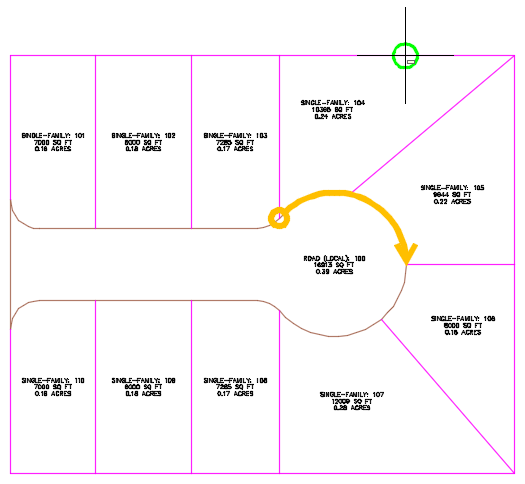
- Click to place the reference point.
Preview graphics of the plot creation parameters and proposed solution are displayed. The displayed solution swings the plot line along the reference point. The proposed solution encloses an area that meets the plot creation parameters you specified at the beginning of this exercise.
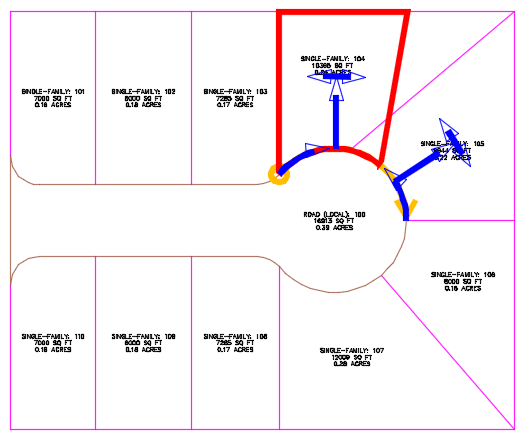
- Press Enter.
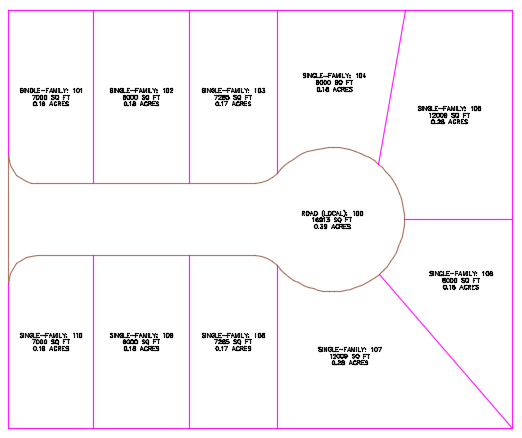
Further exploration: Use Steps 3 through 8 to move the plot line that is between plots 106 and 107.
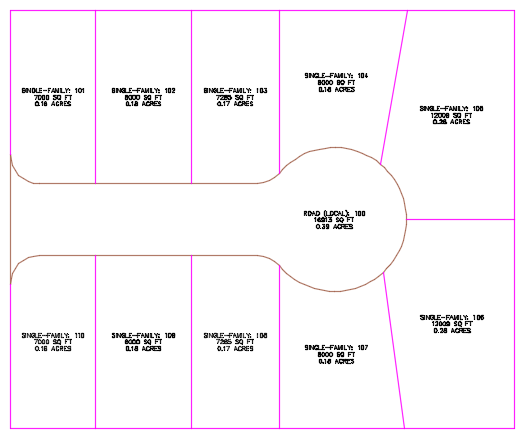
- Press Esc to end the command.
To continue this tutorial, go to Exercise 3: Editing Plot Lot Line Geometry.