To author a mold base
Author a mold base
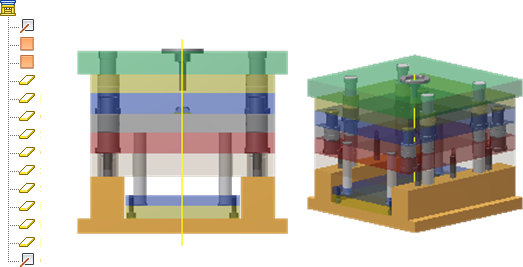
Mold Base Author prerequisites:
- Create and save an Inventor assembly file.
- Import a mold base, and save as an Inventor assembly file.
- Open an Inventor assembly.
- On the ribbon, click Manage tab
 Author panel Mold Base Author
  .
. - In the list, select an item to author, and then in the graphics window, select the mold base element.
- To remove the definition, in the list, right-click an authored item name and choose Delete.
- To view all authored items, expand the dialog box.
- To accept the current selection, click Apply.
- Click OK or Done to finish.