To Create Extend Runoff Surface
The Extend Runoff Surface command creates, edits, or deletes a runoff surface by extending along the tangent or rule of the selected face and edges.
Create a runoff surface by extending
In the Core/Cavity tab, click Extend Runoff Surface
 .
.On the dialog box, select the tangent or rule Extend Type.
In the graphics window, select the required face on the plastic part.
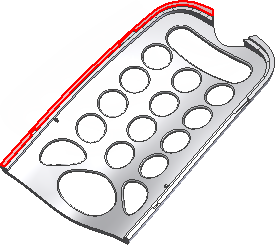
In the graphics window, select the required edges on the plastic part. Optionally, select Automatic Edge Chain.
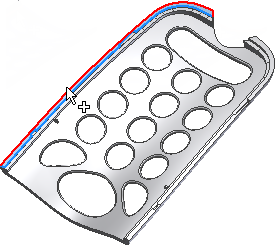
Click Apply to create the runoff surface. The following image displays a tangent surface on the left, and a rule surface on the right.
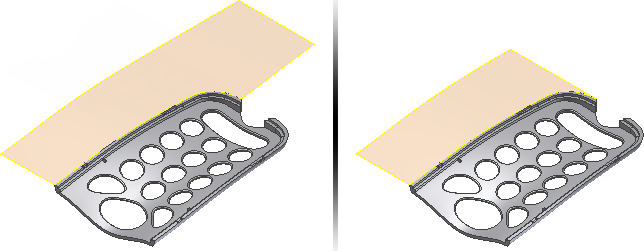
Edit an extended runoff surface
- In the Mold Design browser, under Runoff Surfaces, right-click an Extended Runoff Surface node, and then click Edit Feature.
- In the Extend Runoff Surface dialog box, modify the parameters.
- Optionally, select a new face and edges on the part.
- Click OK.
Delete an extended runoff surface
- In the Mold Design browser, under Runoff Surfaces, right-click an Extended Runoff Surface node, and then click Delete.