Cooling Channel Check dialog box
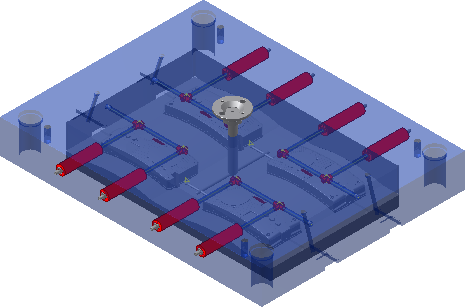
Checks cooling channels for safety, interference, and distance between cooling system segments.
Access
On the Mold Layout tab, click Cooling Channel Check  .
.
Settings
Safety Check 
Checks the distance between the selected cooling segments and components for safety violations.
Interference Check 
Checks the distance between the selected cooling segments and components (such as pins, screws, and guides) for interference violations.
Cooling System Check 
Checks the distance between the selected cooling segments for minimum distance violations.
Minimum Distance
Specifies the minimum clearance distance.
Selection
Selection Set #1
Selects the cooling segments for checking. Click Select All to select all cooling segments.
Selection Set # 2
Selects the components for safety and interference checking. Select the cooling segments for cooling system checking. Click Select All to select all cooling segments.
Use the Last Selection Set 
Reuses the previous selection sets. Use to recheck the cooling system after making changes to the model.
Quick Define Set # 2
All Cores/Cavities
Click to select all cores/cavities for a safety check.
Mold Base Plates
Click to select all mold base plates for a safety check.
All Ejectors
Click to select all ejectors for an interference check.
Mold Base Components
Click to select all mold base components for an interference check.
Cooling Errors Detected
Reports the quantity of errors detected.
More 
Lists the items, parts, and error volume. Right-click and select Find in Window to zoom to the selected error in the graphics window.
Additional Information
Click  to copy the error list to the clipboard.
Click  to print the error list.