Deleting takes
You can delete a take to remove the take and all its recorded information.
Important:
You cannot undo the deletion of a take.
To delete a take:
In the Scene browser, double-click the Takes root folder to display the Take settings.
Right-click the take you want to delete.
Select Delete from the context menu.
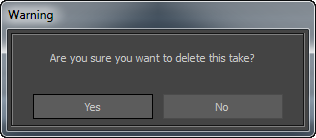
A warning message appears to confirm deleting the selected take. Click Yes to delete or No to cancel.