Clearing animation
Using a group of options in the Key Controls Animation menu, or the MotionBuilder Animation menu, you can quickly clear all animation from your scene, from selected objects, or from selected properties of selected objects.
To remove animation from all objects:
Do one of the following:
- In the Key Controls window, select Clear All (All Properties) from the Animation menu.
- From the MotionBuilder menu bar, select Animation > Clear All (All Properties).
Click OK in the Clear Animation dialog box that appears.
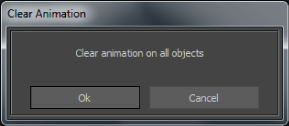
Clear animation dialog box
To remove animation from selected objects:
Select the objects from which you want to remove animation.
Do one of the following:
- In the Key Controls, open the Animation menu and select Clear Selected (All Properties).
- From the MotionBuilder menu bar, select Animation > Clear Selected (All Properties).
Click OK in the Clear Animation dialog box that appears.

Clear Animation dialog box
To remove animation from selected properties:
Select the objects you want to affect, then select the specific properties you want to clear in the Properties window.
Do one of the following:
- In the Key Controls, open the Animation menu and select the Clear Selected (Selected Properties) option.
- From the MotionBuilder menu bar, select Animation > Clear Selected (Selected Properties).
Click OK in the Clear Animation dialog box that appears.
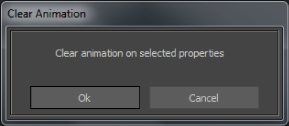
Clear Animation dialog box