FCurves preferences
The Preferences window include the FCurves preference settings.
The FCurves preference settings include the options to use anti-aliasing and to display multiple tangents.
To access the FCurves preferences:
From the menu bar, select Settings
 Preferences.
In the Preferences window, click the FCurves preference option.
The FCurves preference settings display.
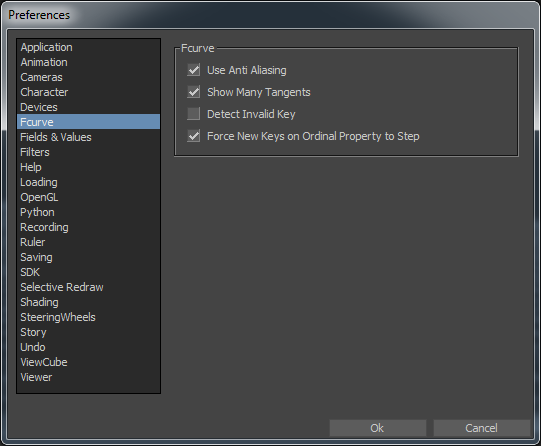
FCurves preferences
The following table describes the FCurves preference settings.