- In the drawing area, select a pipe support (for example: a Spring Hanger).
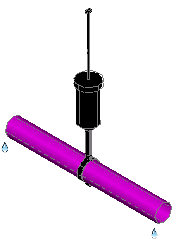
- Right-click in the drawing area. Click Properties.
- In the Properties palette, under Part Properties
 Part Geometry Dimensions, click a dimension value (for example: HL2).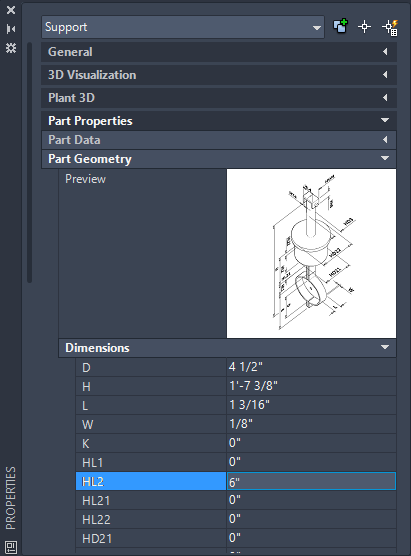
- If you want to see dimension detail, click the preview image.
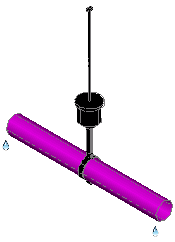
- In the dimension value box, enter a new value (for example: 6").