USD Path Editor
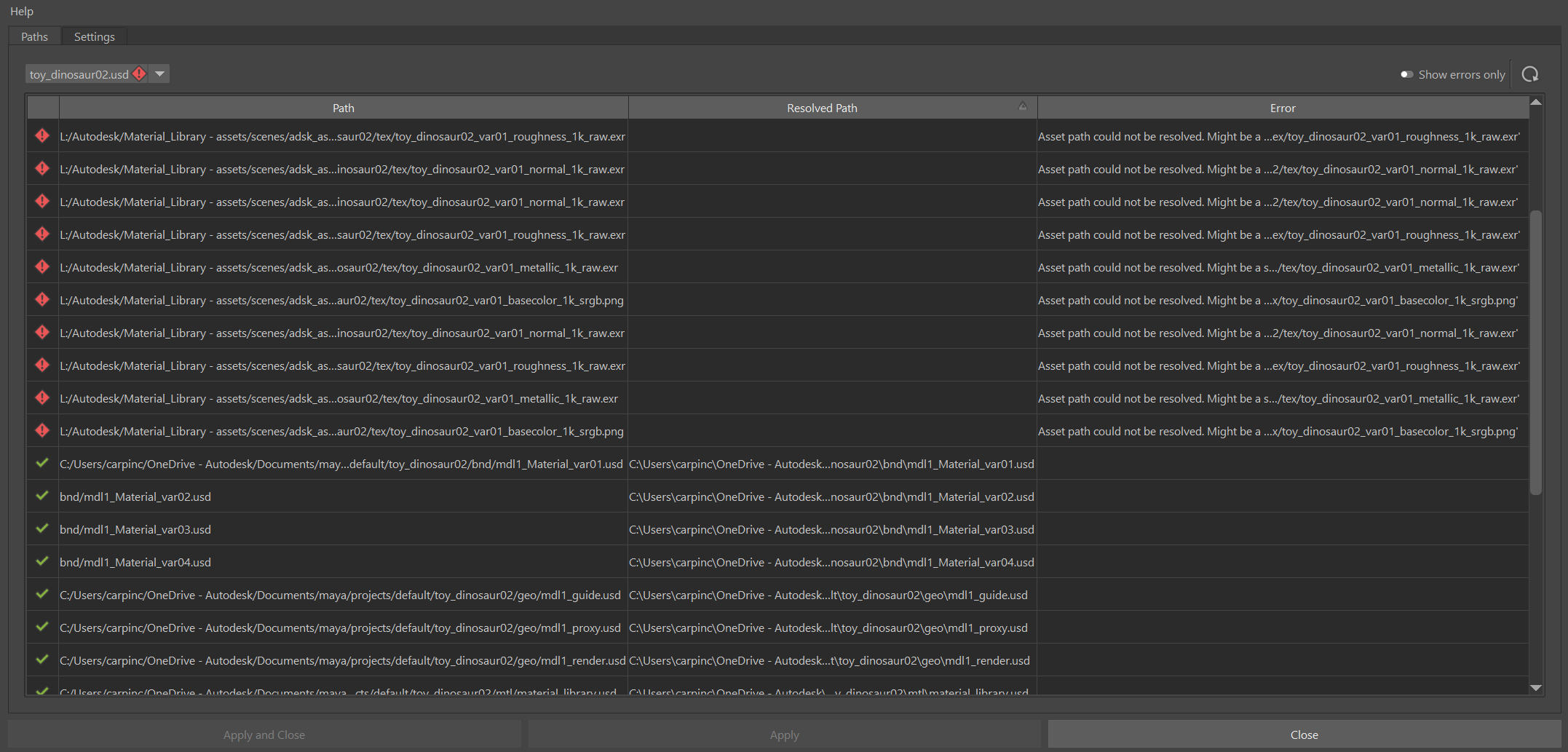
The USD Path Editor shows all paths in a loaded stage, including paths with tokens, environment variables, and other resolvable formats. You can see how each path resolves and identify broken paths before they cause problems in your work.
Accessing the USD Path Editor
To open the USD Path Editor, go to Windows > USD Tools, then click the USD Path Editor. You can also access it from the Asset Resolver settings in Maya preferences USD section.
Viewing all paths in a stage
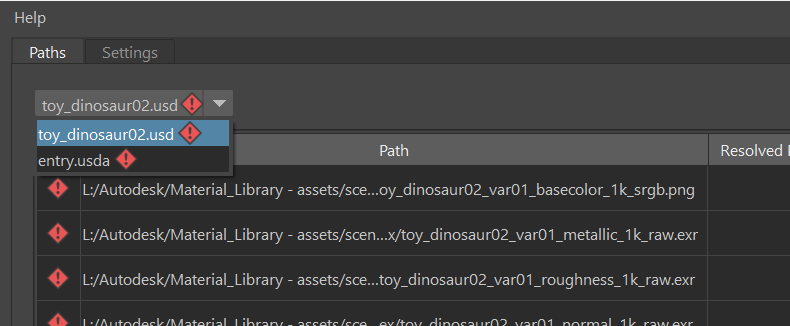
The USD Path Editor lists all paths referenced in the current stage. You can switch between stages using the dropdown menu. If a stage has unresolved paths, an error icon appears next to its name in the dropdown. This helps you quickly find problem areas in your scene.
Identifying unresolved paths
The USD Path Editor marks unresolved paths clearly so you can find them quickly. Broken references will have an error icon next to them, helping you spot problems before they cause playback errors or asset loading failures.
When you find an unresolved path, you can check if the asset exists and if the path is correct. You may need to add a search path or token mapping to resolve it.
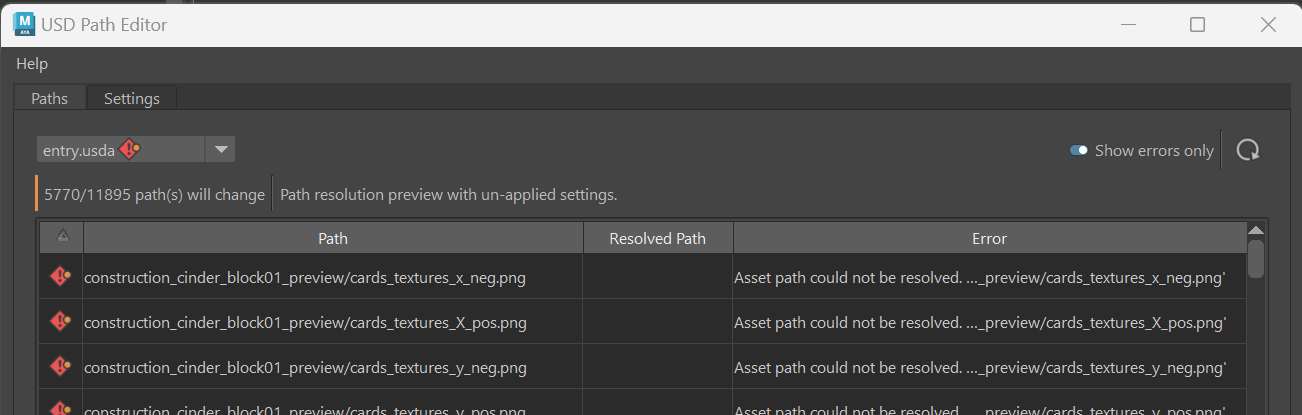
For better readability, you can isolate the display of paths to those with errors only by clicking the Show errors only switch.
Previewing changes
When you change Asset Resolver settings, the USD Path Editor shows a preview of how the paths will resolve. Review these changes before applying them to make sure they work as expected.
This preview lets you test path mappings and search paths without changing your scene. It reduces the risk of adding broken references to your work.