We refreshed the viewport grid and background display, so you can work in a cleaner, more focused environment. This also resolves usability issues with grids that users found limiting in the past.
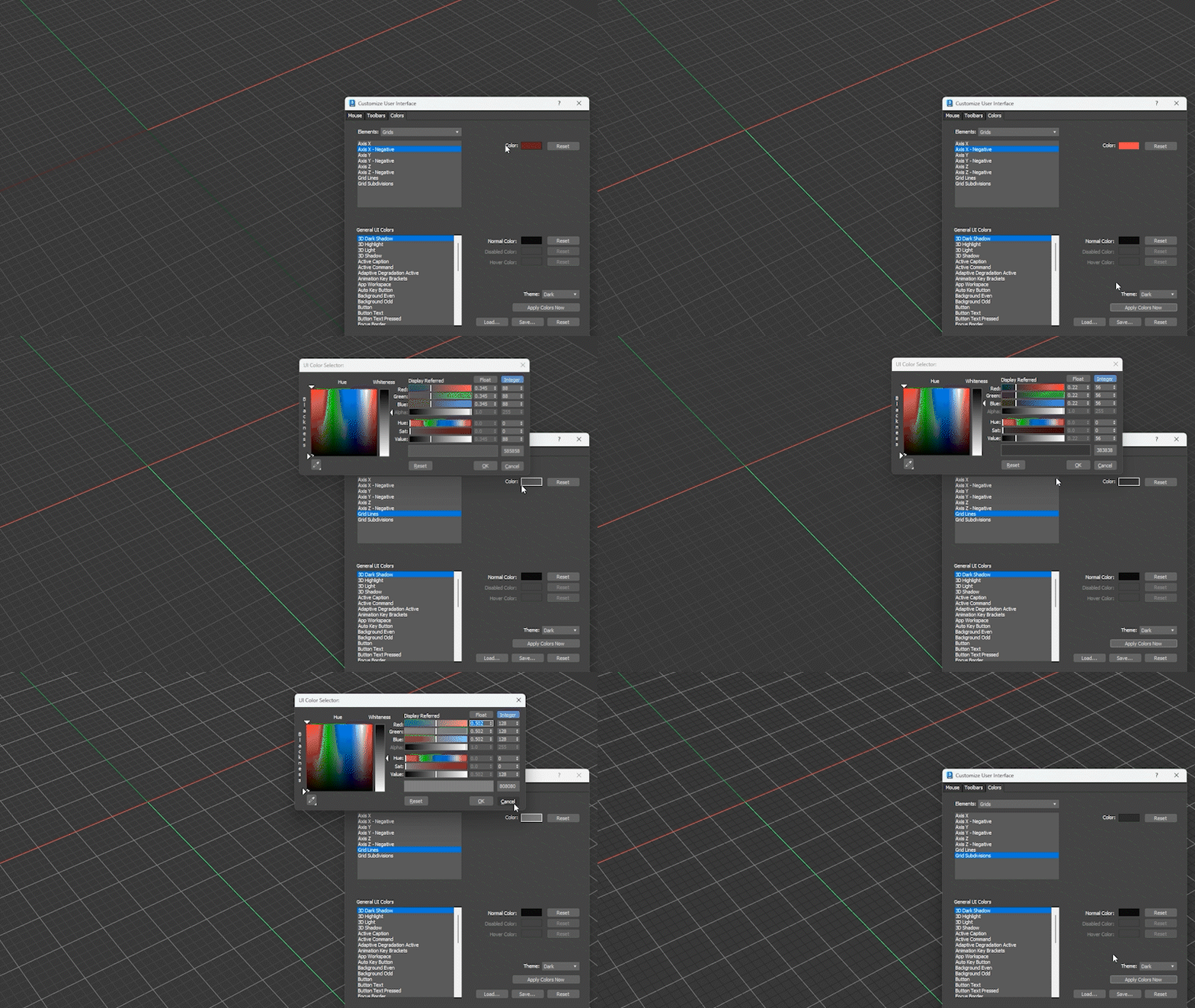
A clearer, more modern viewport
The default viewport background is now a solid color instead of a gradient, reducing visual distraction and helping your scene stand out more clearly. You can still change this in Viewport Configuration if you prefer a different look.
Viewport axis are now colored, so you can instantly recognize orientation and reduce alignment mistakes while modeling and navigating.
In non-adaptive grid mode, the grid layout now stays fixed, giving you a stable visual reference as you zoom and move through your scene. We also refined the adaptive grid toggle and related options, so grid behavior is more predictable and easier to control.
Together, these updates make the viewport easier to read and more reliable as a spatial reference.
More flexible and intuitive grid controls
We redesigned how grid settings and colors work, so you can customize your workspace more easily and with greater clarity.
You can now set colors for:
- Positive and negative grid axes
- Major grid lines
- Minor grid lines (subdivisions)
We removed the older grid intensity mode and replaced it with standard color controls, so adjusting the grid now works the same way as other UI elements. This simplifies customization and reduces confusion.
Grid terminology has also been clarified:
- Grid Spacing is now Major Grid Spacing
- Major Lines every Nth Grid Line is now Minor Subdivisions
- A new Show Subdivisions option lets you quickly show or hide minor grid lines
You can now save your preferred grid and background setup as the default for new sessions, so 3ds Max opens exactly the way you like. If needed, you can restore factory defaults at any time.
These changes make the grid easier to understand, faster to configure, and more consistent across projects, so you can focus on building your scene instead of adjusting your workspace.