Adjust Pivot Rollout
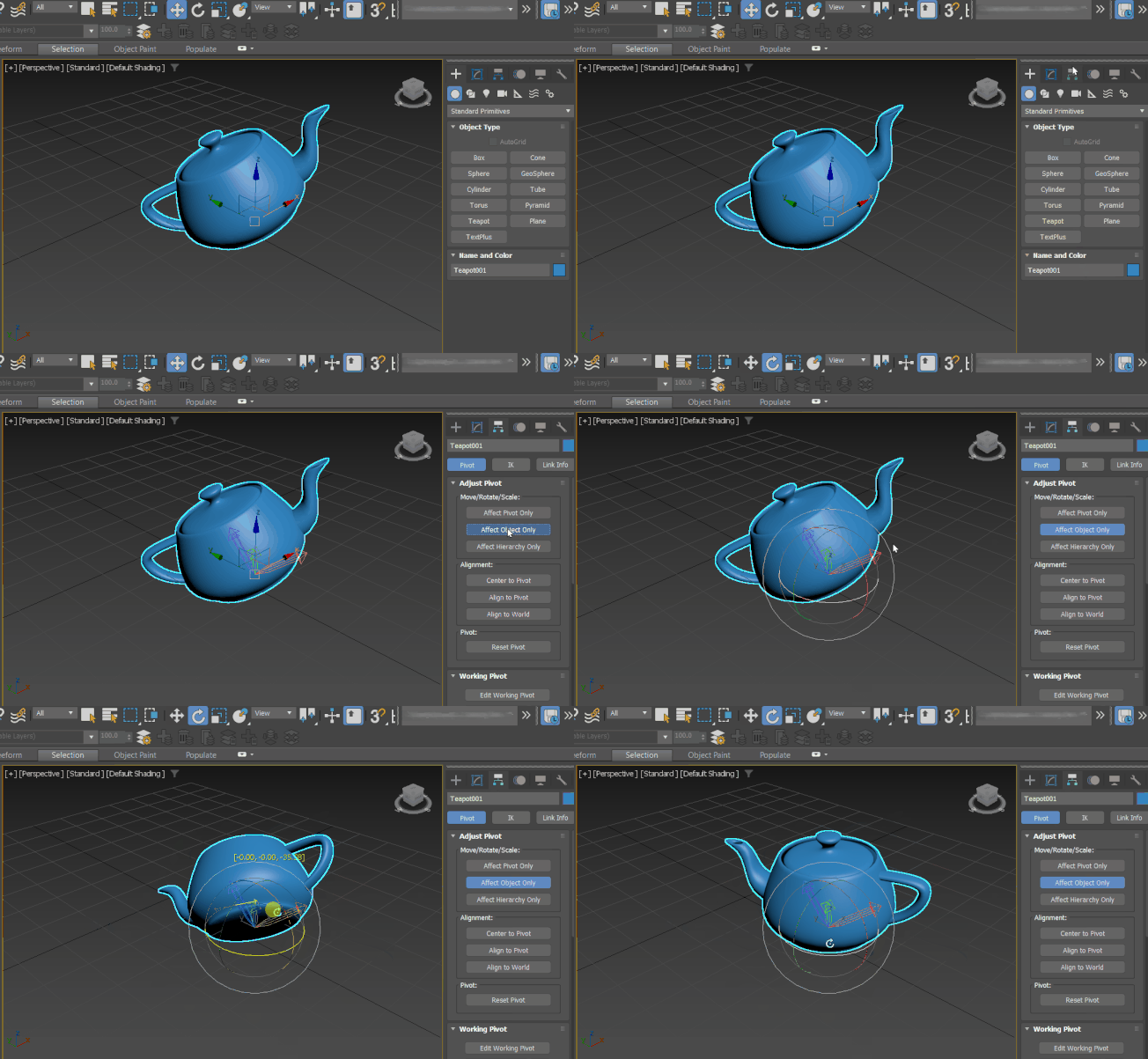
You can adjust the position and orientation of an object's pivot point at any time using the tools on the Adjust Pivot rollout. Adjusting an object's pivot has no effect on any children linked to that object.
- Make a selection in the viewport. >
 Hierarchy panel > Pivot button > Adjust Pivot rollout
The Adjust Pivot rollout in the Hierarchy panel
You cannot animate the functions on the Adjust Pivot rollout. Adjusting an object's pivot on any frame changes it for the entire animation.
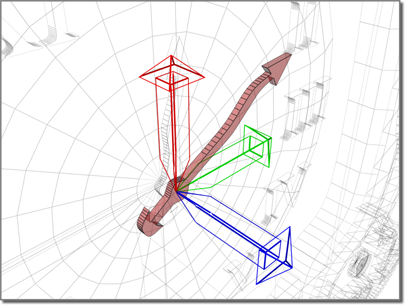
Pivot point sets hand to the center of the clock face.
Procedures
To reposition an object's pivot point:
 Select an object and then turn on Hierarchy panel > Adjust Pivot rollout > Affect Pivot Only.
 Move or
  rotate the pivot.
You can also use Align, Quick Align, and Align to View on the toolbar to align the pivot.
See Adjust Transform Rollout for related information.
Interface
Move/Rotate/Scale group
Each of the buttons in the Move/Rotate/Scale group box highlights when active. This determines which part of the object is affected by the three buttons in the Alignment group (see following), as well as the Transform and Align commands on the main toolbar.
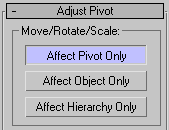
Affect Pivot Only
Transforms affect only the pivot point of the selected objects.
Affect Object Only
Transforms affect only the selected objects (and not the pivot point).
Affect Hierarchy Only
Applies only to the Rotation and Scale tools. It applies the rotation or scale to the hierarchy by rotating or scaling the position of the pivot point without rotating or scaling the pivot point itself.
Alignment group
The tools available in this group depend on whether Affect Pivot Only or Affect Object Only is active in the Move/Rotate/Scale group (see preceding). The tools are unavailable when Affect Hierarchy Only is active.
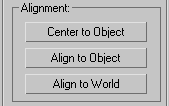
If you chose Affect Pivot Only (see preceding), the buttons work as follows:
Center to Object
Moves the pivot to the center of its object.
Align to Object
Rotates the pivot to align with the object's transformation matrix axes.
Align to World
Rotates the pivot to align with the world coordinate axes.
If you chose Affect Object Only (see preceding), the buttons work as follows:
Center to Pivot
Moves the center of the object to its pivot location.
Align to Pivot
Rotates the object to align its transformation matrix axes with the pivot.
Align to World
Rotates the object to align its transformation matrix axes with the world coordinate axes.
The following command is available only from the Edit menu > Edit Pivot submenu, and applies in both Affect Pivot Only and Affect Object Only modes:
Move Pivot to Origin
Moves the pivot of each object in the selection to the world center: position (0,0,0).
Pivot group
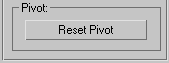
Reset Pivot
Resets the pivot point to the position and orientation it held when the object was first created. This is not affected by the state of the Affect Pivot Only and Affect Object Only buttons.