Multi-Touch Input Gestures
If your workstation includes a supported multi-touch device with the latest drivers, 3ds Max recognizes these inputs/actions.
| To: | Do this... |
|---|---|
| Tumble | 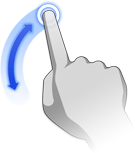 (1-finger swipe) (1-finger swipe) |
| Pan/zoom | 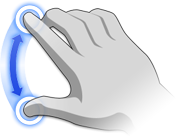 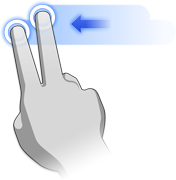 (2-finger swipe/pinch) (2-finger swipe/pinch) |
| Tilt the camera | 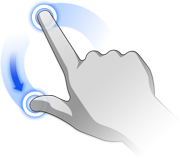 (2-finger twist) (2-finger twist) |
| Return to home position | 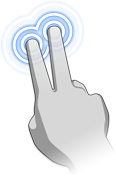 (2-finger double-tap) (2-finger double-tap) |
Additional Gestures for Devices Where the Multi-Touch Surface Is Also a Screen
| To: | Do this... |
|---|---|
| Set the camera center-of-interest | (double-tap with one finger on a mesh point) |