You can easily save and open drawings to an Autodesk project in Forma Data Management from any location in the world with Internet access, and on any device—desktop, web, or mobile.
When you save drawing files to an Autodesk project, you get convenient access to your drawings as an alternative to emailing the drawing files to yourself or saving them to a USB flash drive. Your drawing becomes accessible for viewing and editing from any of your internet-connected devices, such as a tablet when you're in the field, or from a web browser on a different desktop computer in a remote location.
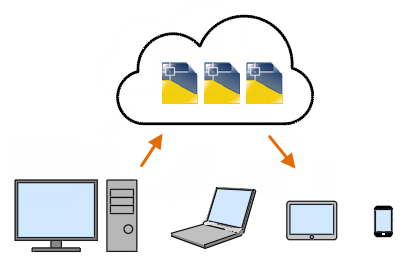
Saving Drawings
When you're finished editing a drawing that is part of an Autodesk project, the changes are synchronized back to the cloud-based storage server. By default, the program also automatically saves your drawing 10 minutes after the last time it was saved.