To Change Only the Transparency of a Bitonal Image
Select the image to modify.
Click
Image contextual tab
Options panel
Background Transparency
.
The background of the selected image changes between one of two states: transparent or opaque.
Parent topic:
About Modifying Color and Transparency for Bitonal Raster Images
Related Concepts
About Modifying Color and Transparency for Bitonal Raster Images
About Raster Images in Drawings
Related Tasks
To Change the Color and Transparency of a Bitonal Image
To Adjust Brightness, Contrast, and Fade of an Image
Related Reference
Commands for Working with Raster Image Files
 .
The background of the selected image changes between one of two states: transparent or opaque.
.
The background of the selected image changes between one of two states: transparent or opaque.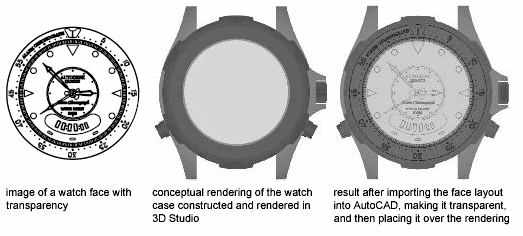 .
.