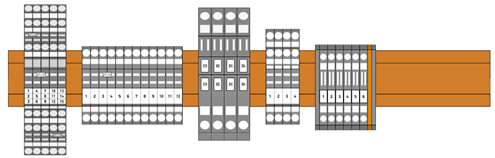
You can export terminal strips from AutoCAD Electrical toolset and then import them to Wago, Phoenix Contact or Weidmuller applications to design, manipulate, and validate the terminal strips.

During export, AutoCAD Electrical toolset extracts the terminal data from the selected terminal strips and outputs to an XML file compatible with Wago or Phoenix Contact, or a CAEDEX file compatible with Weidmuller. You then import the XML/CAEDEX file to the manufacturer tool.
The terminal strip data includes catalog numbers, terminal numbers, installation code, location code, tag, spares, and accessories.
Catalog Number Assignment
If a terminal in
AutoCAD Electrical toolset does not have a catalog number assignment or has a catalog from a manufacturer other than the manufacturer tool, a generic terminal
 is shown. You can change the generic terminals to specific terminals types in the manufacturer tool.
In the Wago application:
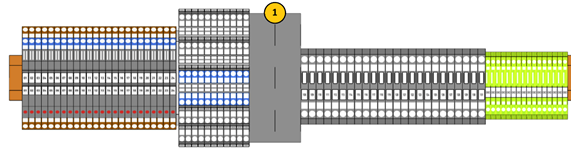
In the Phoenix Contact application:
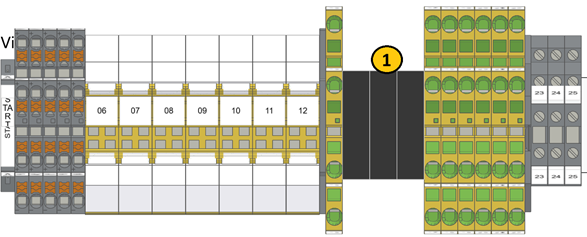
In the Weidmuller application:
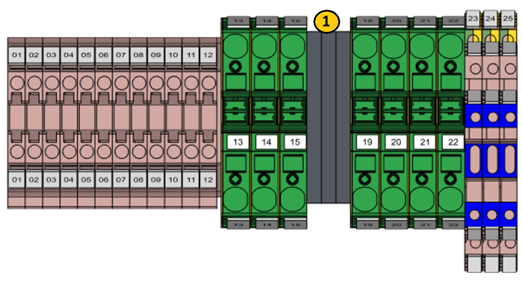
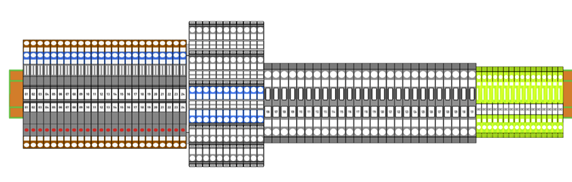
Generic terminals replaced in Wago application:
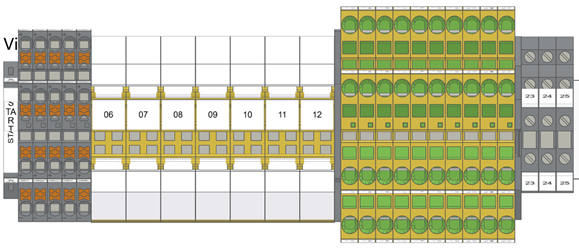
Generic terminals replaced in Phoenix application:
Generic terminals replaced in Weidmuller application:
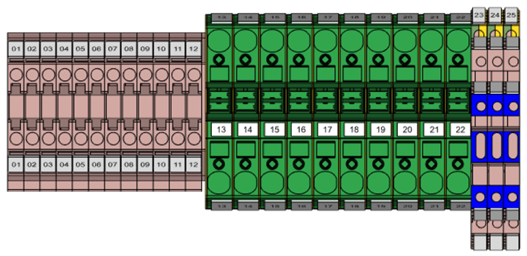
When the terminal strips are imported to the vendor application, a generic din rail is displayed and used as a placeholder.