Learn about new features in this release of AutoCAD LT for Mac 2027 release. For technical details, see the release notes.
2027.1 Highlights
- General Enhancements
-
Installer Improvement: Starting with the 2027.1 Update, you can install product updates within the same release without first uninstalling the existing version. The installer detects your existing installation, updates it in place, and preserves your settings.
This streamlined upgrade process applies only to updates within the same release (for example, 2027 to 2027.1). Upgrading between major releases (for example, 2026 to 2027) still requires a separate installation.
- Customer Delighters
-
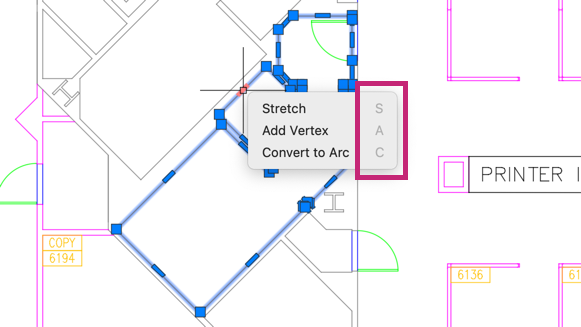
Polyline Grip Editing: Items on the dynamic menu displayed when you hover over a grip have been revised to make their functions easier to understand. Additionally, a new Lengthen option has been added to the dynamic menu for start and endpoint grips.
SAVEAS Command: Now performs a full save instead of an incremental save.
2027 Highlights
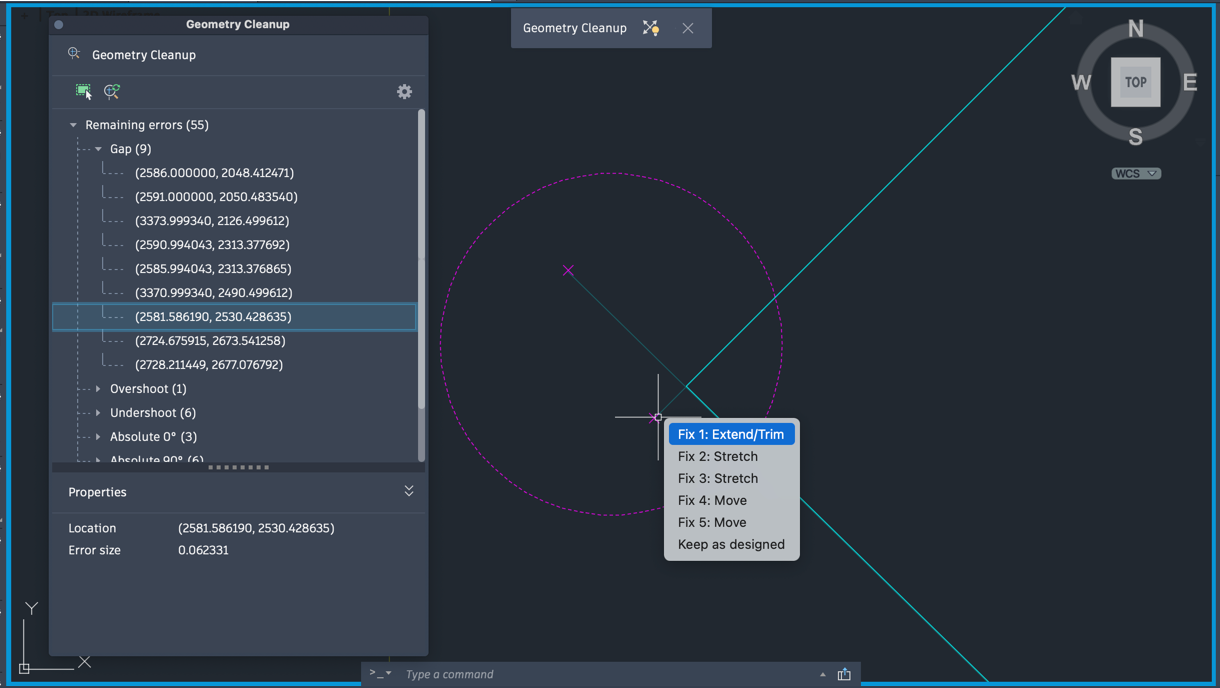
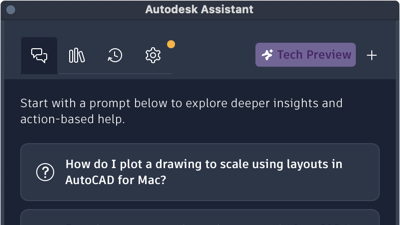
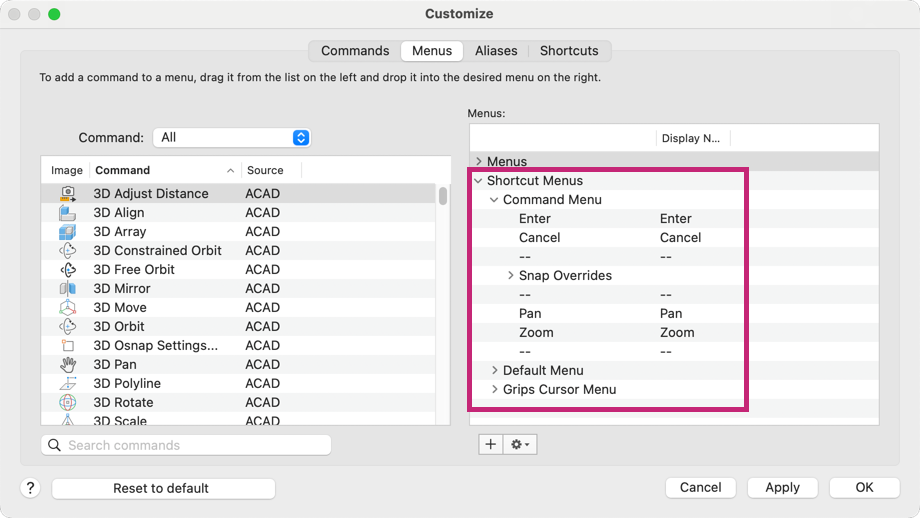
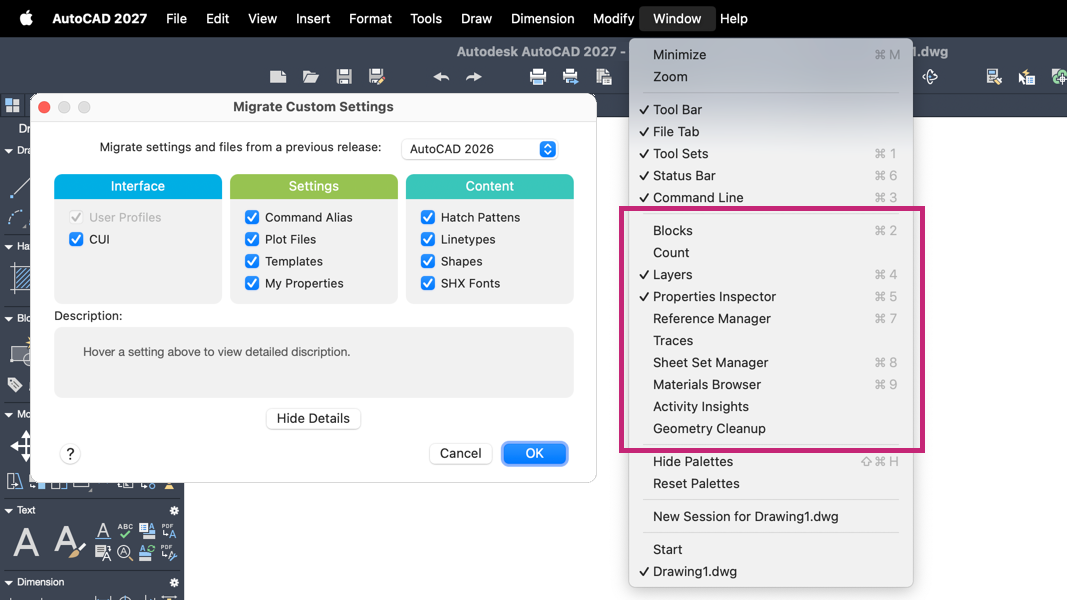
Additional enhancements and changes
Layout Tab Switching Performance: Improvements were made to reduce the amount of time it takes to switch layout tabs.
Crosshair Color Options for Layouts: You can now customize the crosshair color in paper space. In the Application Preferences dialog box, Cursor and Selection panel, you can assign a specific crosshair color for layouts. Switch the space type from Model to Layout to choose a color. A preview of the selected color displays in the dialog box.
Removal of OpenGL: Beginning with AutoCAD LT for Mac 2027, OpenGL is no longer supported. Metal is now the sole graphics engine.