Assistant now has smarter object counting, selection-aware analysis, context-aware unit reporting, and personalized recommendations.
Assistant is now open by default
When you open a drawing in AutoCAD, Assistant will now open automatically. If this is your first time using Assistant, we recommend you watch the introductory video to see what Assistant can do, or to try out the starter prompts by clicking them.
When you close Assistant, it will not open automatically the next time you launch AutoCAD.
Improved object counting
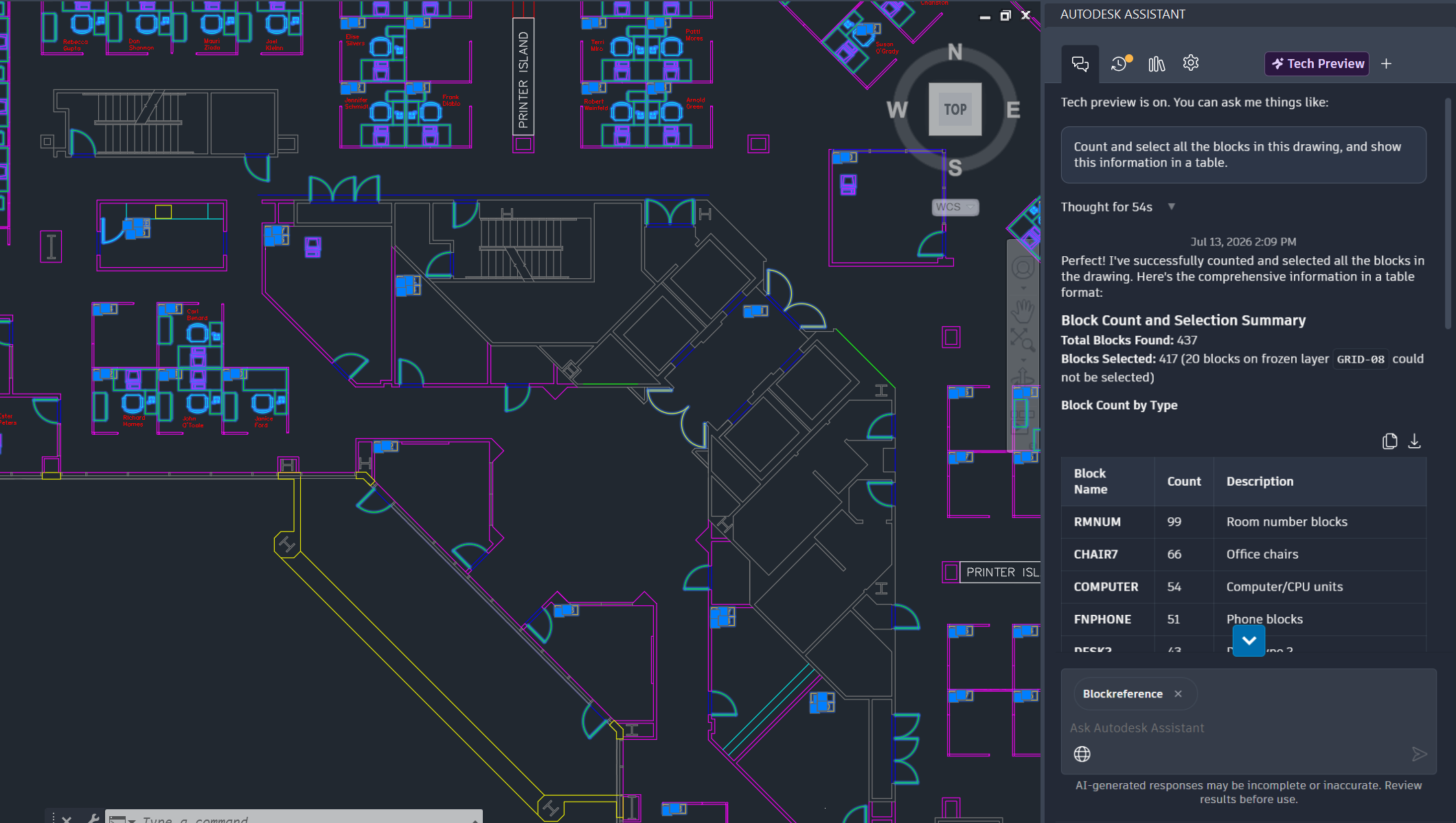
In this release, Assistant provides enhanced object counting capabilities. You can reliably query the number of objects in a drawing using natural language, without counting them manually.
Assistant also identifies and counts a wider range of object types, making it easier to understand your drawings faster.
Selection context for queries and counting
Additionally, Assistant now supports using your current selection as the context for query and object-counting workflows.
When you select objects directly in the drawing canvas, Assistant automatically uses the current selection as the context for analysis and counting, returning more targeted and relevant results.
Context-aware units in reports
Assistant-generated reports now display explicit, context-aware units for reported values. Units align automatically with the source drawing, settings, and product conventions, so measurements and calculated values are reported accurately.
This reduces both ambiguity and time needed to verify units manually when you review Assistant-generated reports.
Expanded model data queries
Assistant has improved its understanding of design models. That means now you can query more object types, retrieve additional properties, and navigate directly to supported objects using natural language.
Newly supported objects and data include:
- Text objects and their content
- Layer properties and settings
- Block attributes
- Closed polylines
Insights in Assistant
Insights, or personalized learning content tailored to your actions in AutoCAD, are now available within Assistant.
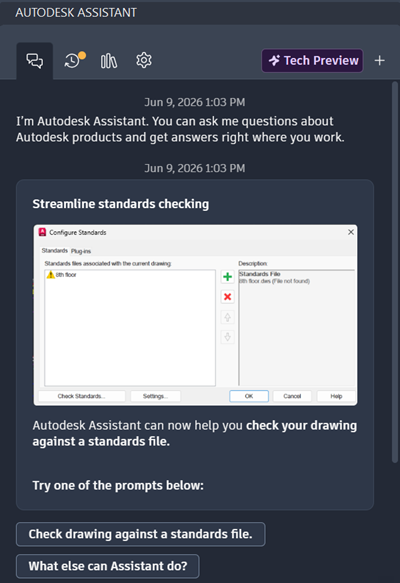
You can try one of the prompts provided through this Insight, or ask your own follow-up question, such as "Are the layers, colors, and linetypes set up correctly?"
Additionally, you can ask general questions about Insights.
Recommended prompts
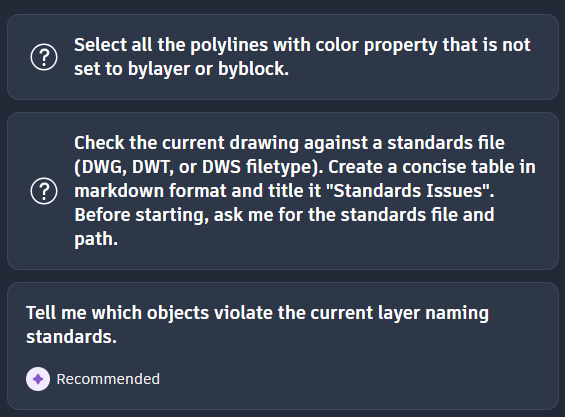
As you continue to use Assistant, the original starter prompts will update with recommended prompts that match your AutoCAD actions.