The New Rainfall Event Dialog is used when creating a Rainfall Event.
The dialog is displayed by right clicking on a Model Group and selecting either New
InfoWorks Rainfall event or New
SWMMRainfall event from the popup menu.
Rainfall event or New
SWMMRainfall event from the popup menu.
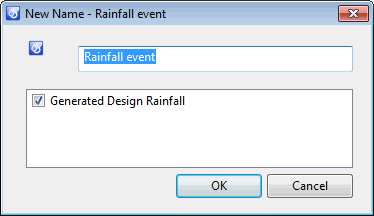
Uncheck the Generated Design Rainfall box to create an empty event into which observed data can be entered or imported, and click OK to create the event.
Check the Generated Design Rainfall box to create a design rainfall.
- Click OK to display an Event Generator selection dialog showing a list of rainfall generators.
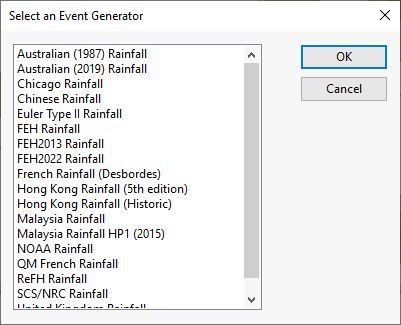
- Select the rainfall generator to be used and click OK to create the event and display the rainfall generator dialog, in which parameters used to create the event may be edited.
See Rainfall Events and Design Rainfall Generators for further details.