This method allows you to import a phase from an external *.iddx file into the current model.
To import a phase using the tree view:
- In Phase Selector, right-click the Phase in the Tree view and then select
Import Phase. Alternatively, you can select
Import Phase from Phase Management.
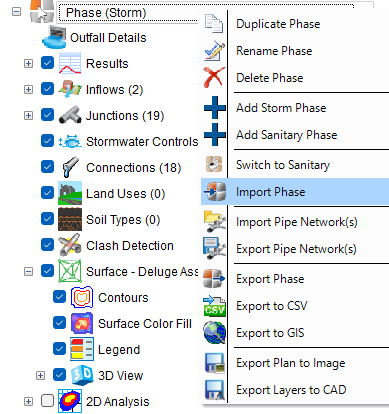
- Locate the phase that you want to import and then click Open.
- In the Template Picker dialog, select the items accordingly.
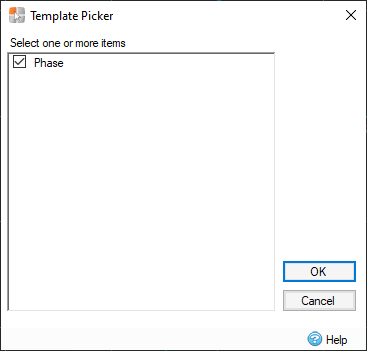
- Click OK, and the phase will be imported in your model.