About Mold Design in Inventor
Mold Design provides integrated mold functionality to Autodesk Inventor. Using the intelligent tools and catalogs provided, you can quickly generate accurate mold designs.
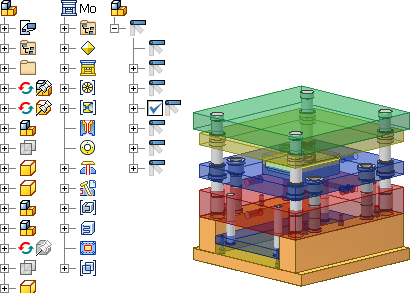
Tooling desktop content libraries
To reduce install time, only a subset of the Inventor Mold Metric desktop content library is included on the installation disk.
To download all of the available content:
Go to Autodesk Account Autodesk Account.
Search for Inventor product.
Select desired version of Inventor.
Switch to the Libraries tab.
Note: After installing or unzipping the downloaded files, the library files may be missing the extension (.IDCL). To fix this, manually add the extension.
Key features
The user interface guides you through a logical progression of steps to complete your mold design.
- Family mold: Provides management of family molds. You can toggle between multiple-loaded plastic parts to complete the parting design for each core and cavity set.
- Runner and gate: Provides the means to specify the type and location of gates and define runner sketch, size, and shape characteristics.
- Cooling channel Improves mold design efficiency and simplifies the process of creating complex cooling channels.
- Core and cavity design Addresses the complex problems of parting definition. The combination of these functions allows for gap closing, adaptive and automatic creation of hole patching, and runoff surfaces.
- Standard component tools and library Supports a wide range of components from commercial catalog libraries, and the ability to create custom parts.
- Drawing automation 2D Drawing Automation automatically generates single or batch professional mold 2D drawings based on the 3D models in the mold. The Drawing Management function provides a shortcut for you to view, delete, open, and rename the automatically generated 2D Drawings.
- Standard and customized mold bases Provides access to a library of a wide variety of standard mold bases from over 14 vendors. The Customize Mold Base feature can add, delete, and customize components, and reassemble all the mold base assembly components. Without programming knowledge, you can include you own mold base designs.
- Complete associativity: Mold Design provides complete associativity in the entire mold design process. You can change mold designs at will. Changes made to the moldable part are automatically propagated to the core and cavity. Any changes to cooling channels, plates, or standard components are automatically reflected in the mold base.