AI Enhancements
Learn about AI enhancements in Inventor 2027.2, including the Autodesk Assistant and the public MCP server.
Autodesk Assistant goes beyond answering questions to helping you get work done directly in Inventor. Using natural language, you can explore and modify designs, manage documents, and automate repetitive tasks, so you can spend less time on routine work and more time designing.
For more information see About Autodesk Assistant in Inventor.
iLogic and Python Script Execution
Autodesk Assistant now supports improved iLogic workflows, event triggers, and a better understanding of iComponents and Model States.
For example, you can ask Autodesk Assistant to create an iLogic rule that runs automatically when a document is saved, validates the design against company standards, and initiates a new conversation with Autodesk Assistant to review the validation results. Autodesk Assistant can also pass information back to the iLogic rule, enabling more complex, automated workflows.
To explore the latest capabilities, open Autodesk Assistant and ask, "What can you do for me?".
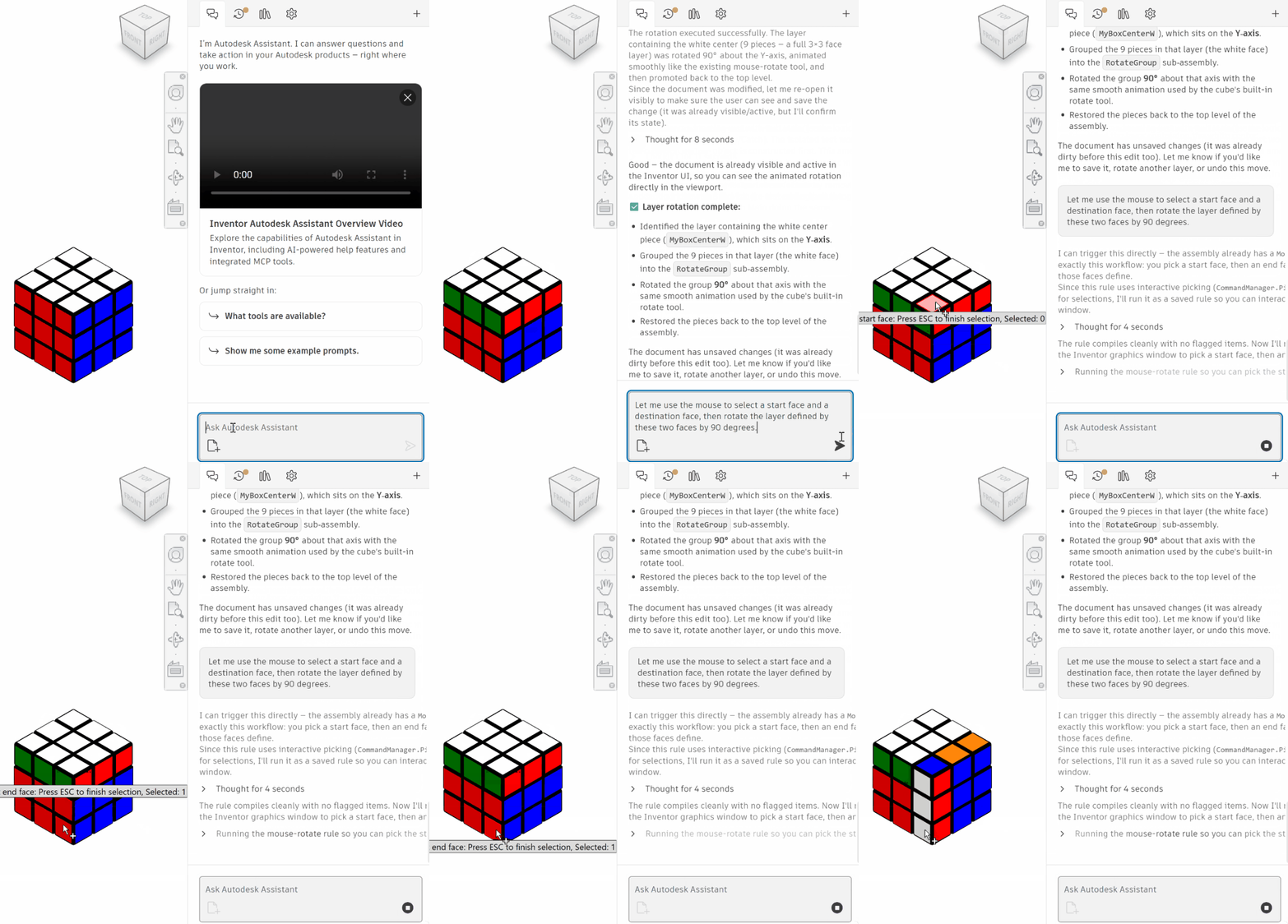

Inventor Public MCP Server
Inventor provides a local MCP (Model Context Protocol) server that allows an MCP-capable AI agent, such as Cursor, Claude Code, or GitHub Copilot, to inspect and modify the model in an Inventor session that you already have open. The agent has access to the same set of tools used by the built-in Autodesk Assistant.
For more information see Autodesk Inventor MCP Server.
File Upload
You can now upload files to Autodesk Assistant to provide additional context for your requests. For example, upload images of your model for design feedback, spreadsheets containing data for creating models, or PDF documents to check your designs against company standards.
You can add files by dragging and dropping them into the chat or copying and pasting images.
Autodesk Assistant can access up to five files at a time. You can upload additional files during the same conversation. The Assistant retains information from previously uploaded files but can only access the five most recently uploaded files.
Vault Interoprability
Autodesk Assistant now supports interoperability with Autodesk Vault, helping you find and access design information more easily.
For more information see Best Practices: Prompting Autodesk Assistant for Vault.