Drawing Enhancements
Learn about the enhancements to drawing views and drawing annotations for Inventor 2027.2.
Move aligned views by dragging
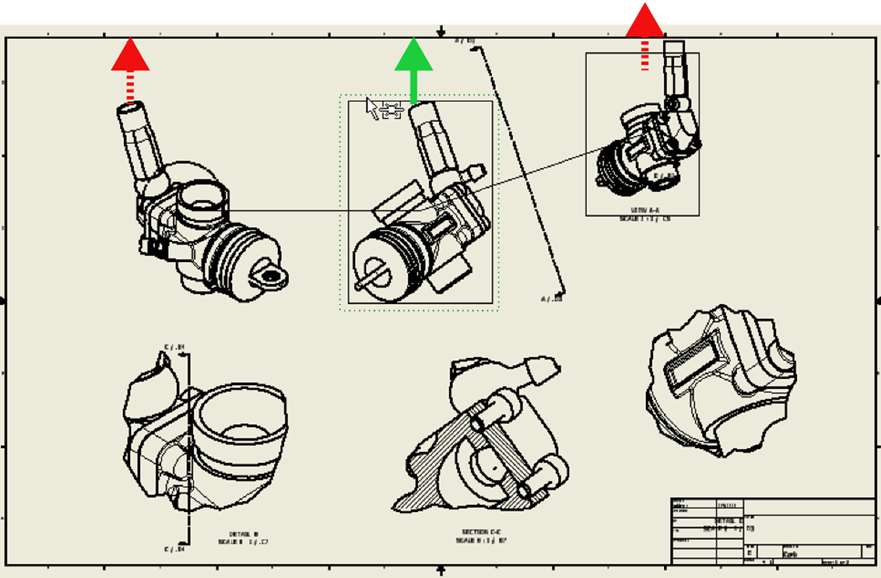
You can now move horizontally or vertically aligned drawing views in directions previously restricted by their alignment. When you drag a drawing view in the graphics window, other aligned views move with it if their alignment is perpendicular or nearly perpendicular to the drag direction.
To move a drawing view without moving its parent view, hold Alt while dragging. Use this when you want movement to stay local to the view you drag, as in earlier releases of Inventor.
For more information see To Align and Rotate Drawing Views.
Easier view alignment
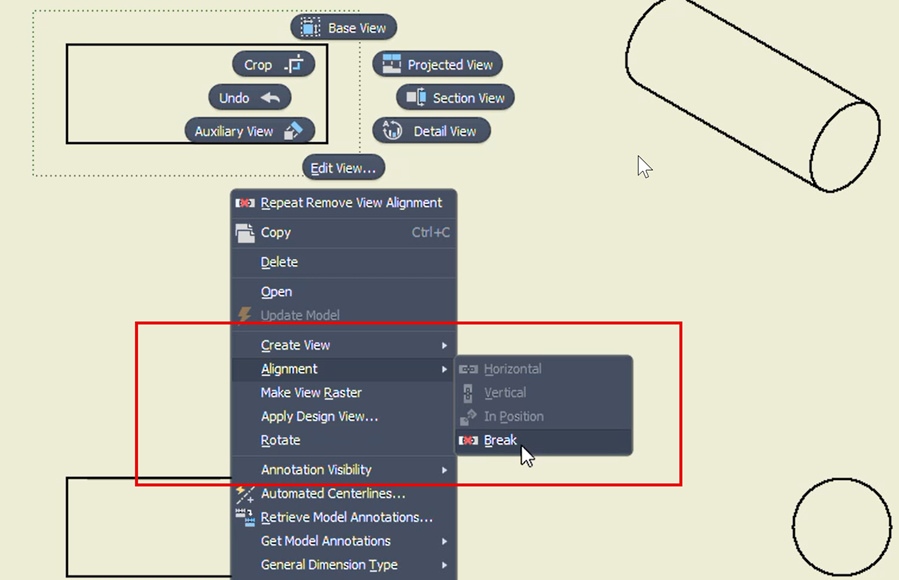
When you start the Alignment command with no view selected, only drawing views that can be aligned are selectable. When a view is already selected, alignment options that do not apply to that view are disabled on the ribbon.
For more information see To Align and Rotate Drawing Views.
Avoid duplicate dimensions when retrieving model annotations
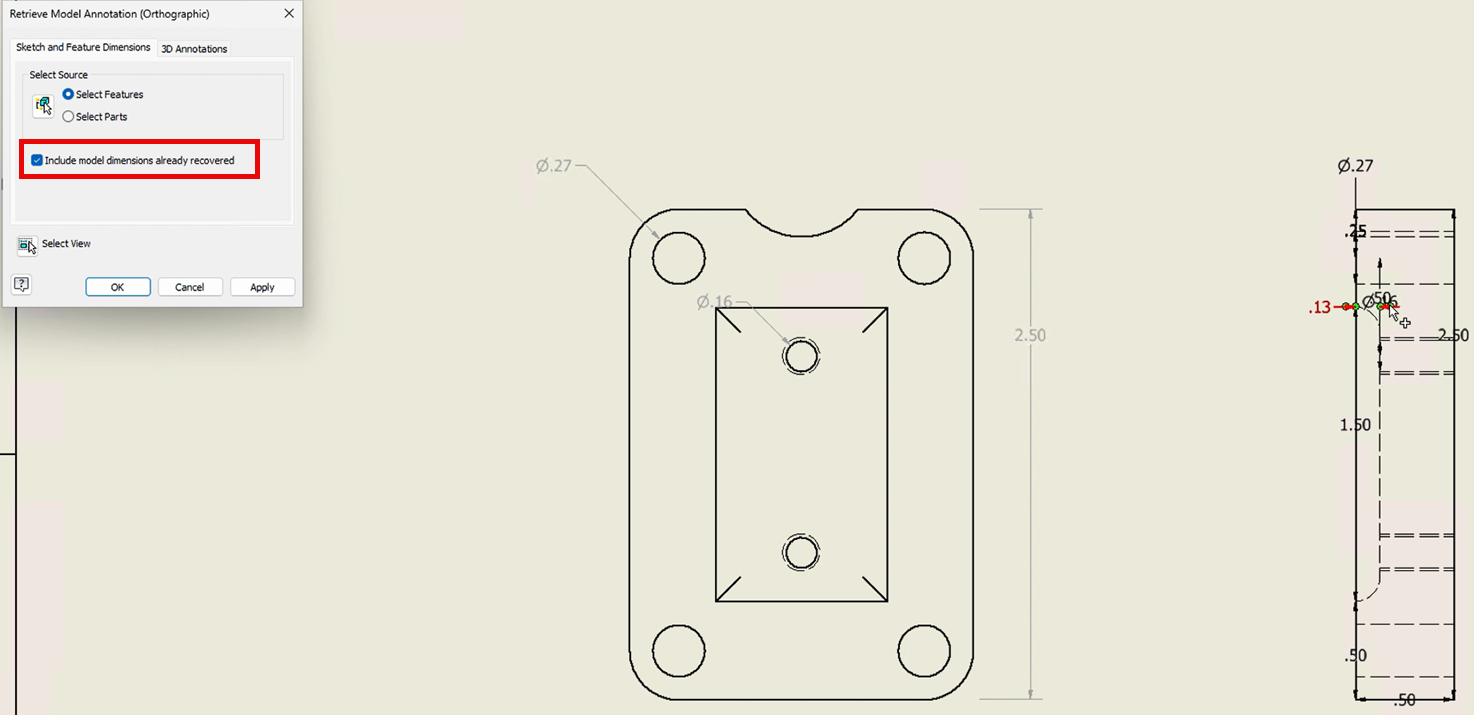
The Retrieve Model Annotations dialog box includes a new Include dimensions already recovered check box on the Sketch and Feature Dimensions tab. Use it to prevent the same model dimension from appearing in multiple drawing views unintentionally.
The setting is stored in Drawing user preferences, persists between sessions, and supports XML import and export through Application Options. By default, this option isn't selected and dimensions already recovered in other views are excluded from the list.
For more information see Retrieve model annotations in a drawing.
Update All Sheets button redesigned
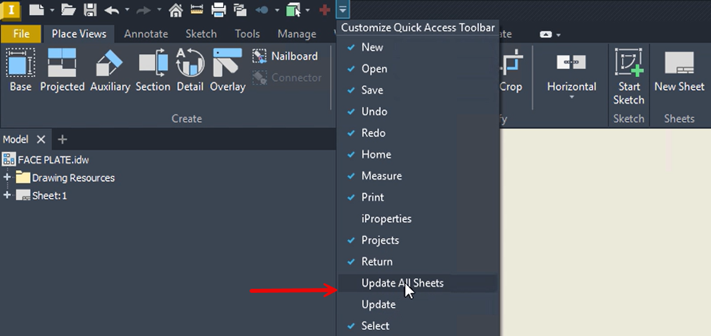
The Update All Sheets command on the Drawing tab is redesigned to reduce confusion with the standard Update command. Previously, the button appeared always active, which could suggest that sheets were out-of-date even when everything was current. A new icon clearly distinguishes Update All Sheets from Update.
Update All Sheets and Update are no longer included on the Quick Access Toolbar by default.
For more information see To Work with Automatic Drawing Updates.
