Mirror Enhancements
Learn about new enhancements to the Mirror command.
Independent position of an associative mirror
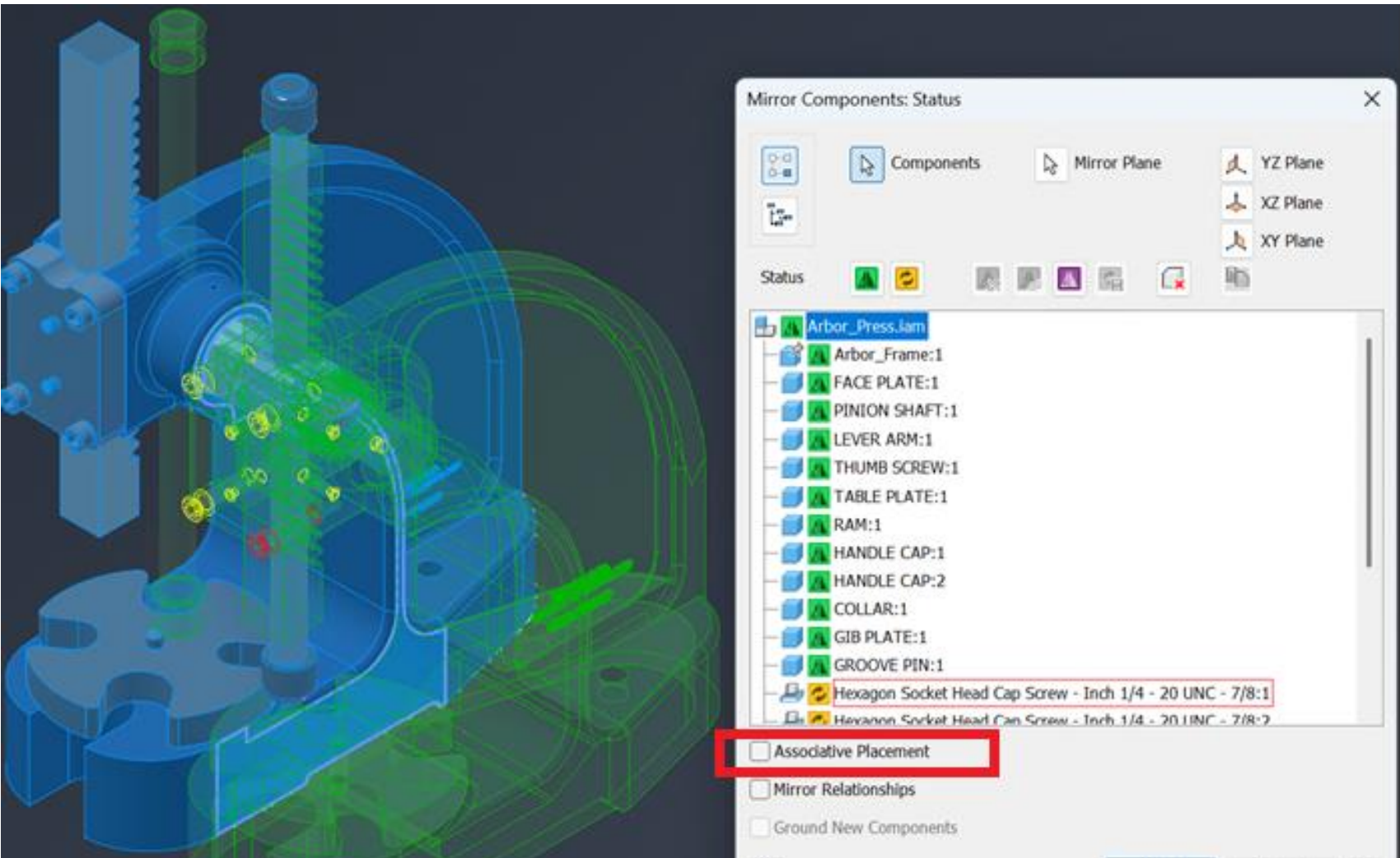
A new Associative Placement check box enables creation of an independent Mirror. The initial position of target independent components is mirrored. After the independent mirror is created, you can move the source component. Uncheck the Associative Mirror box to return the position of the target to the mirrored position. Note that in this case the Mirror plane isn't displayed.
When the pattern is changed back to the associative position, only the generated constraints between target and source are suppressed (not between source and source).
The following edits will reset the target position during edit of the Independent Mirror when:
- Mirror plane is changed
- Node state is changed
- Symmetry plane is changed
- Component is re-added to the selection for mirror
Convert to the Flat structure
During the Associative Mirror pattern you can select the Create flat structure option to convert an existing Associative Mirror to a flat structure mirror. It's enabled only for the top-level patterns.
Independent part
A new Status command enables creation of part features in the target documents for Flat Mirror and Associative Mirror. Note that for associative mirrors, a part with Create mirror with recipe state won't be updated after modifying the source. Note: This is only supported for part components with a solid body.
Save Copy AS state for Flat Structure Mirror
A new option is added for the Flat Structure Mirror for the Reuse state to be able to save copy as. It applies the save state only to the first level (parts + sub-assemblies). To apply save to other nodes, use Save Copy As again.
This option is disabled for:
- Content Center
- virtual components
- component pattern or mirror component pattern
Mirrored copy with the Break Link option
For the Flat Structure Mirror, a new option is added enabling you to create a mirrored copy of the selected part and break the associative link to the source. This option can only be used for part components, however it's not supported for:
- Content Center components
- iPart members
- suppressed components
- virtual components
- associative imported components
Break link is not allowed for the reused components.
The Mirrored Parent:
- When the parent node is selected using the break link, all the mirrored children states change to break link.
- When the parent node is selected using the Create option, all the mirrored children state change to Create.
Suppress link for Flat Structure Mirror
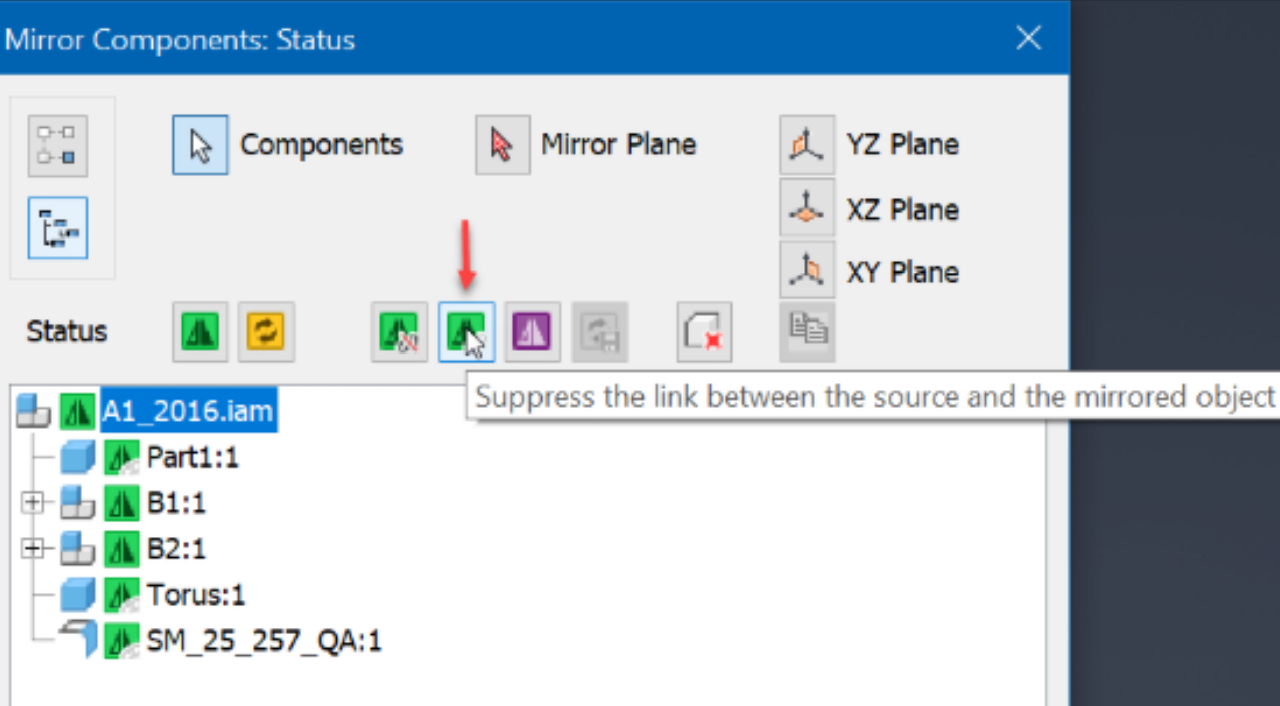
For Flat Structure Mirror, use the new option to suppress the link between the source and the mirrored object. This option can only be used for part components, however it's not supported for:
- Content Center components
- iPart members
- suppressed components
- virtual components
- associative imported components
For more information see To Mirror Assembly Components.