The Tools tab provides utilities for assigning and modifying skin weights.
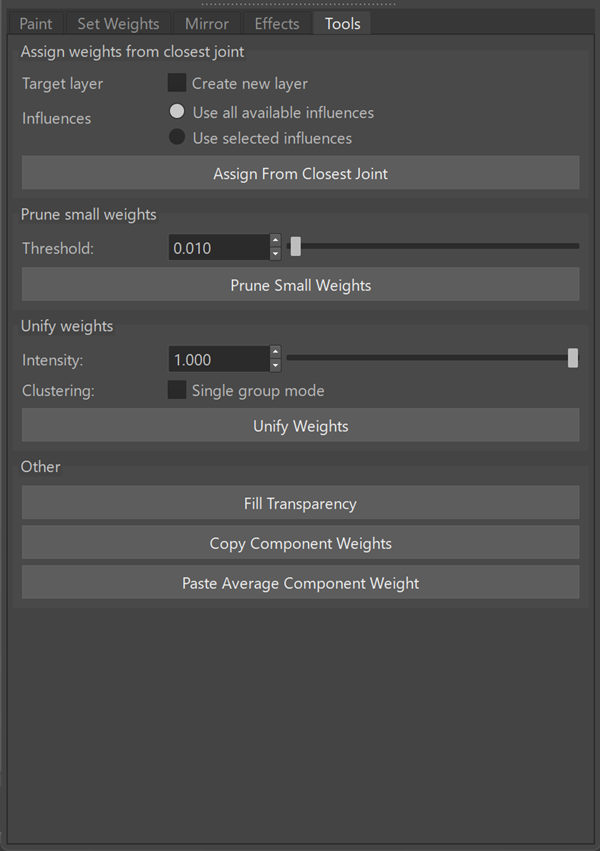
Assign weights from closest joint
Assigns weights based on proximity to the nearest joint.
| Target layer | Specifies whether closest weights are assigned to a new layer instead of modifying the active layer. |
| Influences | Specifies whether weights are assigned to all influences or only selected influences. |
Prune small weights
Removes weights below a specified threshold.
| Threshold | Specifies the minimum weight value to retain. |
Unify weights
Adjusts weights to create a more uniform distribution across influences.
| Intensity | Controls the strength of the operation. |
| Clustering | Controls grouping behavior. |
Other
Adjusts weights to produce a more consistent distribution.
| Fill Transparency | Fills transparent regions in the active layer. |
| Copy Component Weights | Copies weights from selected components. |
| Paste Average Component Weight | Applies averaged weights to selected components. |