Sequencer includes updates to improve timeline exchange, audio handling, and scripting access. These changes support more consistent editorial workflows when working within Maya and when transferring data to external tools.
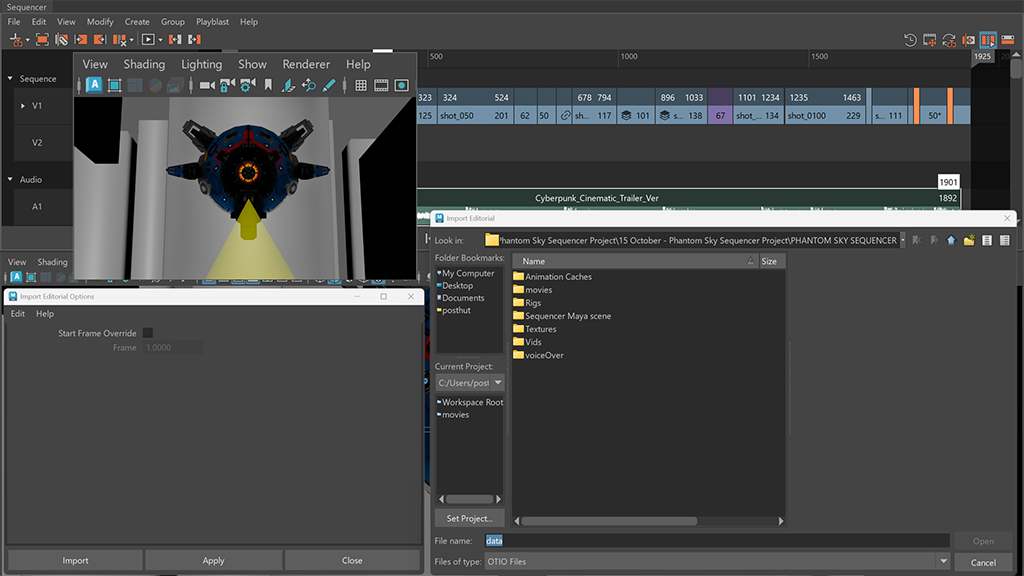
Sequencer updates for editorial workflows
Sequencer includes updates to timeline exchange, shot editing, audio handling, and playblast output. These changes support more consistent editorial workflows when working in Maya and when transferring data to external tools.
OpenTimelineIO (OTIO) support
Sequencer supports OpenTimelineIO (OTIO) for importing and exporting timeline data. OTIO import and export supports data equivalent to XML for supported sequence, track, shot, audio, and file reference data.
OTIO import preserves camera assignments and camera attributes, and reconstructs tracks using stored track information. Additional shot-level data is also supported, including labels, colors, thumbnails, and frame range information.
Shot creation and editing
Shots can be created directly on a selected track or from a selected Time Slider range. Shot editing includes an updated hold workflow, where hold frames are created using a dedicated Hold mode when dragging shot edges.
Audio handling
Sequencer uses only audio associated with the sequence. Audio that is not linked to the Sequencer is ignored, and Sequencer audio is not mixed with Trax audio. The Time Slider audio menu includes a Use Sequencer Sounds option.
Playblast output controls
The Playblast Shot Options dialog includes a Display Size section for controlling output resolution. Display Size options include From Window, From Render Settings, Custom, and From Image Attributes. Output resolution is determined by the selected Display Size and Scale settings.
Zoom behavior
Zooming in the Sequencer is centered on the cursor when using the mouse wheel.