Updates to MotionMaker improve timing visibility in the Editor, streamline character naming, and add keyboard shortcuts for navigating action clips.
This is a placeholder image
What's New in MotionMaker 2027.1
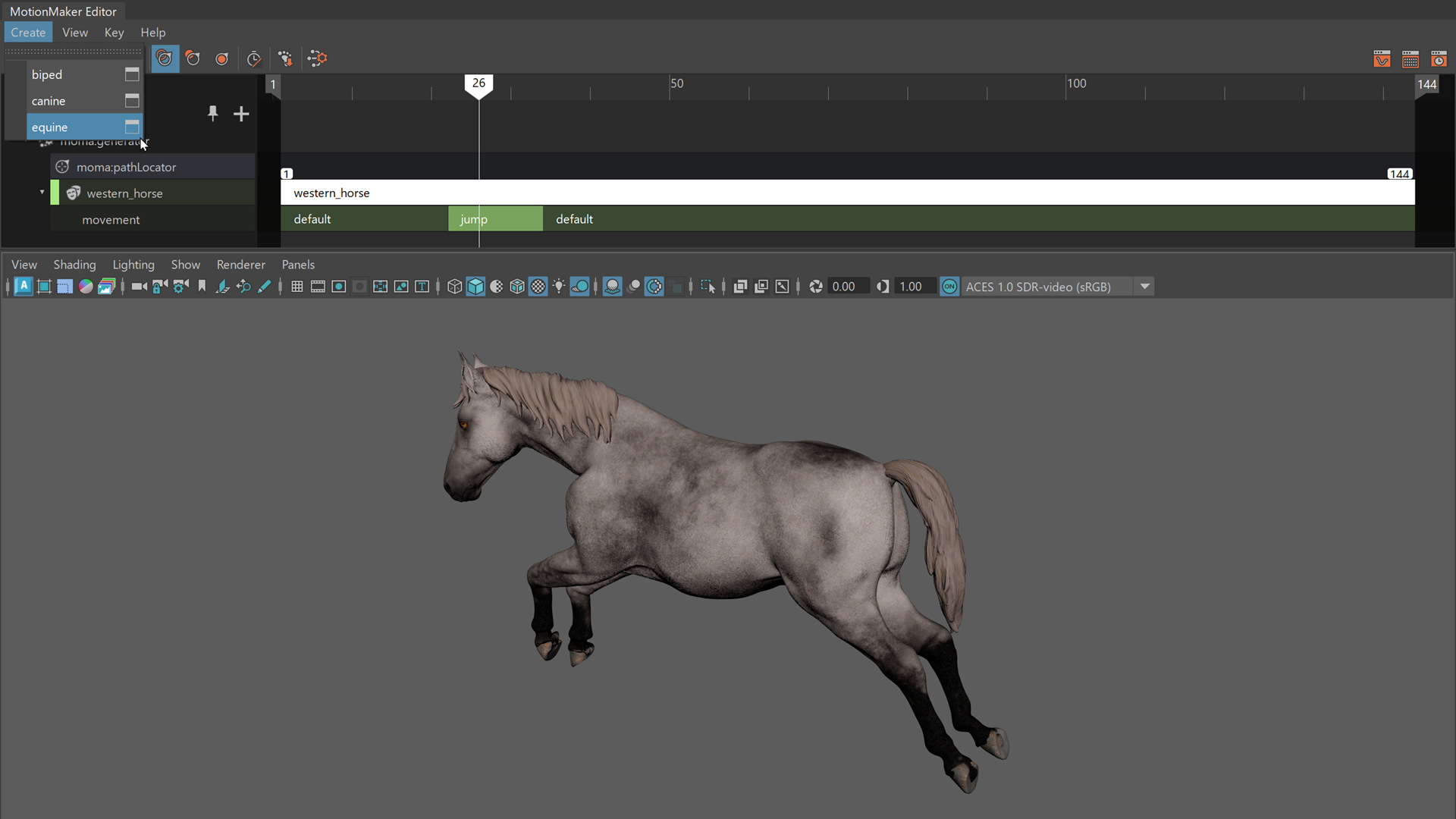
MotionMaker includes updates to improve clarity and interaction within the Editor. Frame ranges are now displayed directly on clips and active windows, providing clearer timing feedback and aligning behavior with the Sequencer.
Autodesk standard characters are displayed using simplified names in the UI, removing the adsk_ prefix while preserving internal identifiers for compatibility. Character definitions also support a display name attribute, which is used in the Create menu and character creation options.
New keyboard shortcuts allow navigation to the adjacent start frame before or after the current action clip in the timeline, making it easier to move between clips during editing. Improvements to character registry handling also reduce redundant processing when creating MotionMaker registries.
For additional guidance, see the MotionMaker tutorial videos on the Maya Learning Channel: