Specifies a shape for a parametric component.
Access Methods
 Ribbon: Home tab
  Part Insertion panel Custom Part Shape Browser
After component creation, you can specify component dimensions in the properties palette.
Note: You can enter a search term in the search box or select an option from the drop-down menu to filter shapes.
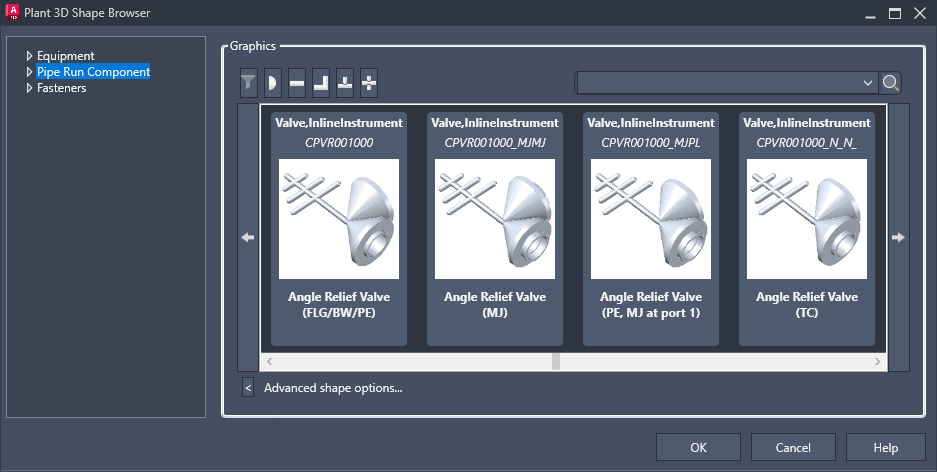
- Graphics
-
Specifies a parametric shape for the component.
- Advanced Shape Options
-
Displays all shapes. By default, only shapes in the current category display.