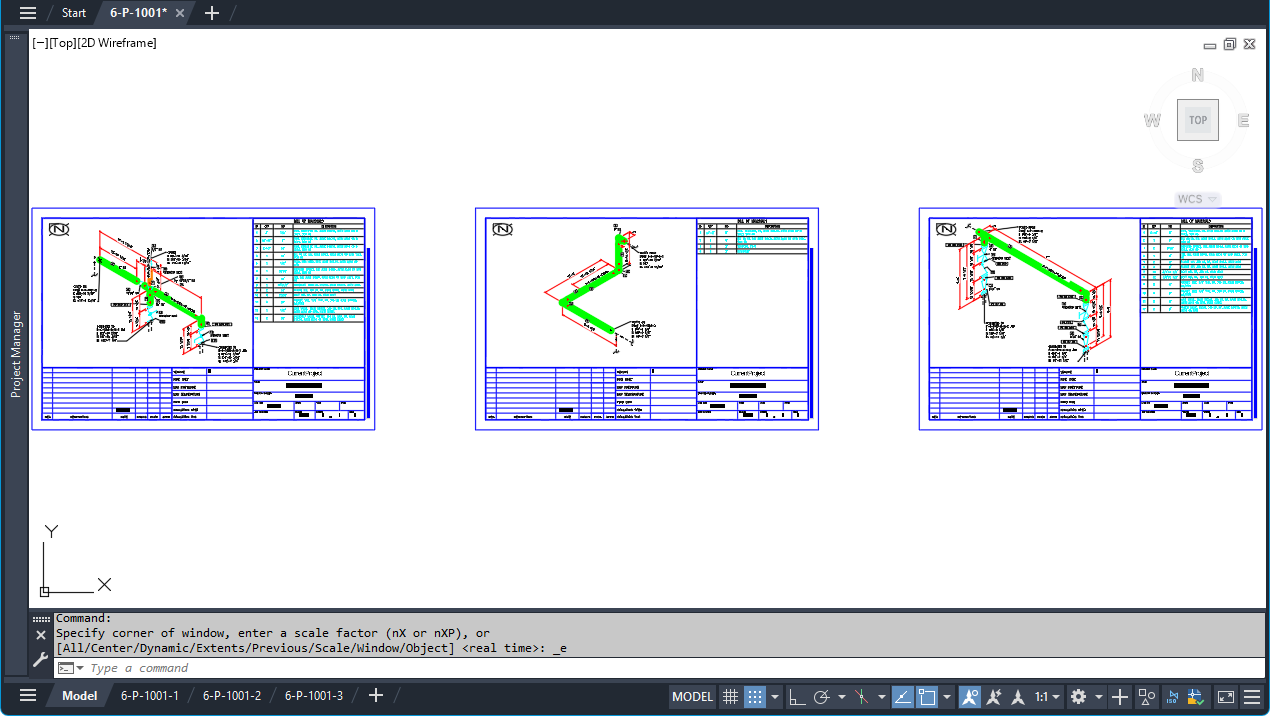
Iso sheets can be collected into drawings for review and publishing. When creating Iso drawings, Iso sheets can be organized in two ways:
- Per Line - All Iso sheets with the same line number are created in a single Iso drawing file.
- Per Sheet - Each Iso sheet is created as a separate Iso drawing file.
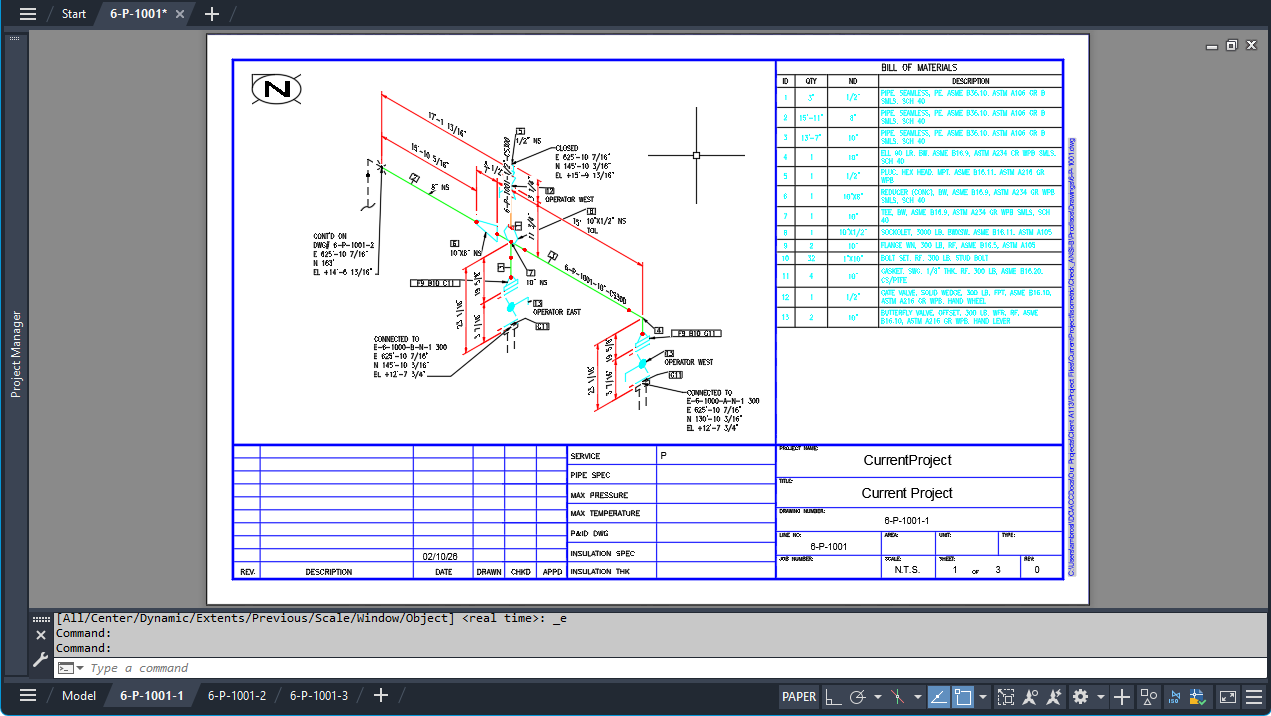
For improved Iso drawing management, creating Iso drawings per line is recommended. Each Iso sheet appears as a separate layout within the drawing, making it easy to switch between layouts and review Iso details.
Note: Beginning with the
AutoCAD Plant 3D 2027 release, new projects use the Per Line option by default when creating Iso drawing files. Existing projects continue to use the Per Sheet option, consistent with previous releases, unless the setting is changed.
The following images show the results of using the Per Line option.