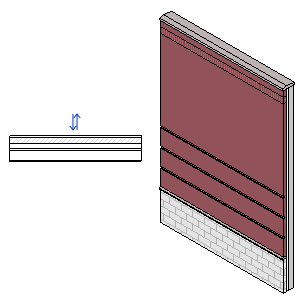
Use a Wall tool to create a non-bearing wall or a structural wall in the building model.
Non-bearing walls: Click
 (Wall: Architectural) on the
- Architecture tab
 Build panelWall drop-down
- Structure tabStructure panelWall drop-down
Structural walls: Click
 (Wall: Structural) on the
- Architect tabBuild panelWall drop-down
- Structure tabStructure panelWall drop-down
Starting with Revit 2027, you can check or uncheck Room Bounding in the Properties panel before actually creating the wall. For more details about room bounding, see About Room-Bounding Elements.