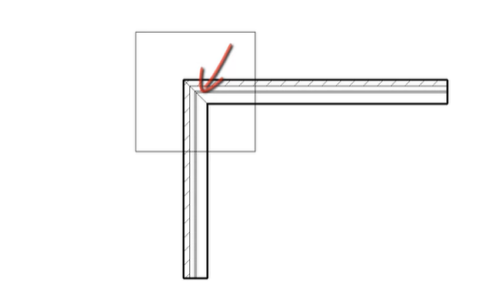
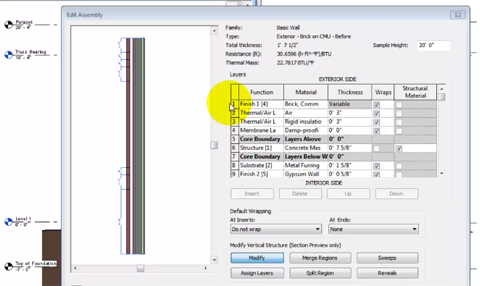
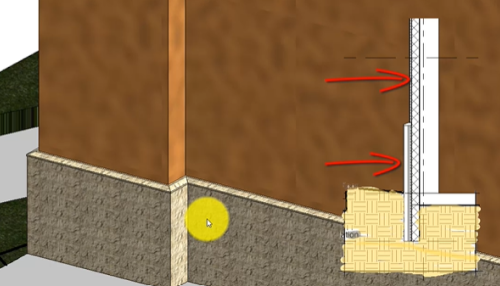
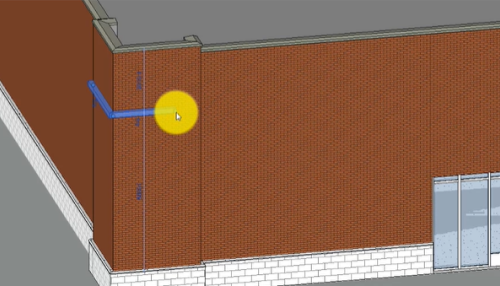
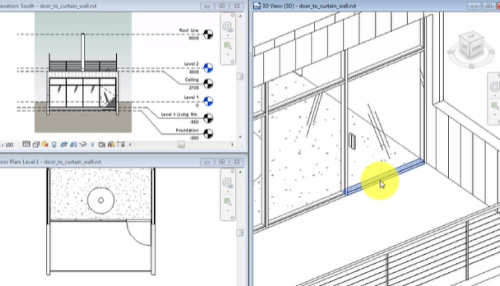
Video: Add Curtain Walls
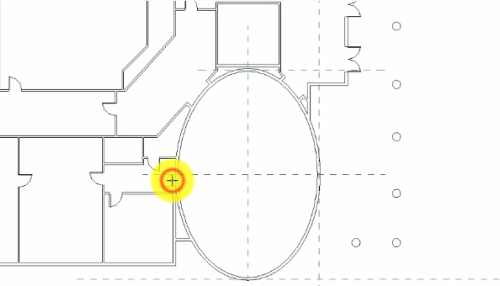
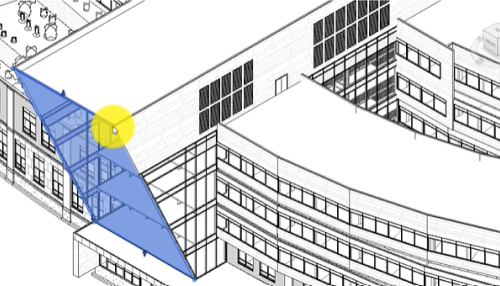
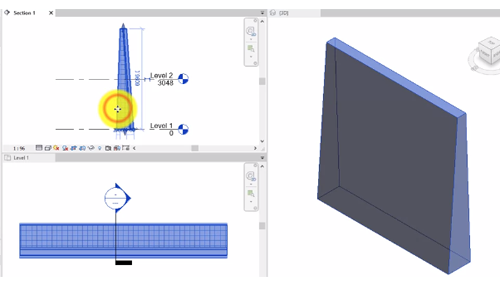
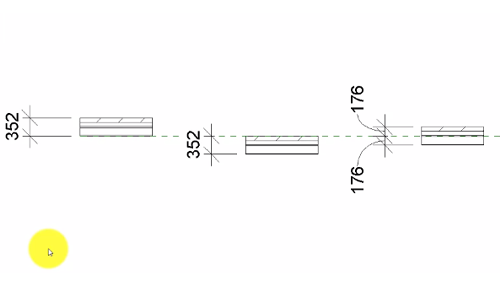
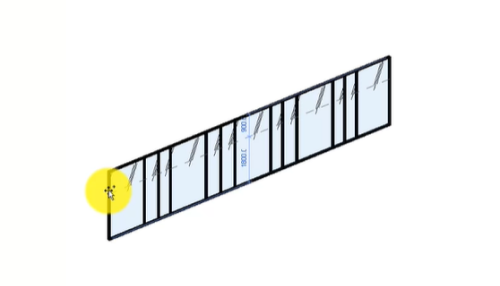
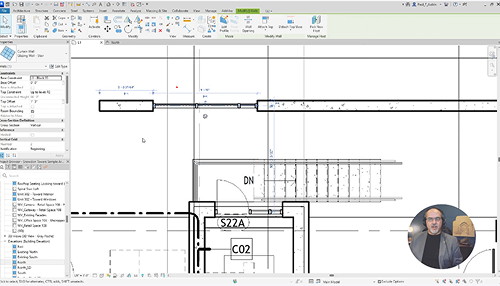
A curtain wall is any exterior wall that is attached to the building structure and which does not carry the floor or roof loads of the building.
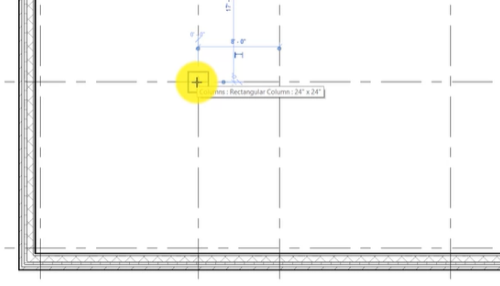
Video: Place Columns
Place architectural columns in the model. Use the architectural columns or grid intersections to place structural columns.
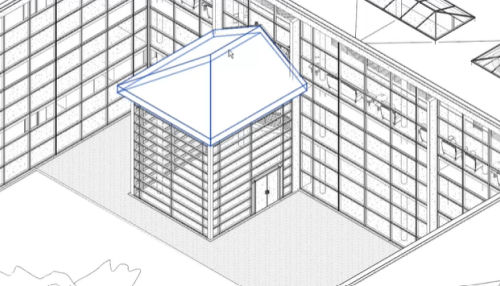
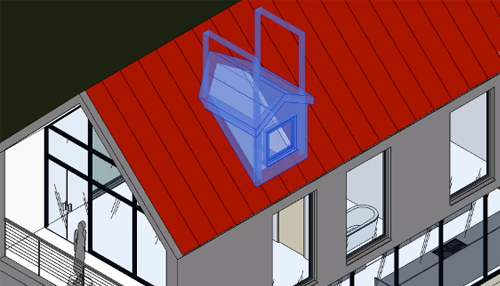
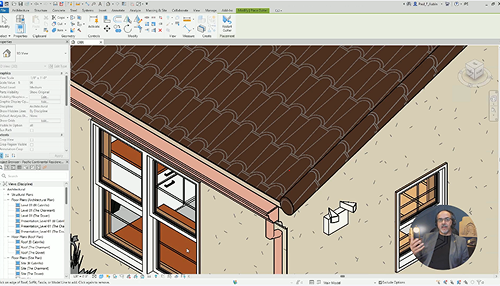
Video: Create a Sloped Roof
Sloped edges on a roof sketch line create a sloped roof. Use sloped edges or a slope arrow on a roof to create sloped roof elements.
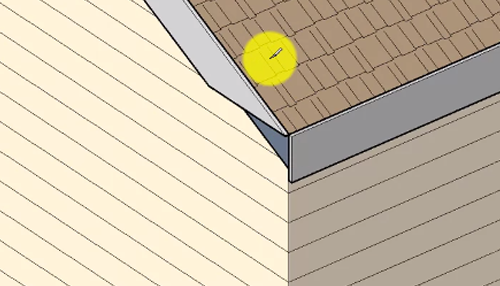
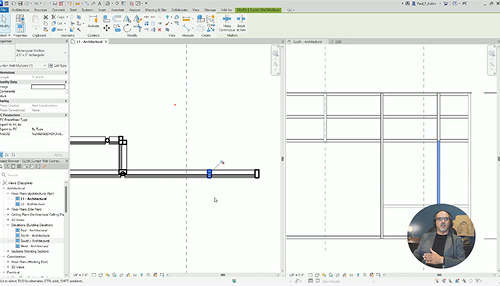
Video: Use Corner Mullions
Corner mullions are single mullions that you can place between the end points of 2 curtain walls, between the ridges of sloped glazing, or on any internal mullion on a curved curtain element, such as an arc curtain wall.
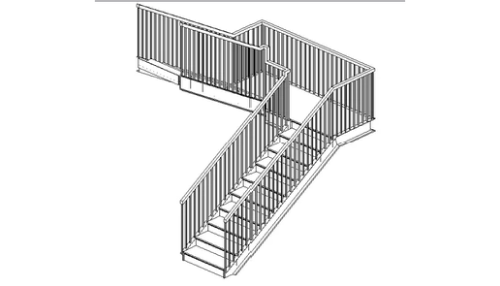
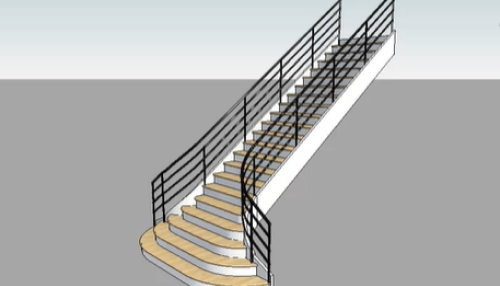
Video: Place a Railing
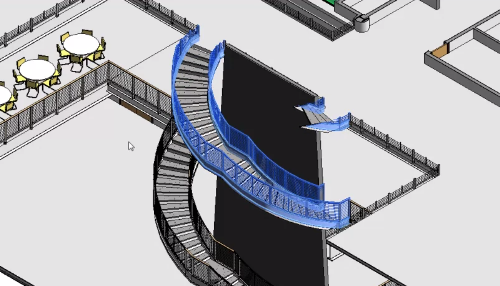
Add a railing to a stair that has already been placed in the model.
Video: Sketching Hosted Railings
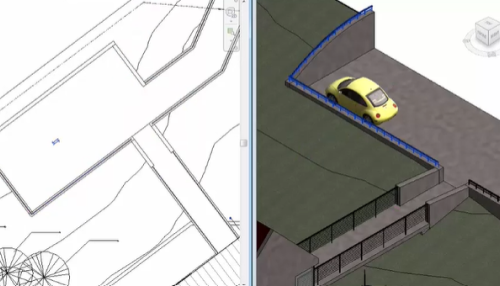
Sketch a railing and host it to different elements in the model. Changes to the host will modify the railing geometry.
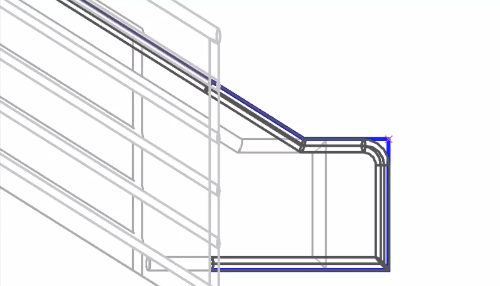
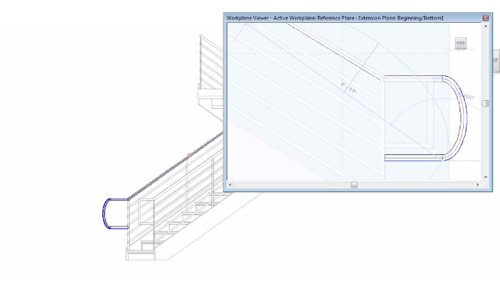
Video: Modify a Railing Sketch
Modify a railing sketch to change how the railing wraps at the ends as it changes from one level to another.
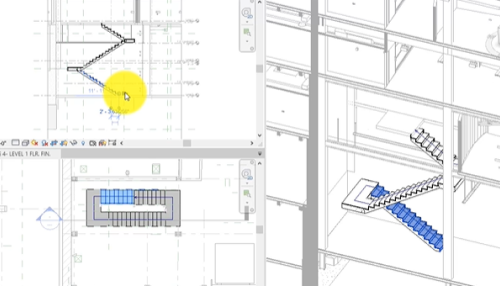
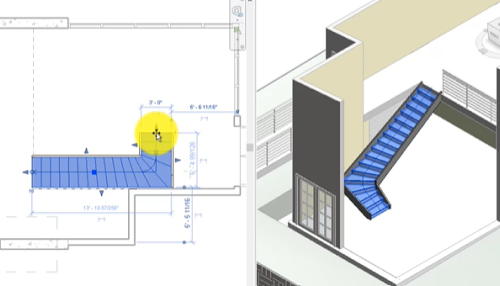
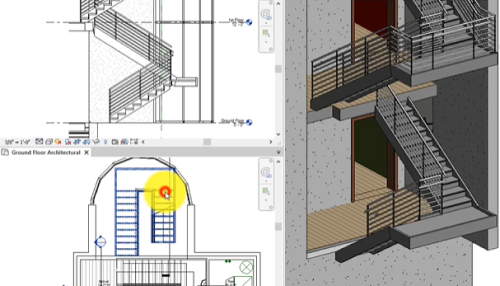
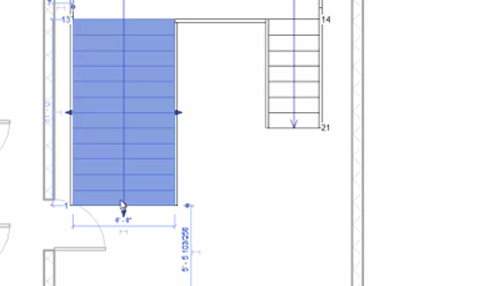
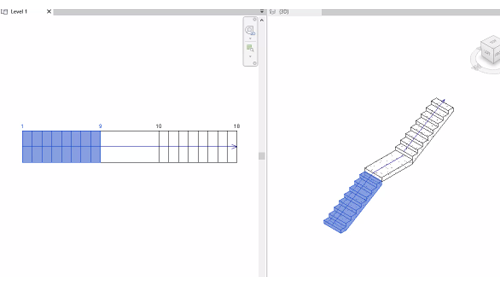
Video: Create a Winder Stair
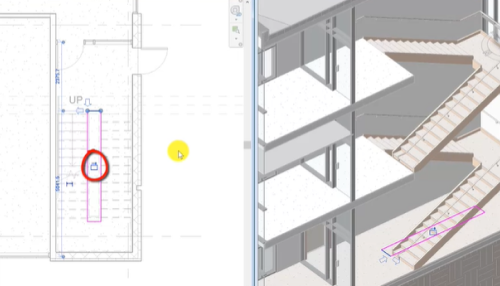
Add a winder stair to the model and use grips to make adjustments. Change the point where the winder starts on the stair run in the Properties Palette.
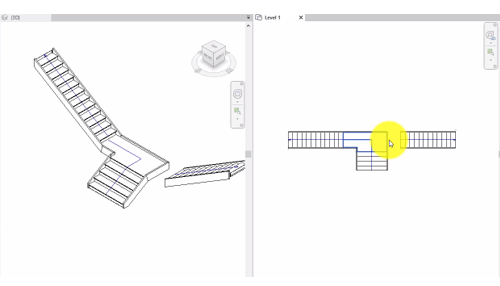
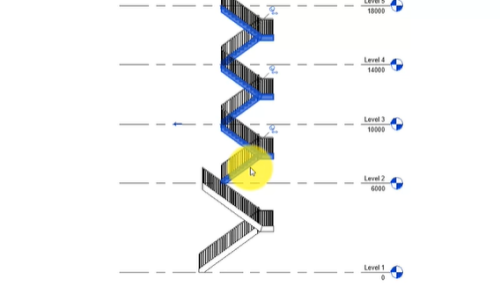
Video: Component Stair Enhancement
Use layout options to position a stair. Once a stair is in place use grip controls in canvas to make modifications..
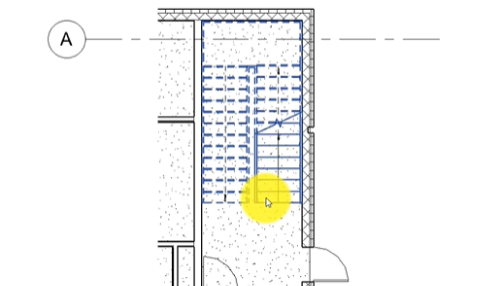
Video: Cut a Shaft Opening
Use the Shaft tool to place an opening that extends through the entire height of a building (or through selected levels), cutting through the faces of roofs, floors, ceilings, or toposolids simultaneously.
Video: Create an Adaptive Component
An adaptive component is a special kind of family that can have multiple insertion points, and as you place the family in a project and click those insertion points, the geometry of the family will adapt to the locations of those points.