As you draw conduit, Revit automatically adds fittings.
Use the following procedure to manually add conduit fittings to an existing segment or run.
-
Click Systems tab
 Electrical panel
 Conduit Fitting.
- From the Type Selector, select the conduit fitting type that you want to place.
Tip: On the ribbon, click Rotate After Placement to rotate the fitting as you place it.
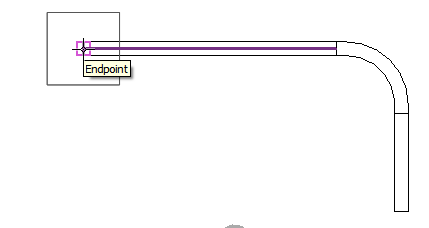
- In the drawing area, click the endpoint of the conduit where you want to place the fitting.
- To finish, click Modify.