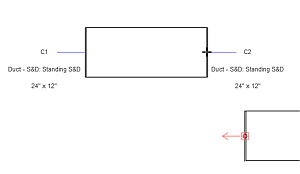
You can display visual cues in canvas with information about connector number, type, and size.
To toggle the display of visual connector controls, click Analyze tab MEP Connections panel
 Show Connector Controls.
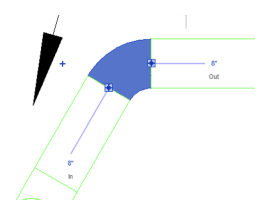
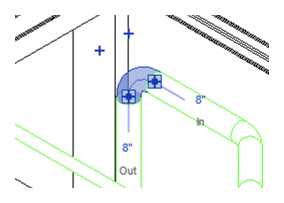
Connector controls display text notes at each connector end, showing the connector number, type, and size for MEP fabrication parts, and the size for MEP design elements. Flow direction can also be displayed for elements that are part of a system connected to equipment, as well as for individual mechanical equipment elements. The displayed information depends on the current action.
- When you select an existing element, information displayed at its connector ends makes fitting other elements easier.
Note: When you select a design element, you can change its size.
Design elements
Fabrication parts
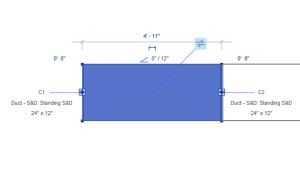
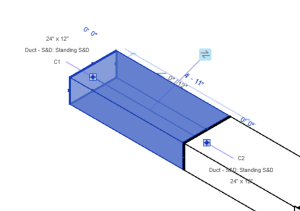
- When you place a new element, information displayed at its connector ends makes fitting it to existing elements easier. (For fabrication parts only.)