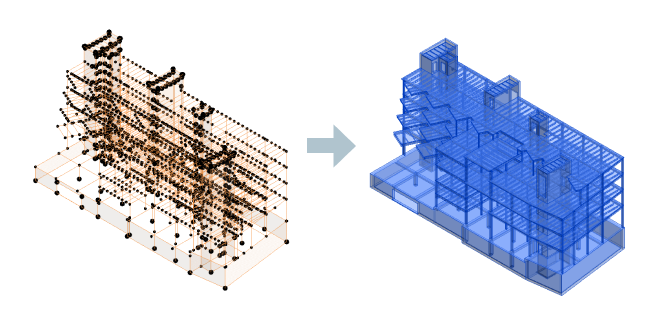
Generate the structural analytical model for selected structural physical elements. The resulting analytical model is better connected and aligned to key horizontal and vertical references generated based on the physical model. The analytical model will be updated automatically based on physical model changes in the same process as for creation.
To automate the analytical model creation using the physical model as context:
Note: The elements which do not have a location line are ignored.
- In the Analyze tab
 Structural Analytical Model panel, click
 (Analytical Automation).
- From the drop-down list, select
 (Run Physical to Analytical for Buildings).
- Click
(Run).
The analytical model is created.
Note: The automation tool only preselects the supported physical elements.
- You can adjust the selection.
- You can still use Dynamo Player to run the automation:
- In the Analyze tab Structural Analytical Model panel, click
(Analytical Automation).
- From the drop-down list, select
 (Automation Customization).
- In the Analyze tab