Use the Results Explorer tool to review or remove results sets.
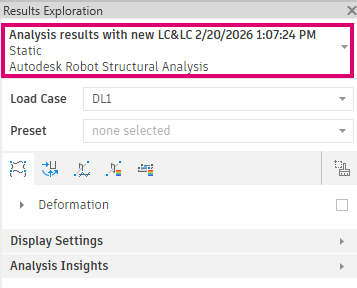
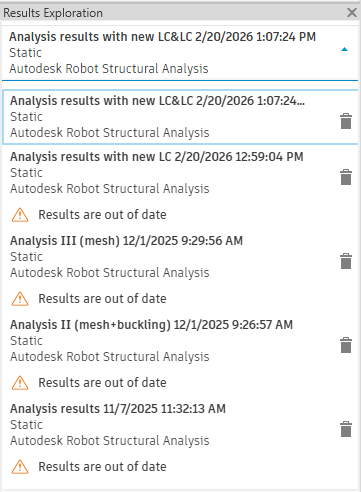
All structural analysis results imported into the Revit model are available from the analysis results drop-down list.
The most recent results set appears at the top of the list when you open Results Explorer.
When you click
 (Results Explorer), the application checks whether the current analytical model is identical to the model used to calculate the results. If you modify the analytical model or the load cases after running the analysis, the results are marked Out of date
 .
.
You can remove any results set from the list by clicking
 . The results set is removed completely from the project.
Note: If the Results Explorer tool is not active, no results are available on the server. This can occur if no analysis has been run or if the analysis failed.