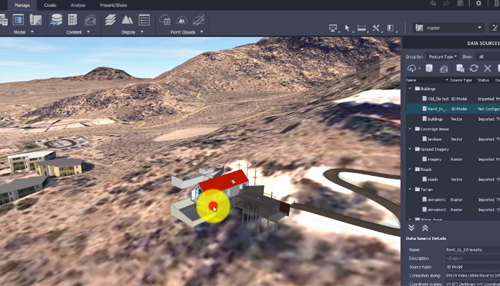
Video: Link Models
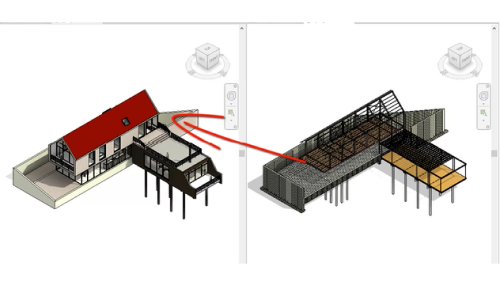
Link models to coordinate the design when collaborating across disciplines.
Video: Use Coordination Models
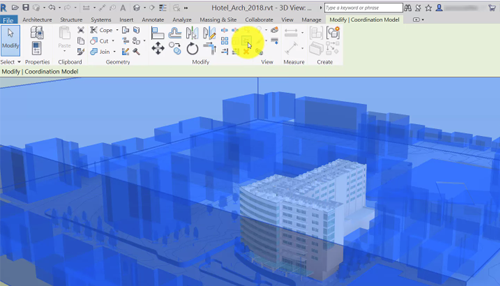
Insert coordination models from Autodesk® Navisworks® into Revit LT to coordinate your design with teams who use different software.
Video: Collaborate with Others Using a Data Exchange
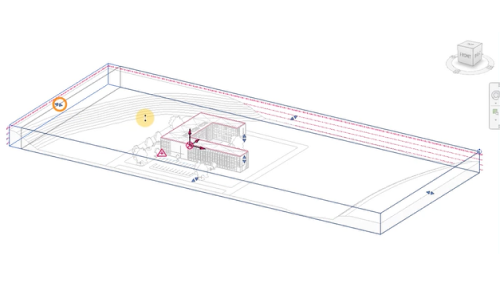
Share portions of your model with a Data Exchange. Collaborators use the Data Exchange to complete their work without the need to download the entire model.
Video: Analyze Changes in Coordination Models
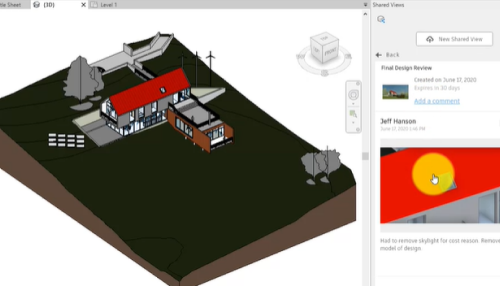
Coordination model doesn’t require to upgrade models created in earlier versions of Revit and allows comparison of changes between linked model versions.