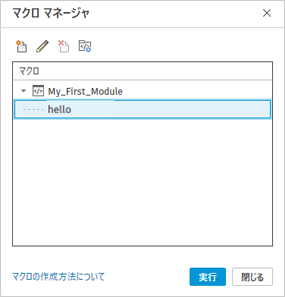
マクロ マネージャのツールを知るために、次のコードサンプルを使用してください。
Hello World
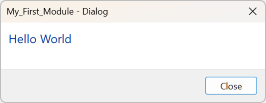
このコード例では、内容が「Hello World」で、見出しが「Dialog」のダイアログ ボックスを開きます。
using Autodesk.Revit.UI;

namespace My_First_Module
{
   [Autodesk.Revit.Attributes.Transaction(Autodesk.Revit.Attributes.TransactionMode.Manual)]
   [Autodesk.Revit.DB.Macros.AddInId("E04BAFB6-D442-457A-A88C-CF2D7208793E")]
   public partial class ThisApplication
   {
      private void Module_Startup(object? sender, EventArgs e)
      {

      }

      private void Module_Shutdown(object? sender, EventArgs e)
      {

      }

      public void hello()
      {
         TaskDialog.Show("Dialog", "Hello World");
      }

   }
}
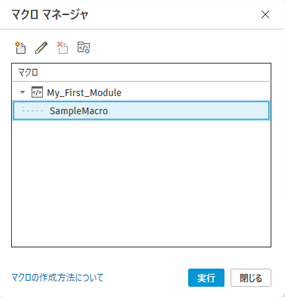
サンプル マクロを実行します。
すべての要素を選択する
このコード例では、現在のモデル内のすべての要素を選択します。
using Autodesk.Revit.DB;

namespace My_First_Module
{
   [Autodesk.Revit.Attributes.Transaction(Autodesk.Revit.Attributes.TransactionMode.Manual)]
   [Autodesk.Revit.DB.Macros.AddInId("E04BAFB6-D442-457A-A88C-CF2D7208793E")]
   public partial class ThisApplication
   {
      private void Module_Startup(object? sender, EventArgs e)
      {

      }

      private void Module_Shutdown(object? sender, EventArgs e)
      {

      }


      public void SelectAllElements()
      {
         // Get the UIDocument
         Autodesk.Revit.UI.UIDocument uidoc = this.ActiveUIDocument;

         // Get the Document from the UIDocument
         Autodesk.Revit.DB.Document doc = uidoc.Document;

         // Create a FilteredElementCollector that will collect all elements in the Document
         FilteredElementCollector collector = new FilteredElementCollector(doc);

         // Apply no filter, which means all elements are collected
         collector.WherePasses(new LogicalOrFilter(new ElementIsElementTypeFilter(false), new ElementIsElementTypeFilter(true)));

         // Convert the collected elements to a list of element ids
         IList<ElementId> ids = collector.ToElementIds().ToList();

         // Check if there are elements to select
         if (ids.Count > 0)
         {
            // Start a new transaction (Revit API requires this for most changes to the model)
            using (Transaction trans = new Transaction(doc, "Select All Elements"))
            {
               trans.Start();

               // Make the selection
               uidoc.Selection.SetElementIds(ids);

               trans.Commit();
            }
         }
      }
   }
}
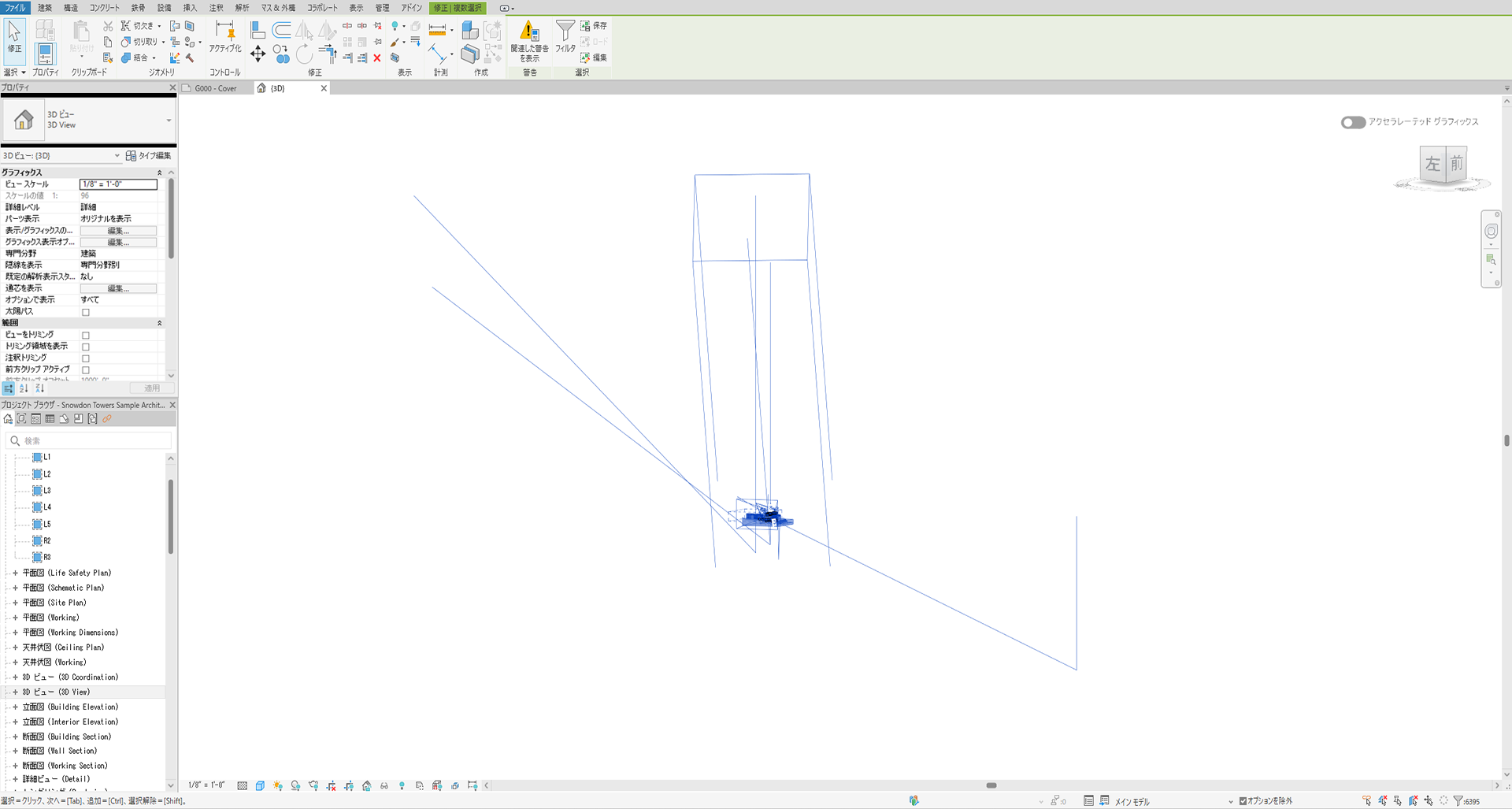
新規作成した 3D 正投影ビューで Snowdon Towers sample Architectural.rvt というサンプル Revit モデルを使用してサンプル マクロを実行し、全体表示します。