Cell Noise Displacement Effect
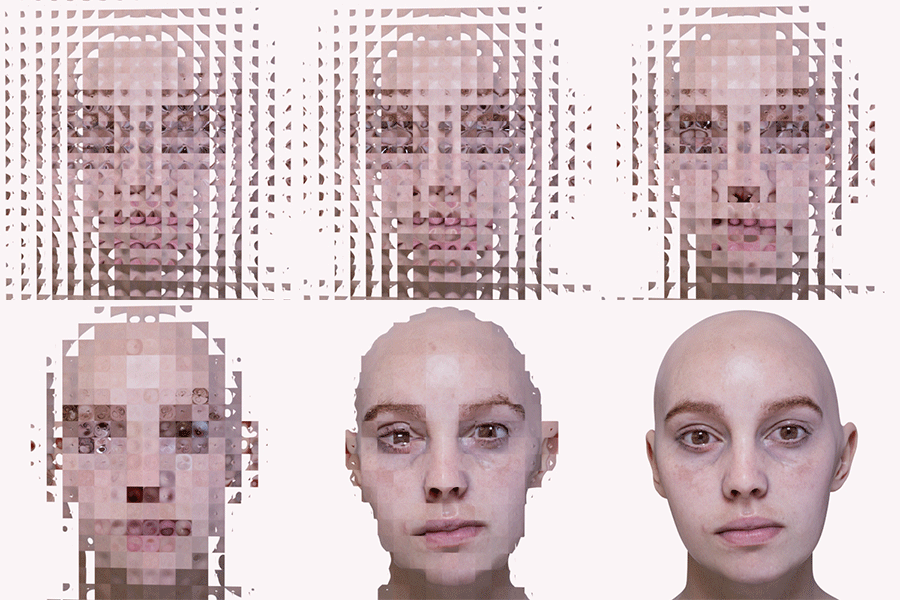
Amplitude of Cell Noise shader keyframed
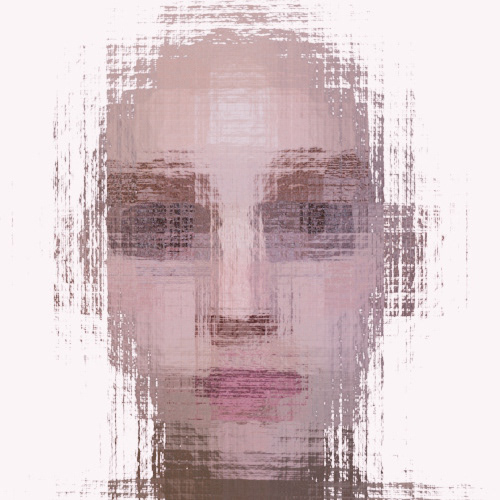
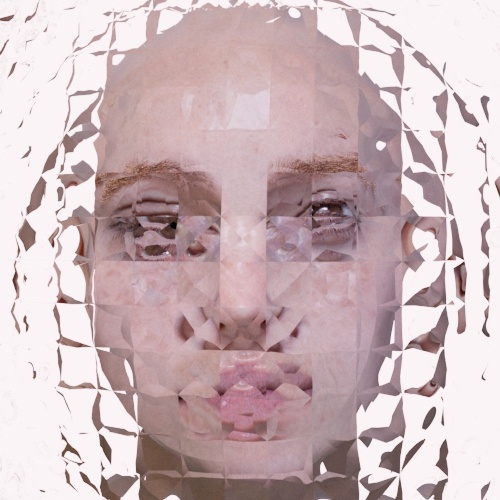
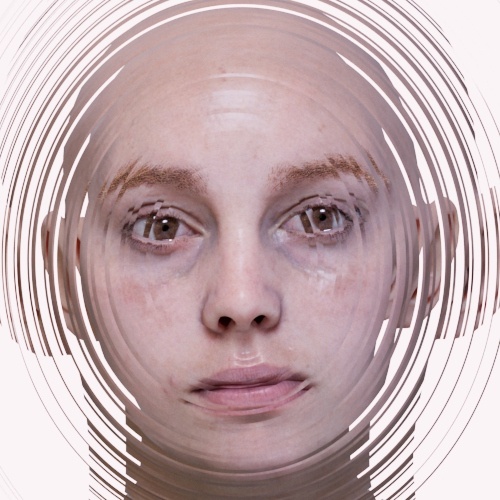
Cell Noise is a very versatile shader that can be used to reproduce a wide variety of shading effects. In this short and simple tutorial, we will show possible uses for it to produce an abstract 'collage' style graphic effect. We will connect the Cell Noise shader to the displacement attribute of a transparent object in front of the camera to distort the subject matter behind it (in this case, a head). We will use the various attributes of the Cell Noise shader to reproduce some of the example images below (all of which can be animated).
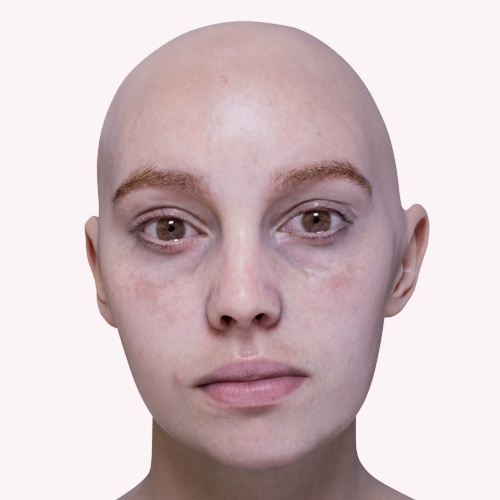
The digital Emily model can be downloaded here.
A simple scene file can be downloaded here.
 |
 |
 |
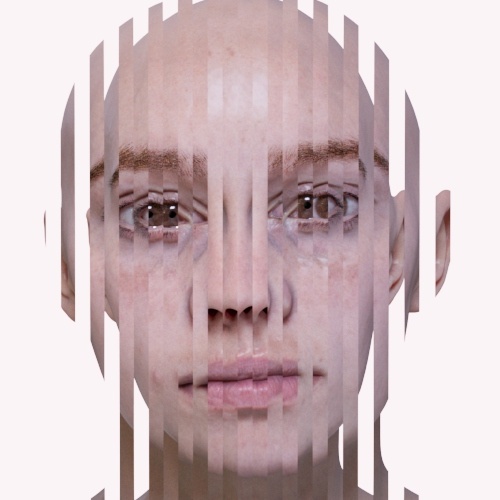 |
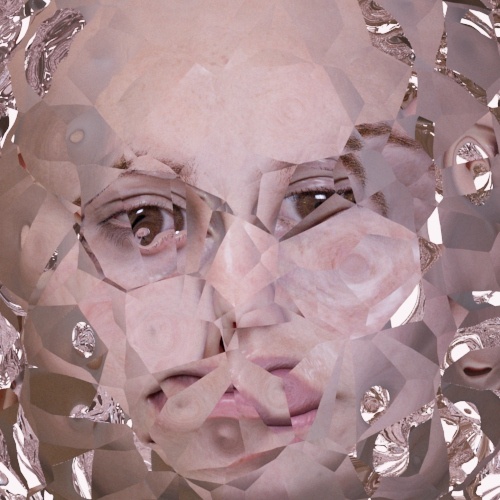 |
- Start by creating a plane (feel free to use other shapes) and position it between the camera and the subject (in this case, a head model).
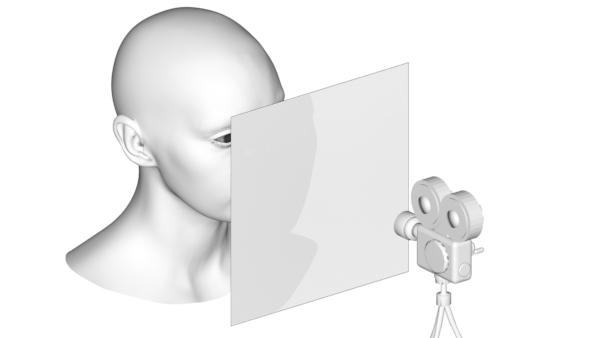
- Create a Skydome Light. Ensure that the default Camera Visibility of the Skydome Light is 1 so that there is something to refract other than black.
- Assign a Standard Surface shader to the plane. We want to make it look like glass, but without any specular shading. Change the following attributes:
Base Weight: 0
Specular Weight: 0
Transmission_weight: 1
- Create a Cell Noise shader and use it to displace the plane. The overall effect depends on how much displacement you use. Start with small values and work your way up.
Specular IOR
Try changing the Specular IOR value of the Standard Surface shader to see its effect (remember you can use values below 1 too).
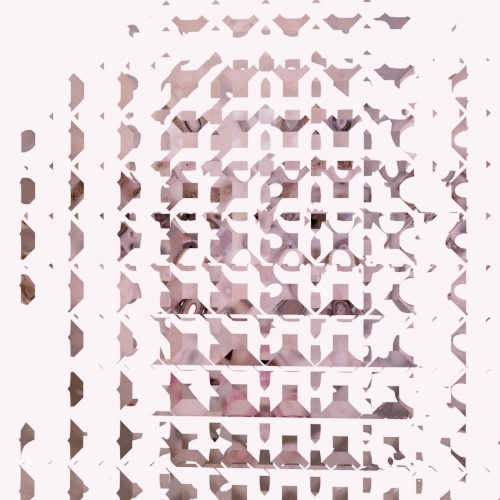 |
 |
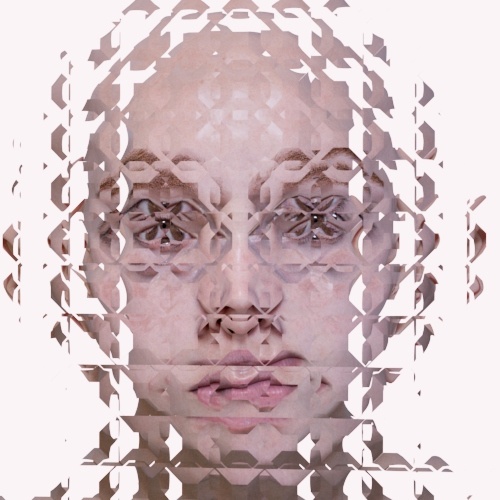 |
| 0.5 | 1 | 1.5 |
Cell Noise## Patterns
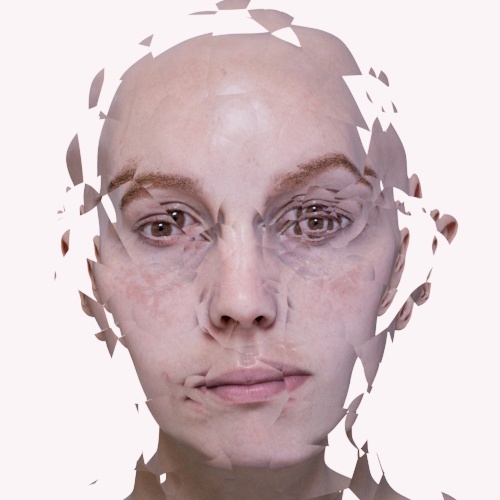
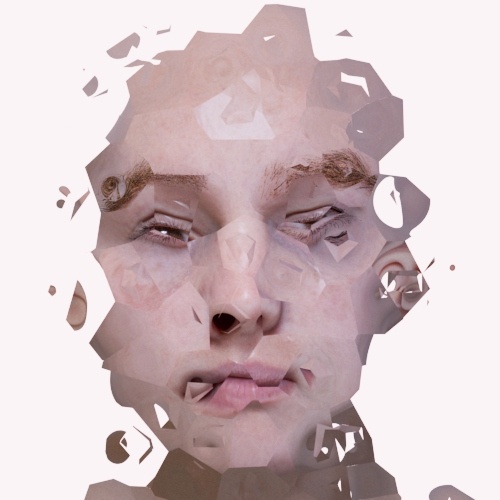
Below are renders using the various noise Patterns of the Cell Noise shader.
 |
 |
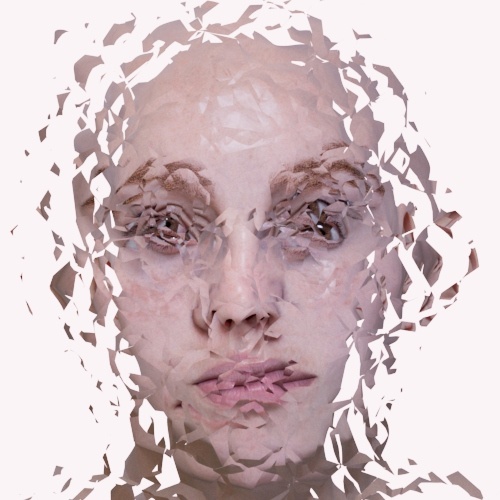 |
| Noise1 (default) | Worley1 | Alligator |
Randomness
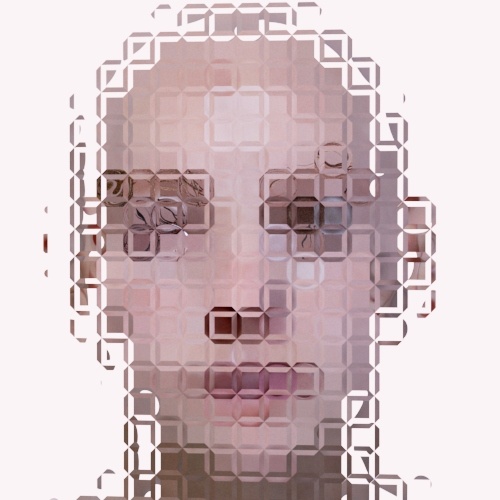
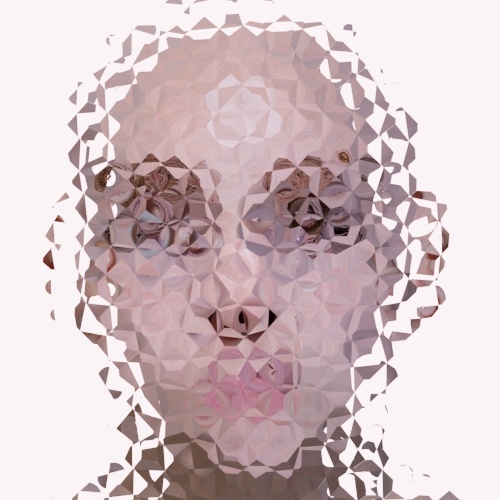
Changing the Randomness value can have a big effect on the result.
 |
 |
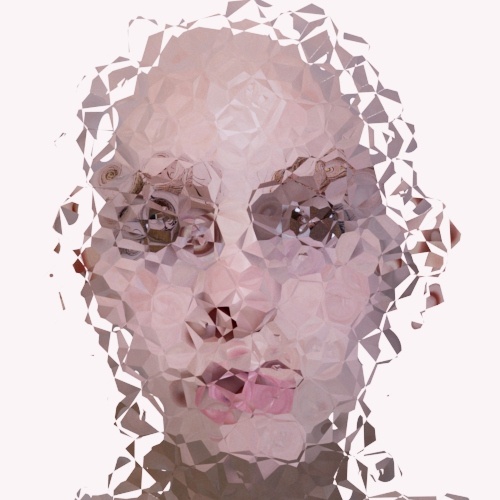 |
| 0 | 0.5 | 1 |