Connecting Your PlanGrid
In order to connect with PlanGrid, we need to set up our connection with the PlanGrid application to interact with.
| Instruction | |
| To create a new PlanGrid connection, click the “Create a new connection” button |  |
| Within the Application dropdown, select PlanGrid | 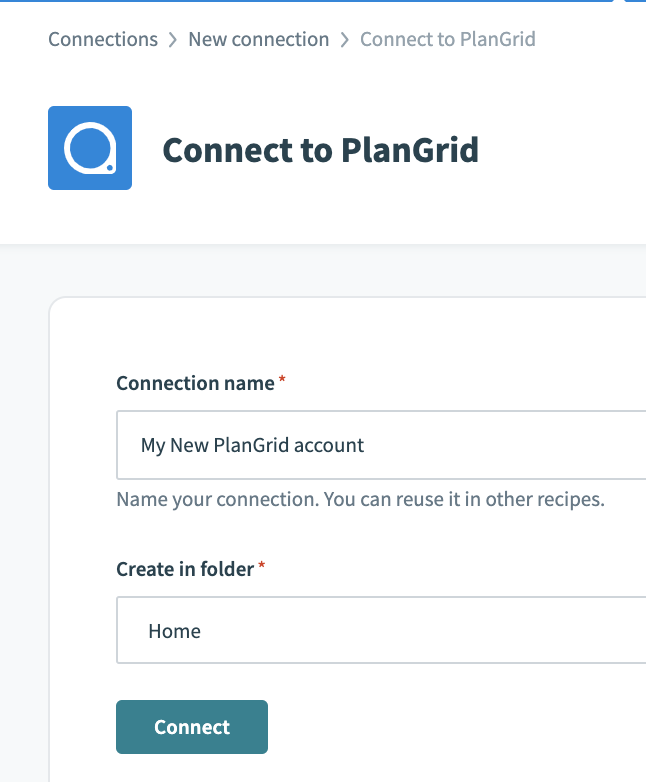 |
| Name your new PlanGrid connection and click “Connect" | 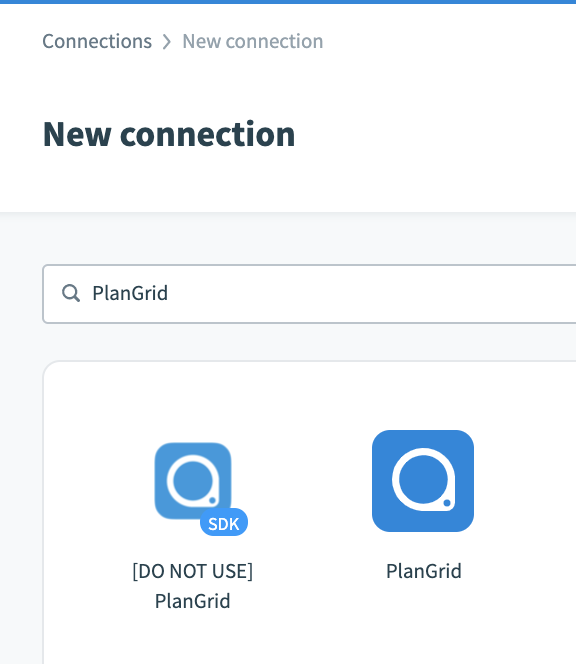 |
| In the pop-up, login to your PlanGrid account. When asked whether you want to authorize this application, click "Give Permission" | 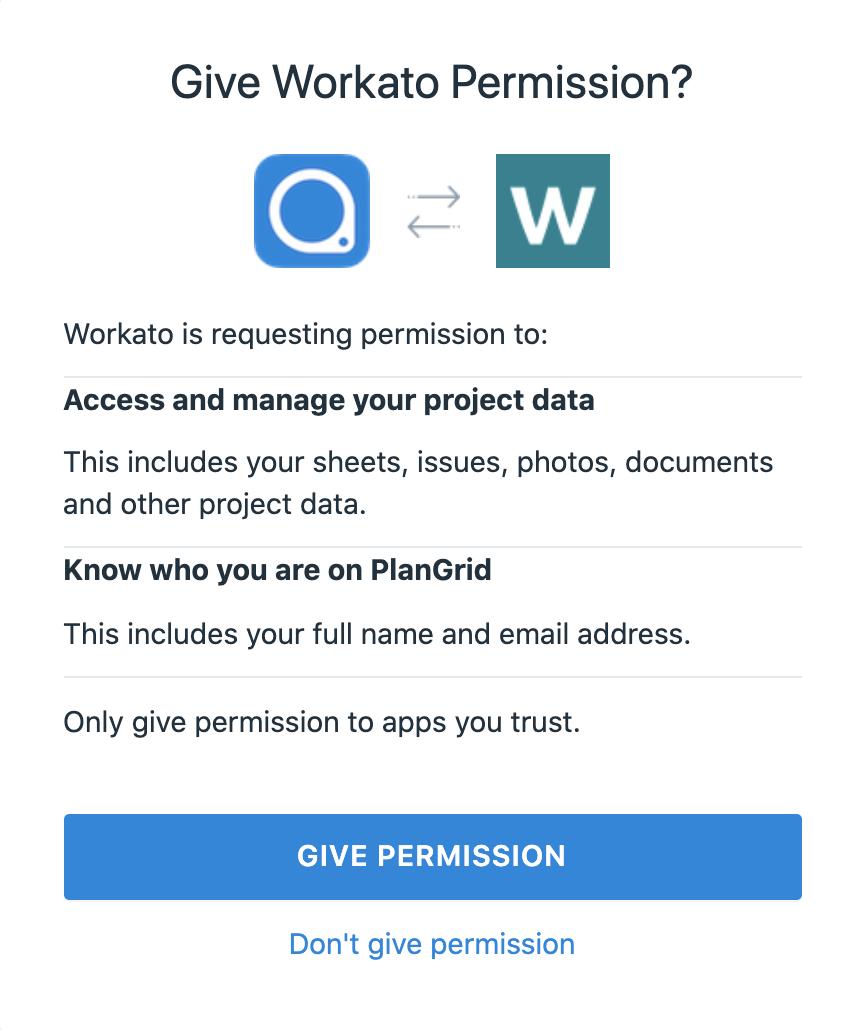 |
| That’s it! You have now successfully connected to your PlanGrid account through ACC Connect. | 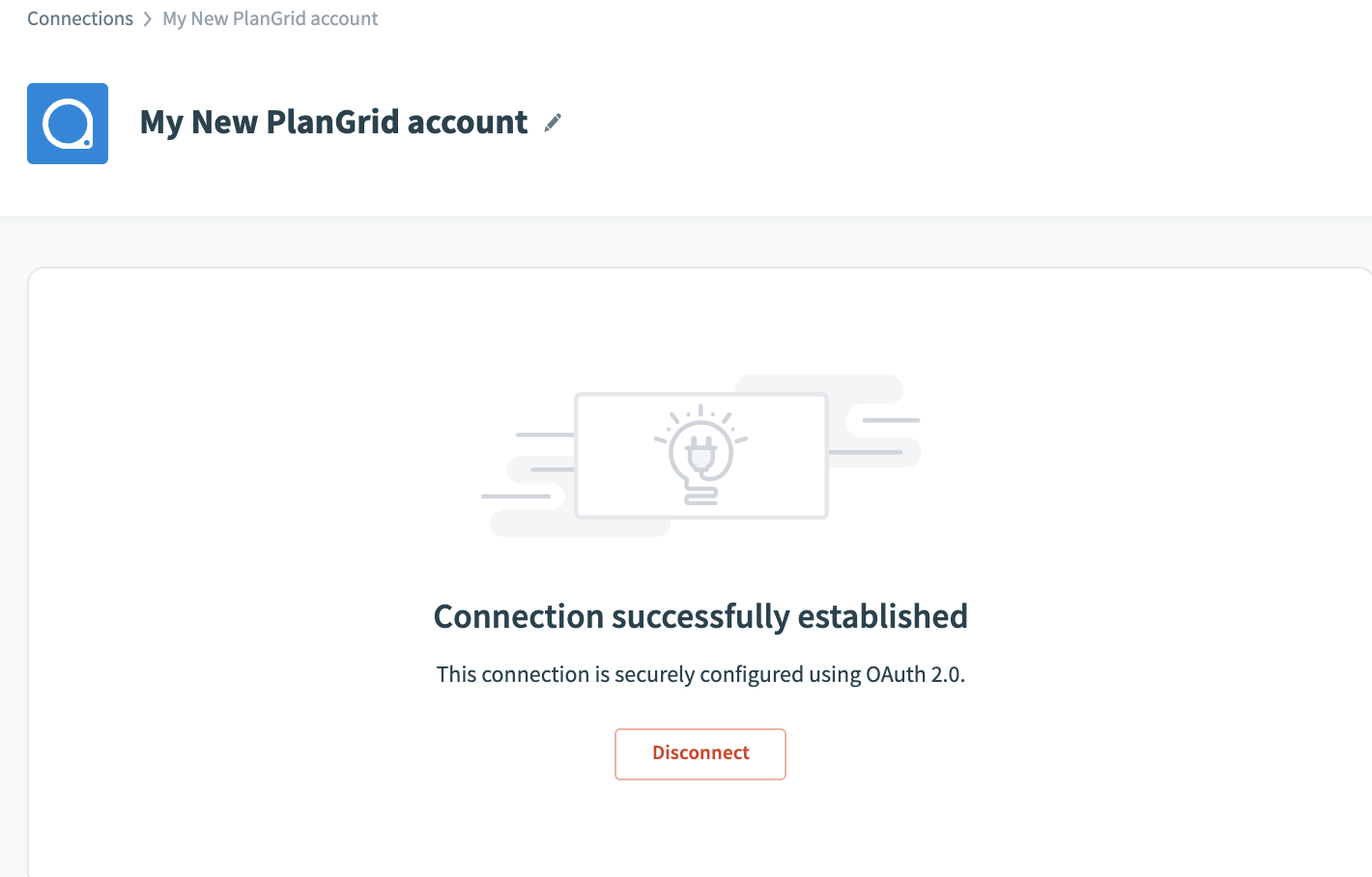 |