Color Jitter
 |
 |
 |
 |
 |
 |
 |
 |
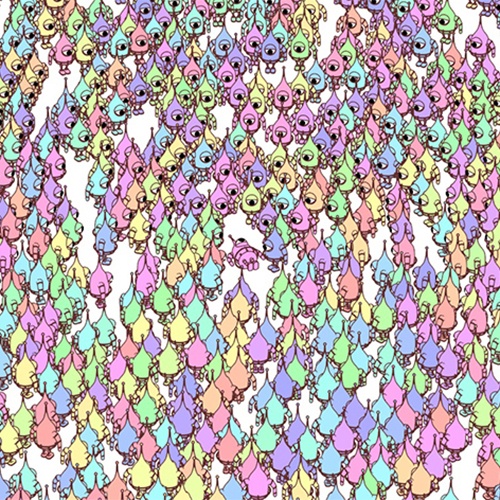
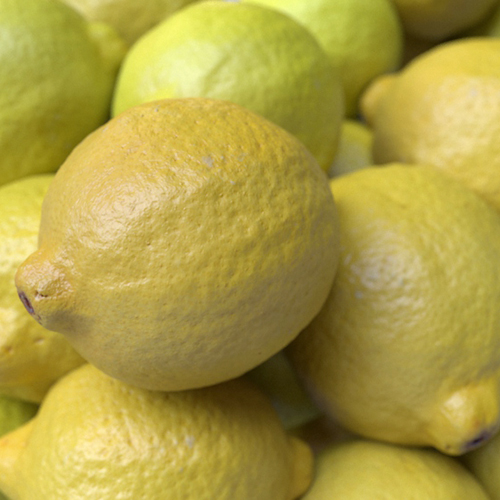
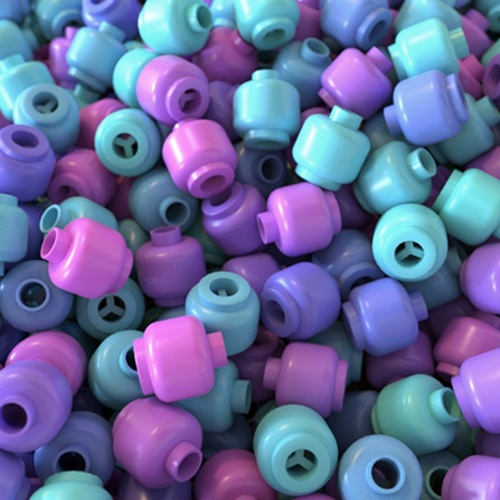
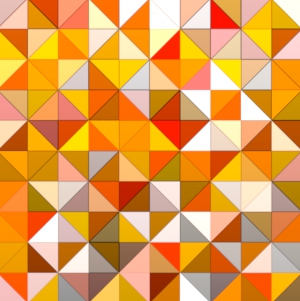
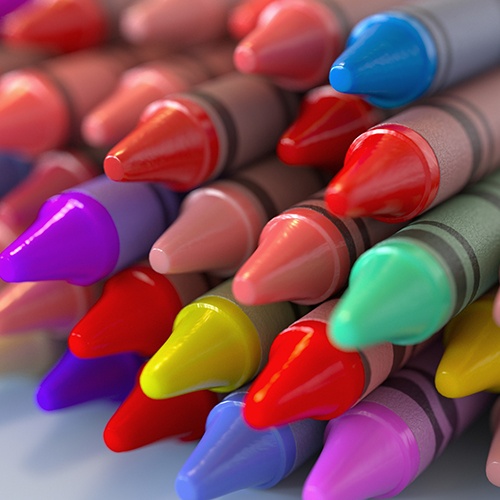
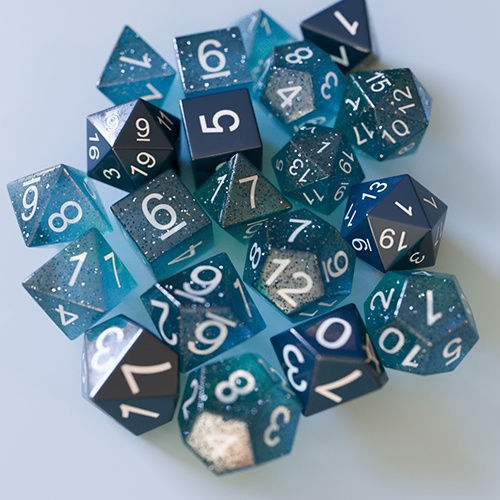
The Color Jitter shader enables you to alter the Input color by applying a random color variation. For each of the following parameters, you can specify the range of hue, saturation, and gain (HSV) for the random colors. The seed is used to get a different random variation.
User Data
Gain Min/Max
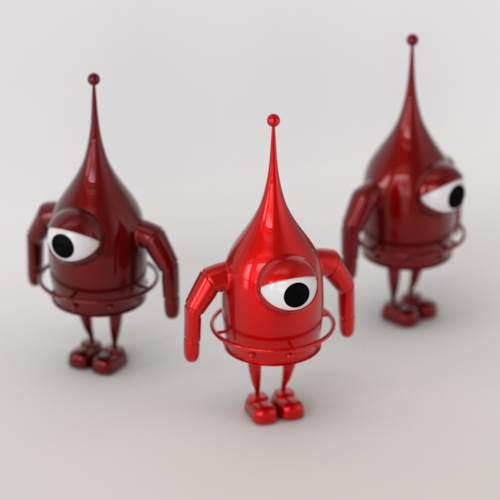
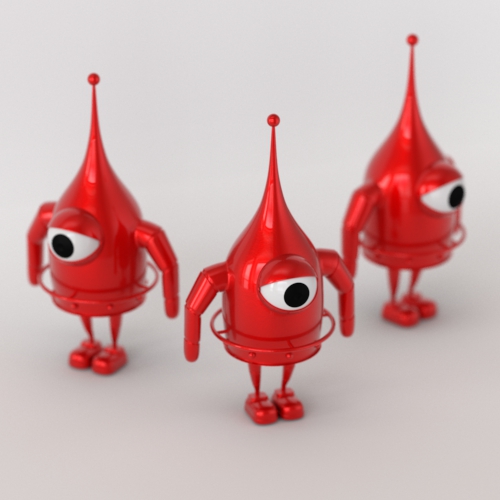
Specify the range of a random value to be added to gain. The random value is generated based on "data_input."
 |
 |
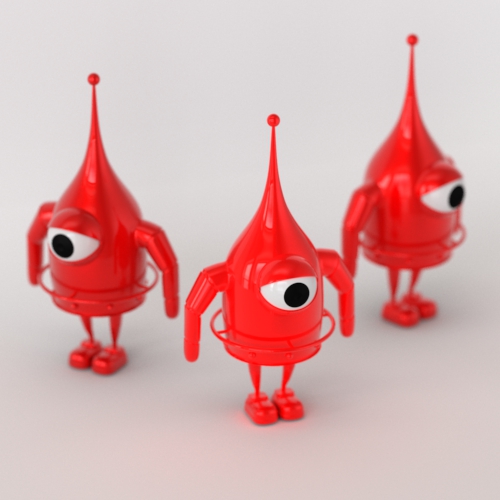 |
| min: 0, max: 1 | min: 1, max: 1 | min: 0, max: 5 |
Hue Min/Max
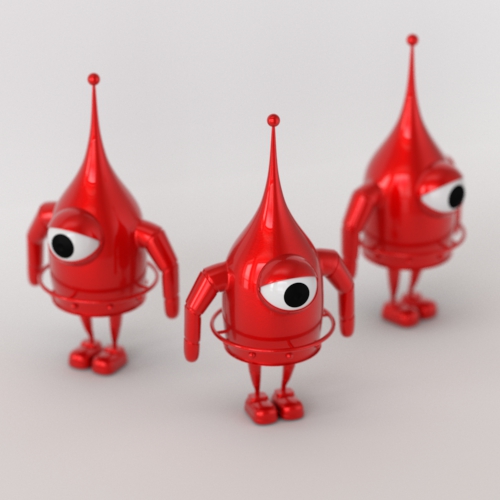
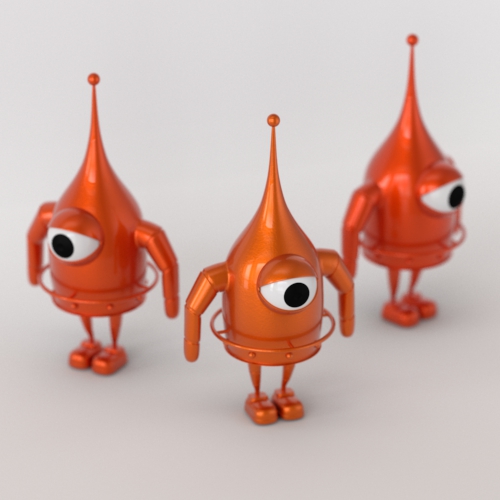
Specify the range of a random value to be added to the hue. The random value is generated based on "data_input."
 |
 |
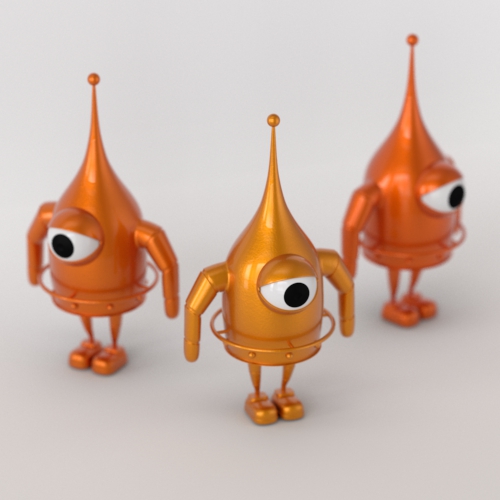 |
| min: 0, max: 0 | min: 0, max: 0.1 | min: 0, max: 0.2 |
Saturation Min/Max
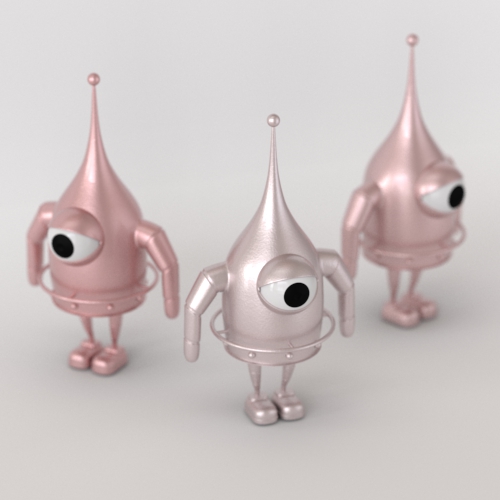
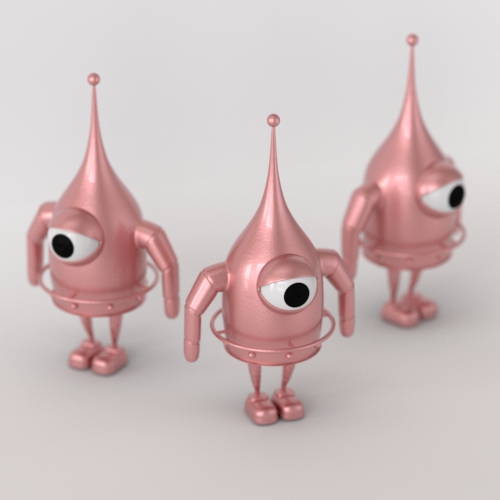
Specify the range of a random value to be added to saturation. The random value is generated based on "data_input."
 |
 |
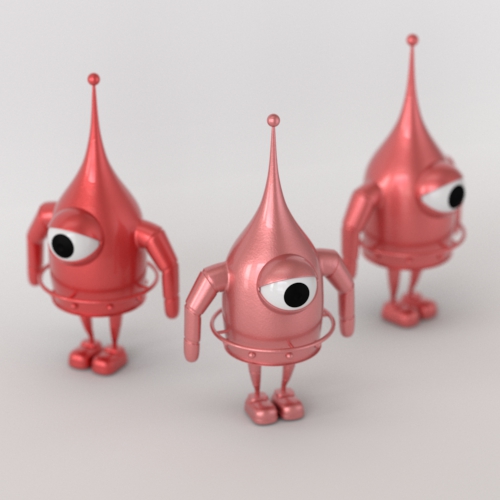 |
| min: 0, max: 0.5 | min: 0.5, max: 0.5 | min: 0.5, max: 1 |
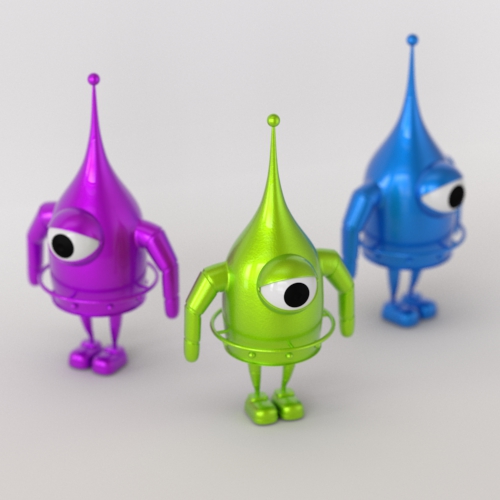
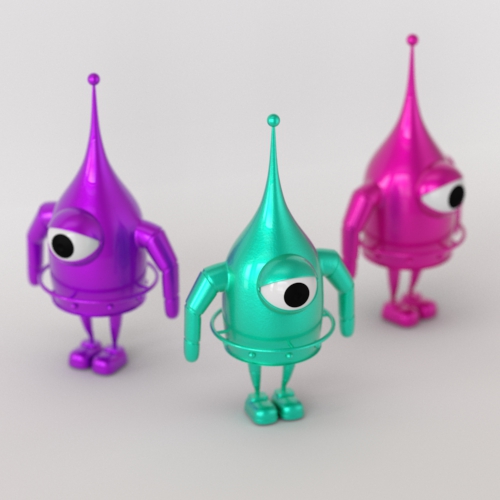
Seed
Gives a different color variation. This only affects the randomization due to "data_input."
 |
 |
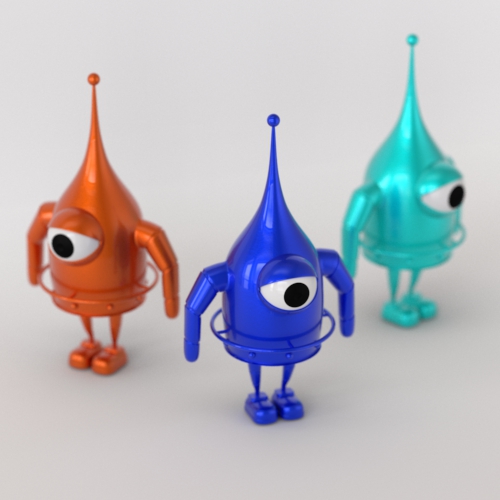 |
| seed: 0 | seed: 1 | seed: 3 |
Procedural
Gain Min/Max
Specify the range of a random value to be added to gain. The random value is generated based on the name of a procedural object.
Hue Min/Max
Specify the range of a random value to be added to the hue. The random value is generated based on the name of a procedural object.
Saturation Min/Max
Specify the range of a random value to be added to saturation. The random value is generated based on the name of a procedural object.
Seed
Gives a different color variation. This only affects the randomization due to the name of a procedural object.
Object
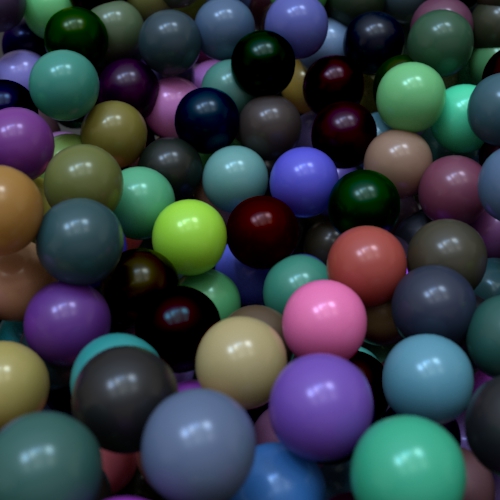
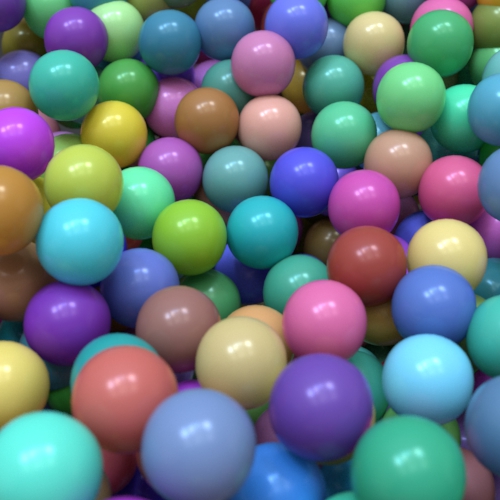
Gain Min/Max
Specify the range of a random value to be added to gain. The random value is generated based on the name of an object.
 |
 |
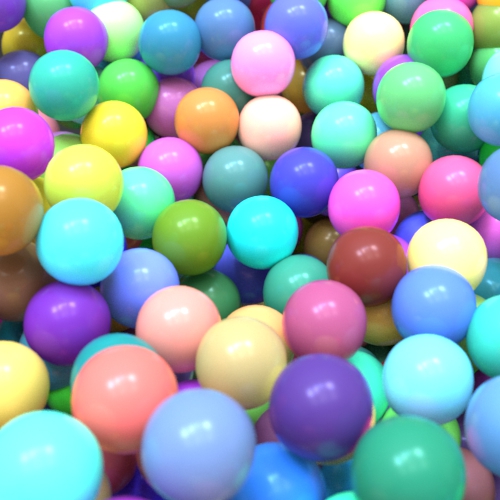 |
| min: 0, max: -1 | min: 0, max: 0 | min: 0, max: 1 |
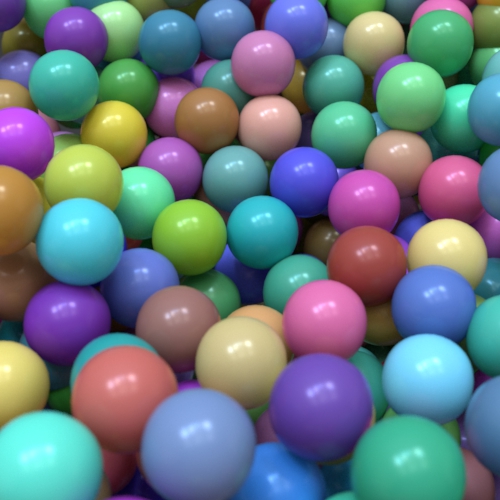
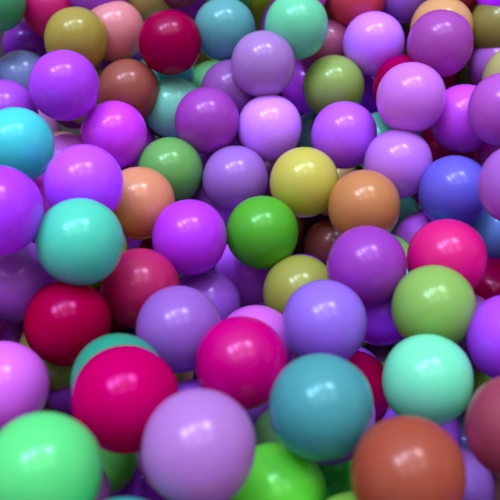
Hue Min/Max
Specify the range of a random value to be added to the hue. The random value is generated based on the name of an object.
 |
 |
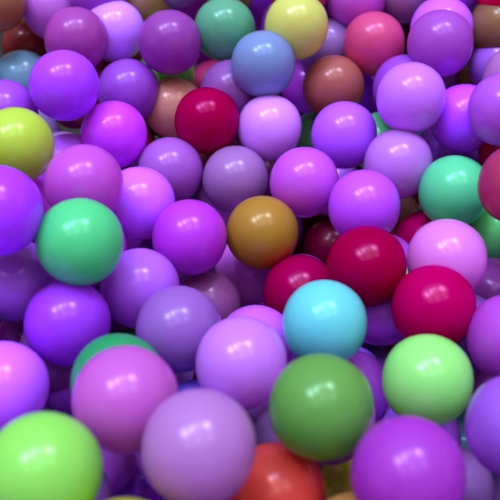 |
| min: 0, max: 0 | min: 0, max: -1 | min: 0, max: -2 |
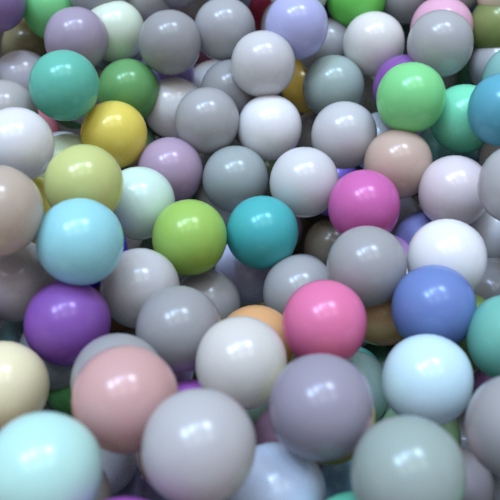
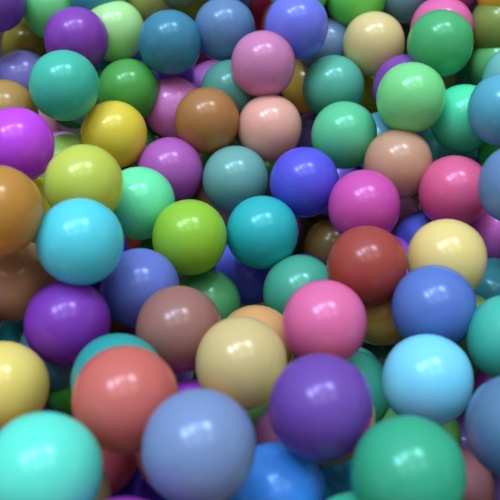
Saturation Min/Max
Specify the range of a random value to be added to saturation. The random value is generated based on the name of an object.
 |
 |
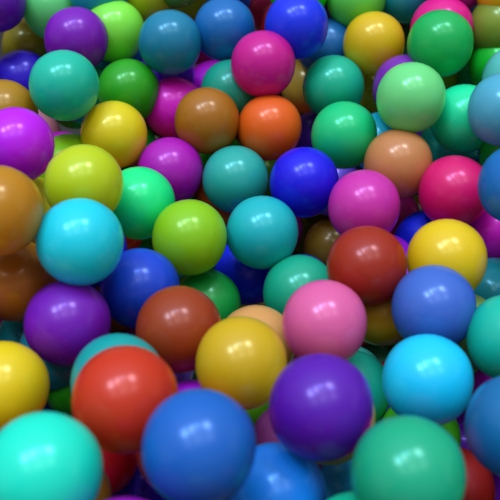 |
| min: 0, max: -1 | min: 0, max: 0 | min: 0, max: 1 |
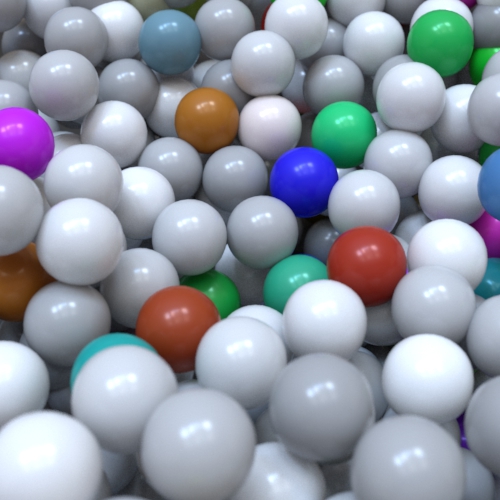
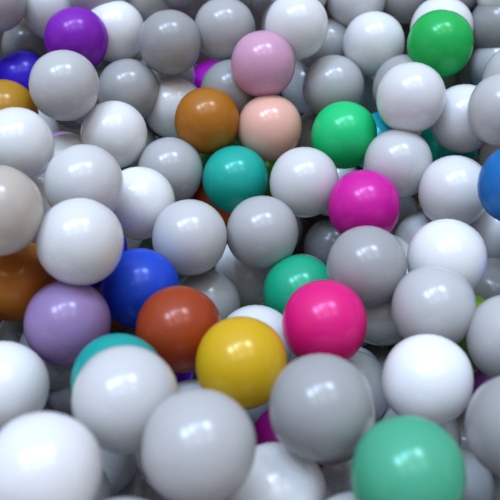
Seed
Gives a different color variation. This only affects the randomization due to the name of an object.
 |
 |
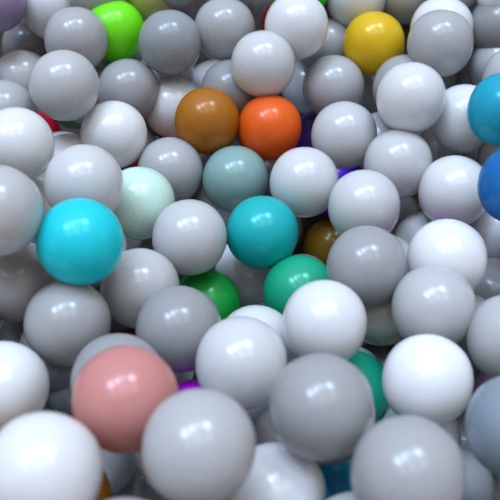 |
| 0 | 1 | 2 |
saturation min: -10, saturation max: 2.
Face
Gain Min/Max
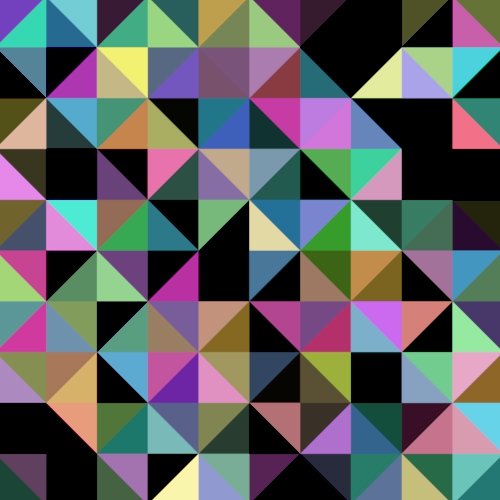
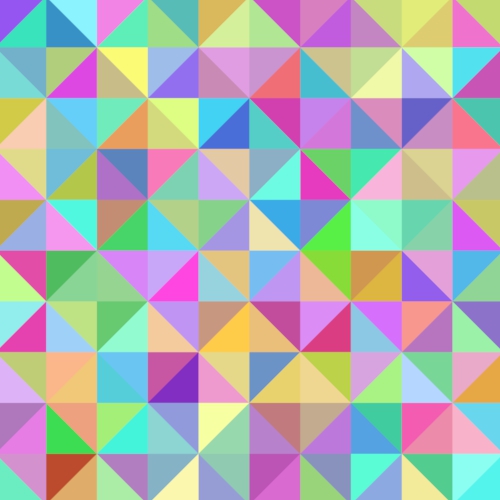
Specify the range of a random value to be added to gain. The random value is generated based on a primitive id.
 |
 |
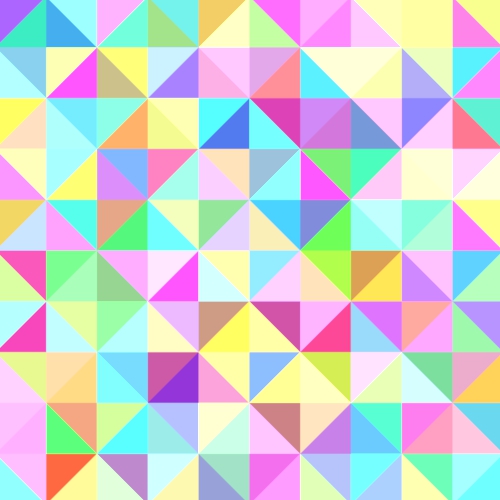 |
| min: 0, max: -1 | min: 0, max: 0 | min: 0, max: 1 |
Care should be taken when combining face variations with certain sorts of adaptive subdivision. The variations may cause flickering when animated.
Hue Min/Max
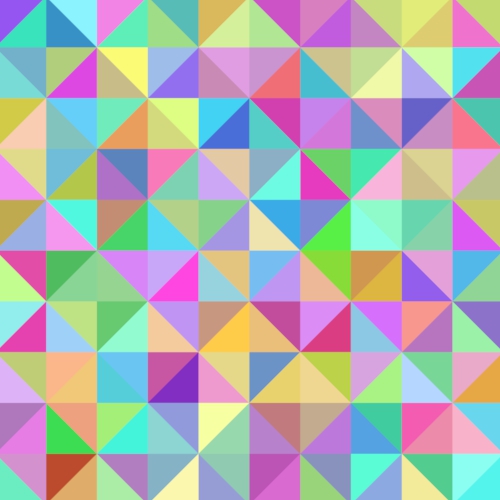
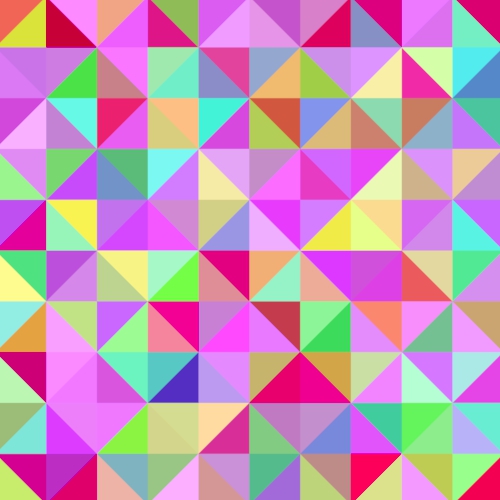
Specify the range of a random value to be added to the hue. The random value is generated based on a primitive ID.
 |
 |
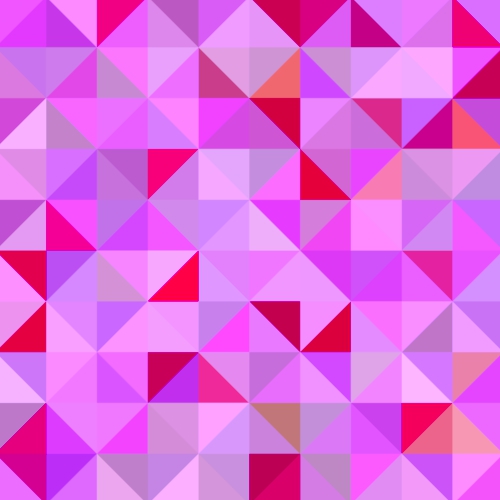 |
| min: 0, max: 0 | min: 0, max: -1 | min: -1, max: -1 |
Saturation Min/Max
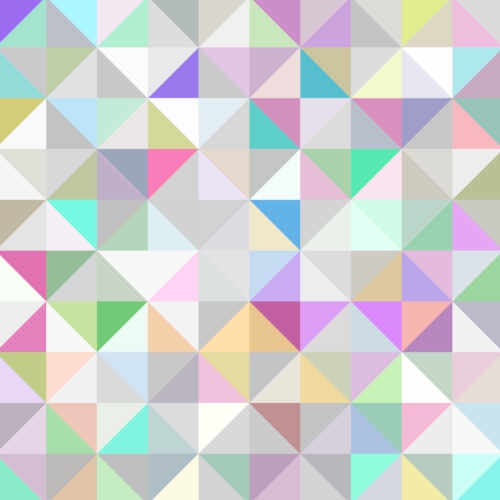
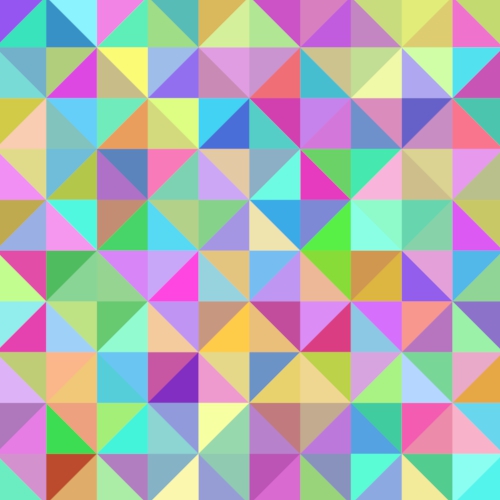
Specify the range of a random value to be added to saturation. The random value is generated based on a primitive ID.
 |
 |
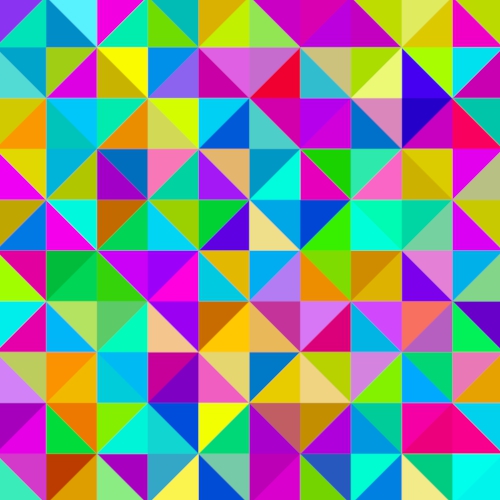 |
| min: 0, max: -1 | min: 0, max: 0 | min: 1, max: 1 |
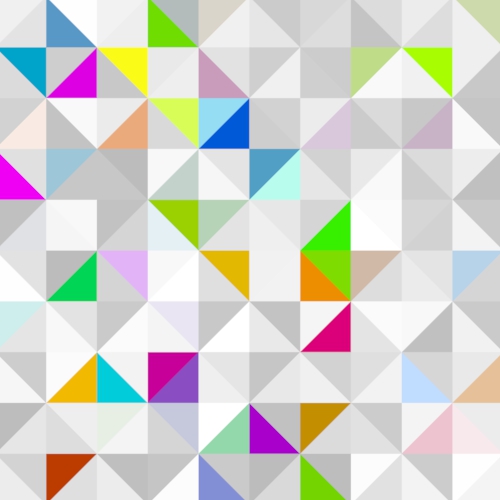
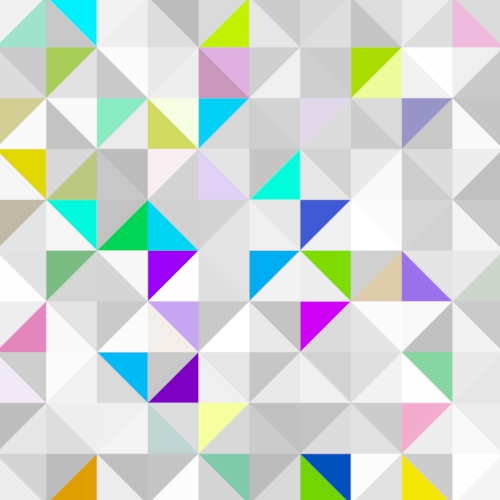
Seed
Gives a different color variation. This only affects the randomization due to a primitive ID.
 |
 |
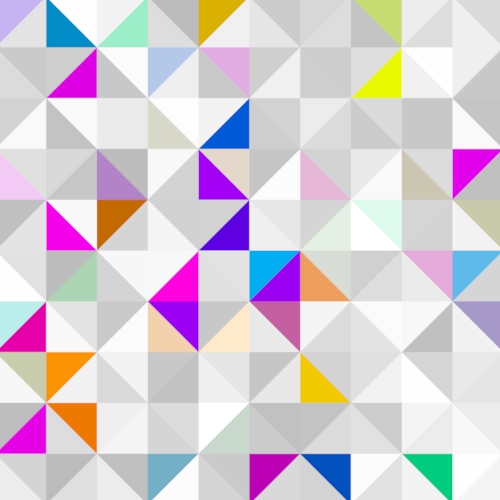 |
| 0 | 1 | 2 |
saturation min: -5, saturation max: 1.
Face Mode
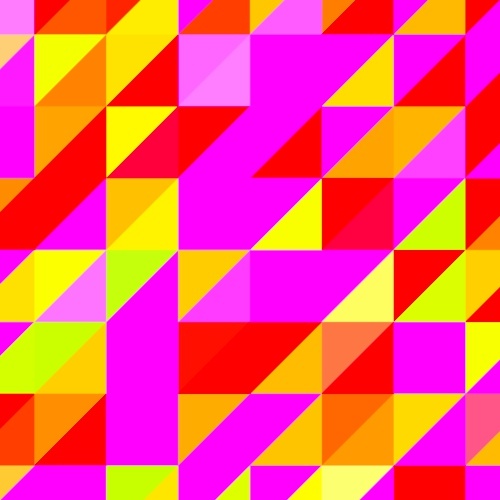
The color can be randomized per triangle (face_id) as well as quadrangle (uniform_id).
 |
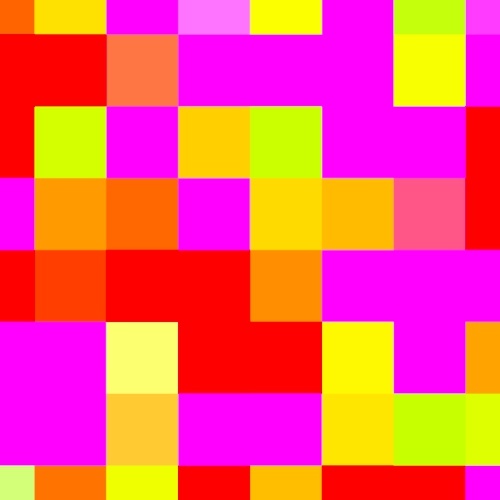 |
| face id (default) | uniform id |