Flow Render Tech Preview
Flow Render helps users render frames more efficiently by utilizing the Autodesk Flow cloud platform. This frees up desktop resources and enables faster and smarter work processes.
Flow Render ROP
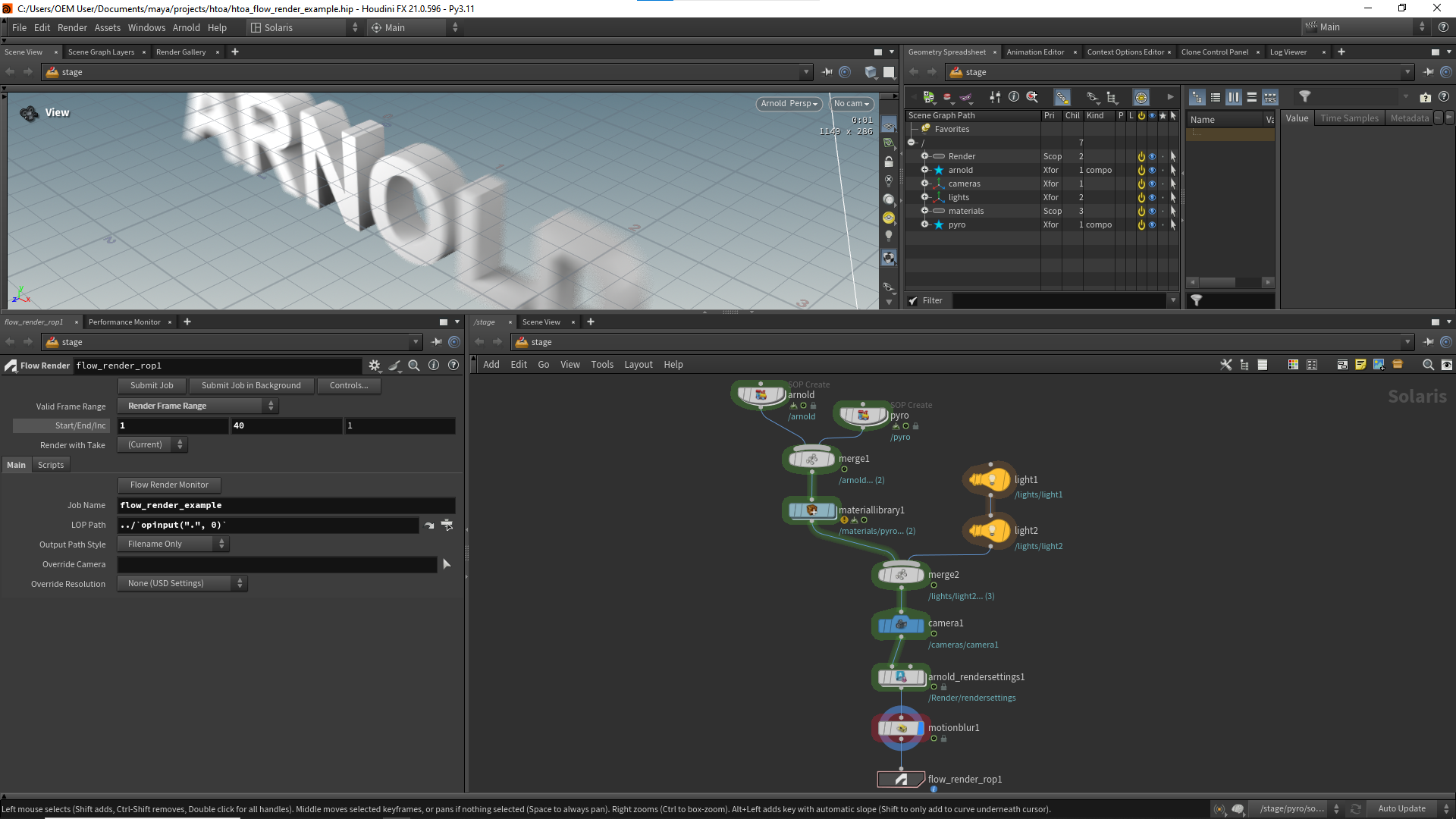
You can use the Flow Render ROP to render your Solaris stage in the cloud.
- Place a Flow Render ROP in /stage and plug in the scene you want to render. The Flow Render ROP has parameters to override settings such as camera, resolution, and output path, but by default it uses what you set in the Render Settings.
- Click Flow Render Monitor on the ROP to display a pane where you can monitor your jobs. For heavy scenes, use Submit Job in Background, as uploads may take longer when there is a large amount of cached data.
Frames Per Task: Sets the number of frames processed in each render task. This setting can improve rendering efficiency by reducing the overhead of starting a worker and loading the scene for each task. By default, each task renders 1 frame. If your frames render quickly, increasing this value (for example, 10 or more frames per task) can reduce overhead and improve overall rendering performance. If your frames take longer to render, the default value of 1 is typically recommended.
For example, rendering 100 frames with 10 frames per task produces 10 tasks that will run in parallel on 10 Flow Render worker machines (10 being the maximum number of parallel tasks on Flow).
- Frames 0001 - 0010
- Frames 0011 - 0020
- Frames 0021 - 0030
- and so on up to frames 0091 - 0100
This option is supported for regular renders and turntables. It is not supported for texture baking.
Frame Time Limit: Stops each frame after about this much time and writes out the image reached so far. It is in the Advanced section of the Flow Render ROP. Set the time in the field and choose the unit in the menu next to it: Seconds, Minutes, or Hours. The default is 0, which means there is no limit.
The render uses progressive sampling, so the image you get is complete but noisier than a converged render. The limit is approximate, and the render can run longer if some pixels don't have valid data yet.
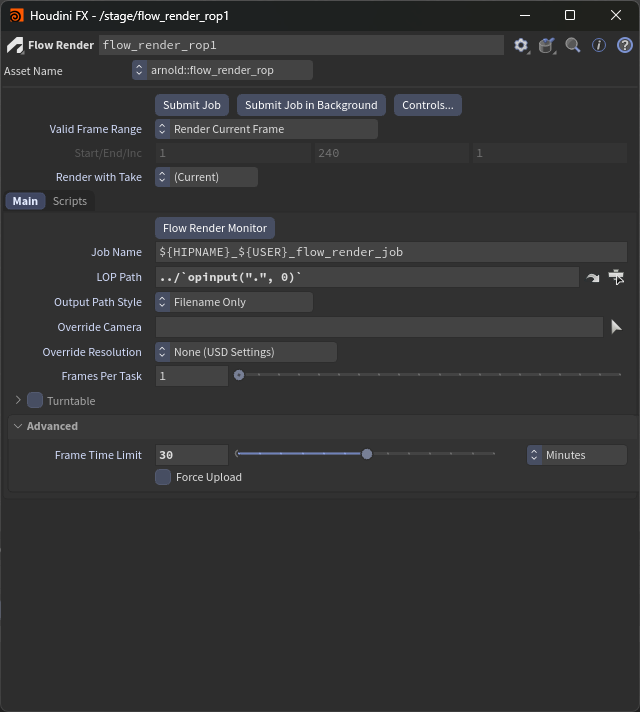
The Frame Time Limit setting in the Advanced section of the Flow Render ROP
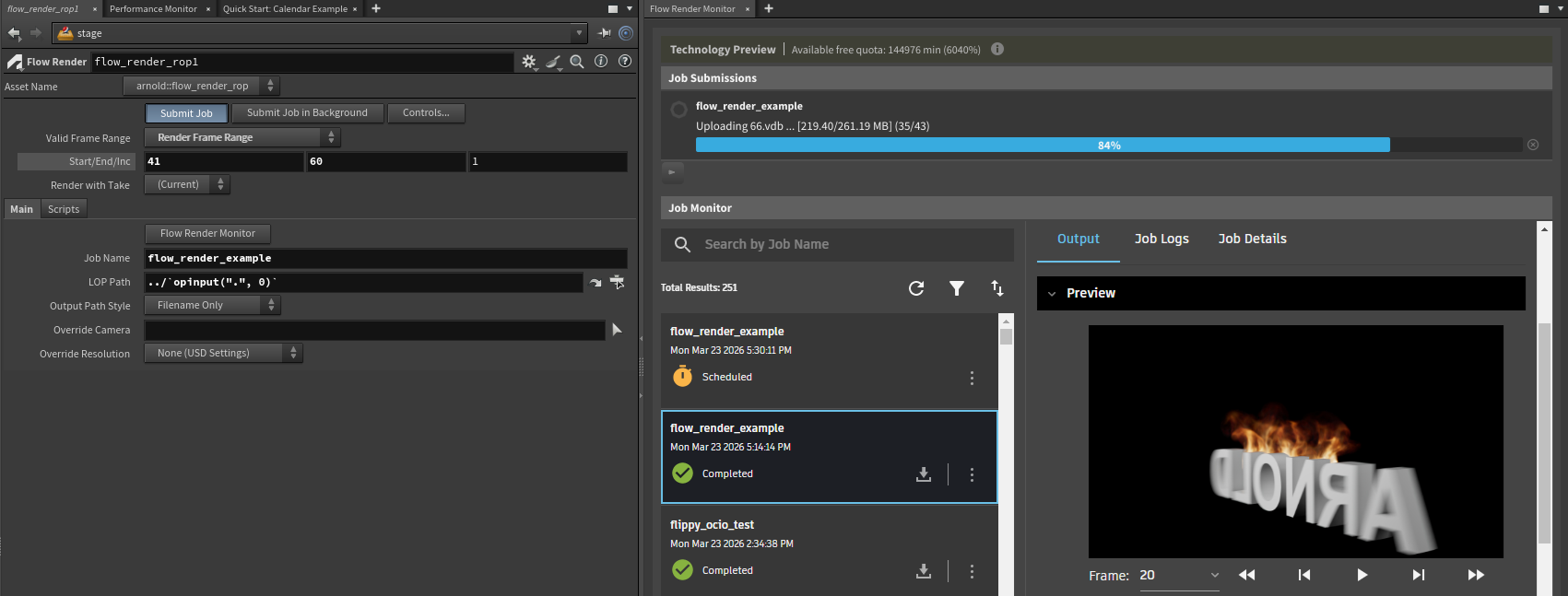
Flow Render Monitor window
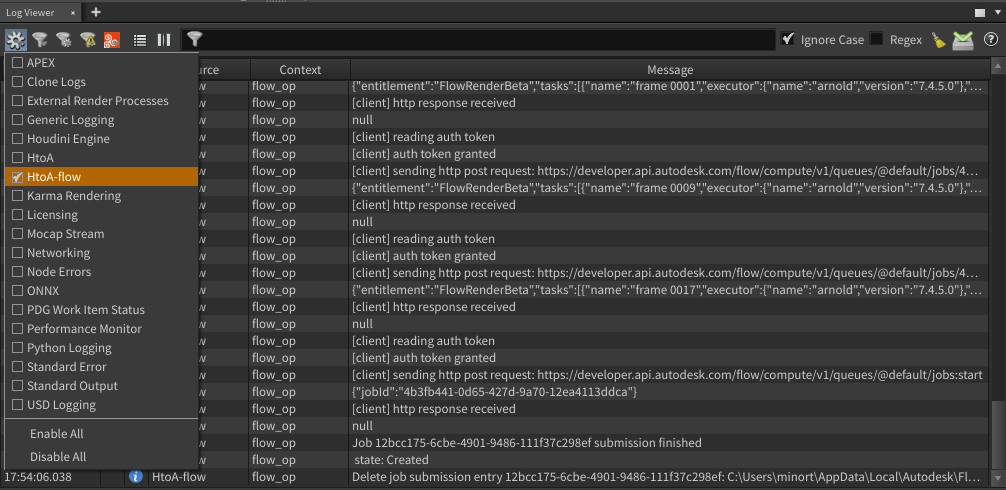
An HtoA-flow logging category is available for debugging:
Flow Render HScript commands
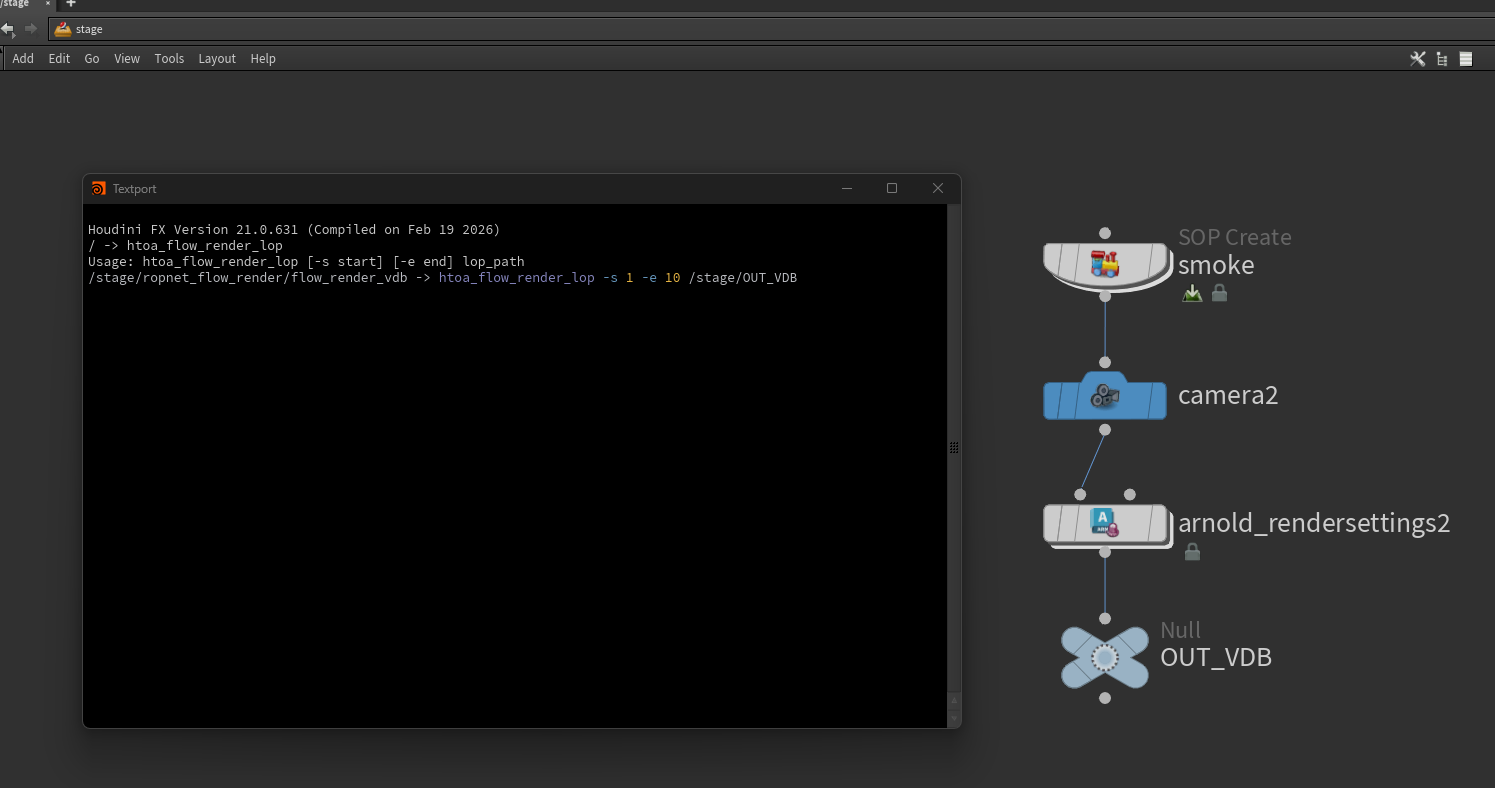
Two HScript commands are available:
htoa_flow_render_submit: Submit a file from disk, which can be an ASS or USD file.htoa_flow_render_lop: Submit LOP nodes (like the Flow Render ROP).
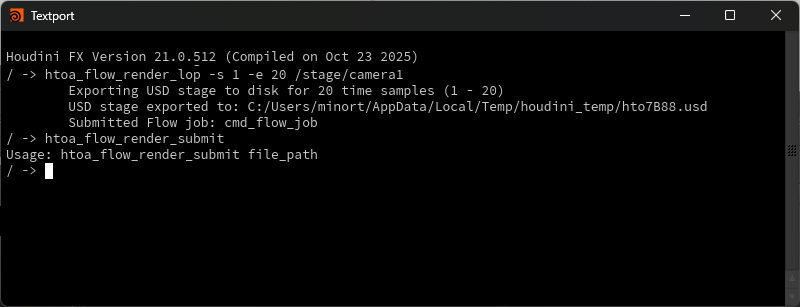
htoa_flow_render_lop expects a /stage path which specifies the location from which the USD data is loaded.
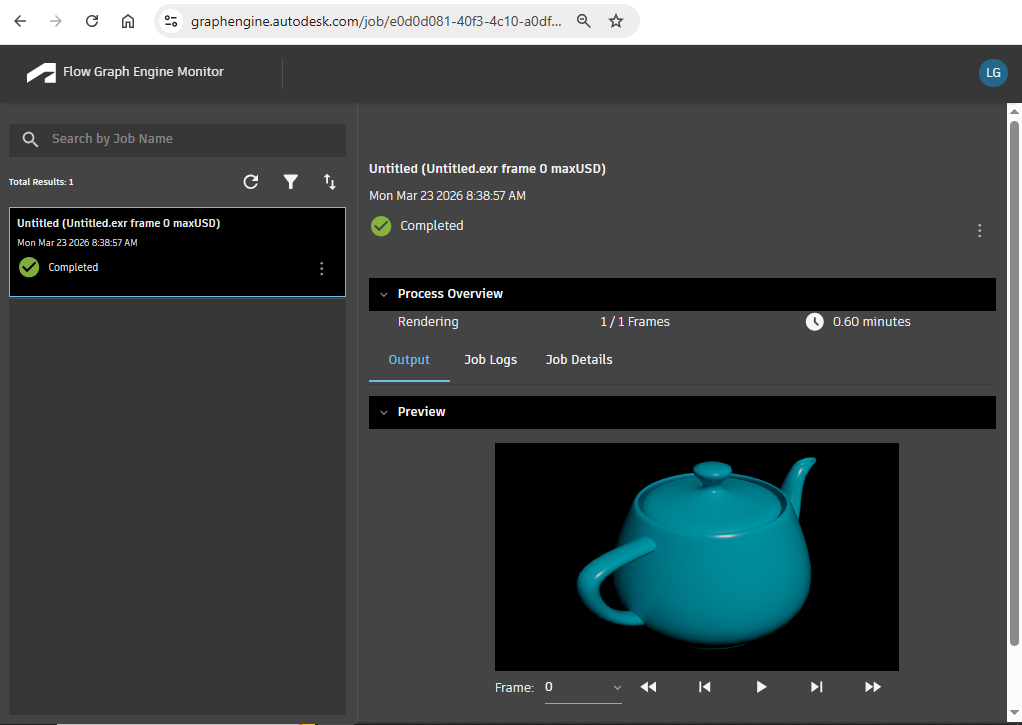
Web Interface Job Monitor
This is a web interface to display render jobs (see also Flow Render Monitor).
The job monitor can also be accessed from a web browser at https://graphengine.autodesk.com/ using your Autodesk account. No downloads are available currently from the web interface.
Limitations
- Number of tasks executed simultaneously is limited to 10.
- No prioritization between jobs/tasks.
- GPU rendering is not supported. The scene is always rendered on CPU.
- The
<attr>token in texture filenames is not supported. - Third-party Arnold plugins (for example, Yeti) are not supported.
Flow Render Terms
Last updated: March 26, 2026
Flow Render is only available to You if You have a subscription to Maya 2026, 3ds Max 2026, Arnold 2026, or newer. Notwithstanding anything contained in these Terms, You may install Flow Render on multiple computers. Flow Render enables You to perform processing services of your Content (Task(s)) as set forth below.
Autodesk may, in its sole discretion, and at any time, with or without notice to You, change or rescind the number of Tasks, Processing Time, and Task storage to which You are entitled, as well as modify any terms and conditions thereto.
Task Processing
Flow Render permits You to process multiple Tasks simultaneously if You have the time banked to do so in advance of You processing any Tasks.
Task Processing Time
The processing time for a Task to be completed (Processing Time) shall not exceed twelve (12) hours. If the Processing Time for a Task exceeds twelve (12) hours, the processing of the Task will not be completed. Autodesk may, in its own discretion, modify Processing Time.
Task Storage
As a convenience to You, Autodesk will store your Task data (including your Content that You submit to Flow Render for the Task to be processed) for up to thirty (30) days, regardless of whether the Task was completed, subject to certain service-level limitations as set forth here: https://aps.autodesk.com/en/docs/flow_graph_engine/v1/developers_guide/rate-limiting/fge-limits/.
If You reuse the same Task data in subsequent Tasks within that period, Autodesk may extend the retention of such Task data for as long as it continues to be used in subsequent Tasks. Once the applicable retention period expires and the Task data is no longer being reused, such Task data will be deleted without further notice to You.