Gaussian Splat


Coral Gaussian Splat available here.
BakeGSplat
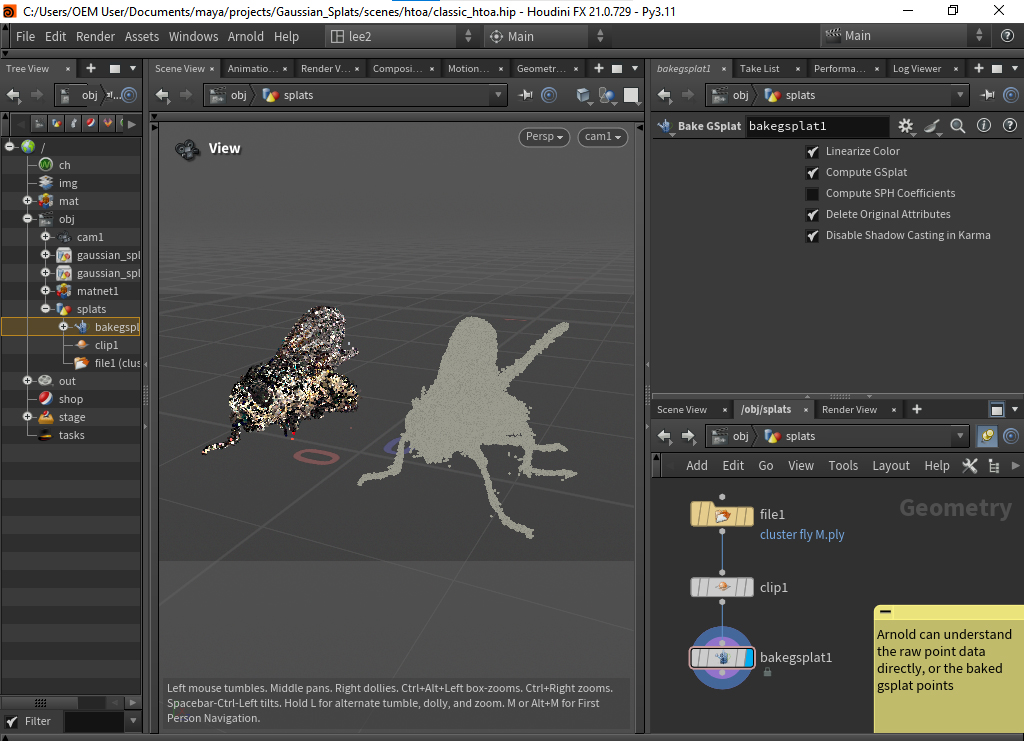
Gaussian Splat (PLY) file clipped and baked using Bake GSplat
Arnold Gaussian Splat
The Arnold Gaussian Splat node loads and renders Gaussian splat datasets inside Arnold.
Gaussian splats are point-based scene representations composed of millions of oriented volumetric splats instead of traditional polygonal geometry. Gaussian splats are commonly generated from photogrammetry, neural rendering, or radiance field reconstruction workflows and provide an efficient way to represent highly detailed real-world captures.
Each splat is represented as an anisotropic 3D Gaussian distribution defined by:
- Position — center of the splat in 3D space
- Scale — ellipsoid size along each axis
- Orientation — rotation of the ellipsoid
- Color / Radiance — emitted or reflected appearance
- Opacity — transparency contribution
During rendering, Arnold projects and blends splats together to reconstruct continuous surfaces and volumetric detail with smooth transitions and high visual fidelity.
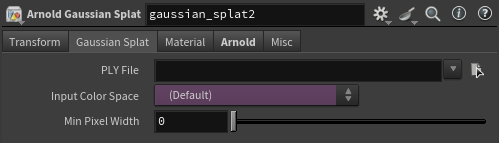
PLY File
Specifies the Gaussian Splat file to load (PLY).
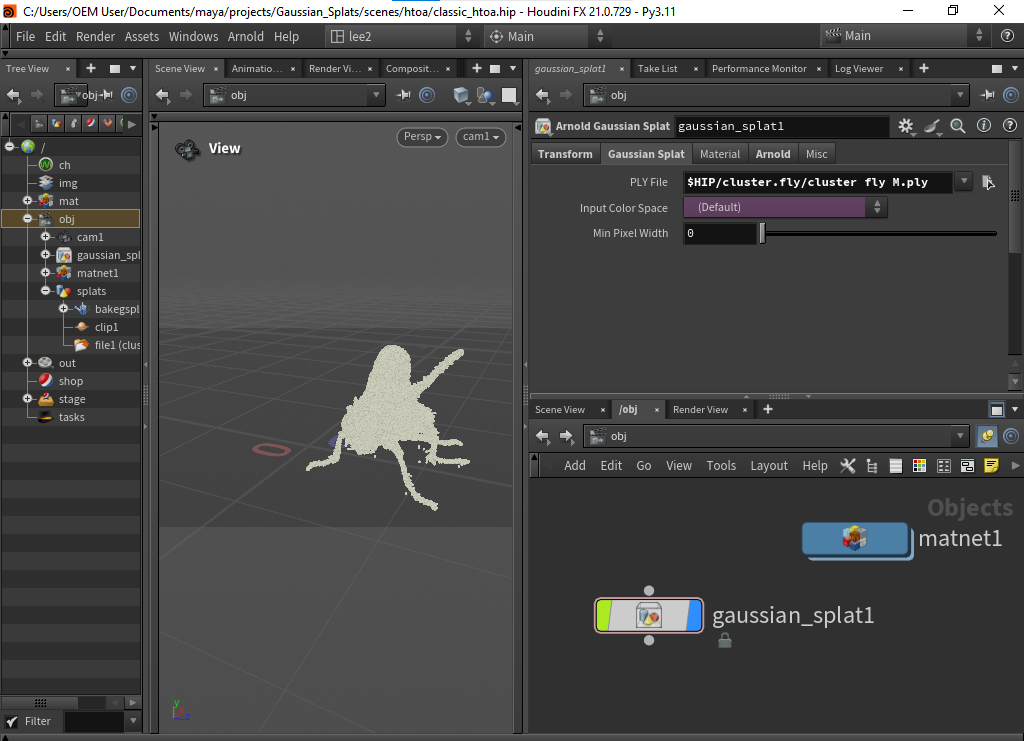
A Gaussian Splat (PLY) file opened in Arnold Gaussian Splat
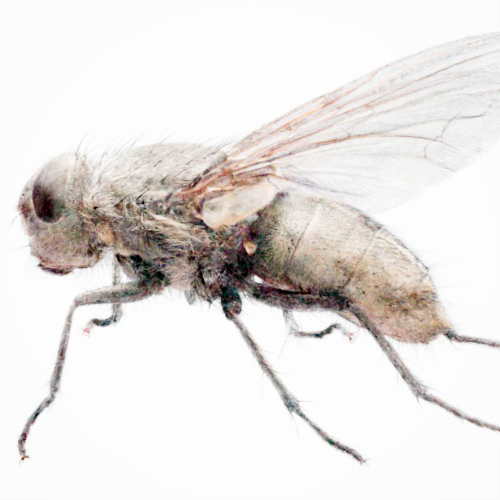
Input Color Space
Specifies the color space used to interpret splat color data. Choose the color space that matches the source dataset to ensure accurate shading and lighting.
 |
 |
| RAW | sRGB |
Min Pixel Width
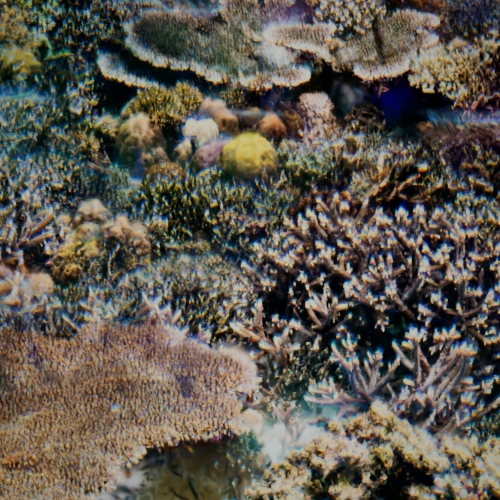
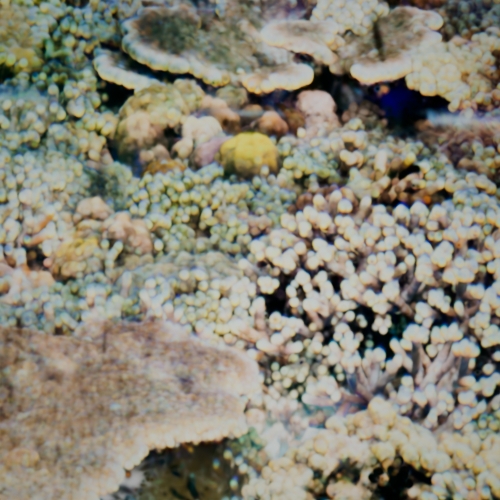
For Gaussian splats, Min Pixel Width (MPW) defines the minimum on-screen size of individual splats in pixels. Increasing this value can help reduce holes and sparse regions, improve the visibility of distant splats, and produce smoother surface reconstructions. Lower values preserve finer detail but may introduce gaps or aliasing in thin regions.
For best results, use an MPW value close to 1.0. Setting MPW too low may cause visible holes or missing coverage.
 |
 |
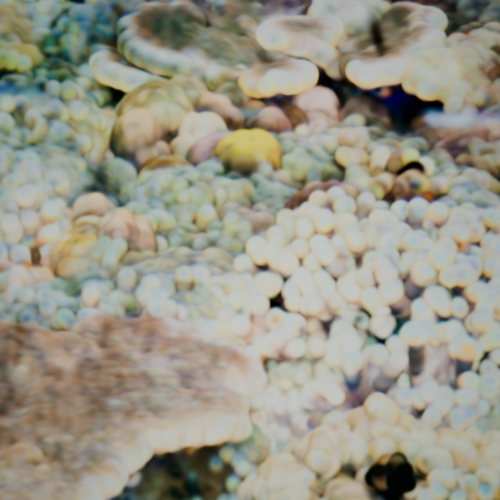 |
| 0 (default) | 10 | 20 |
Gaussian Splat Shader
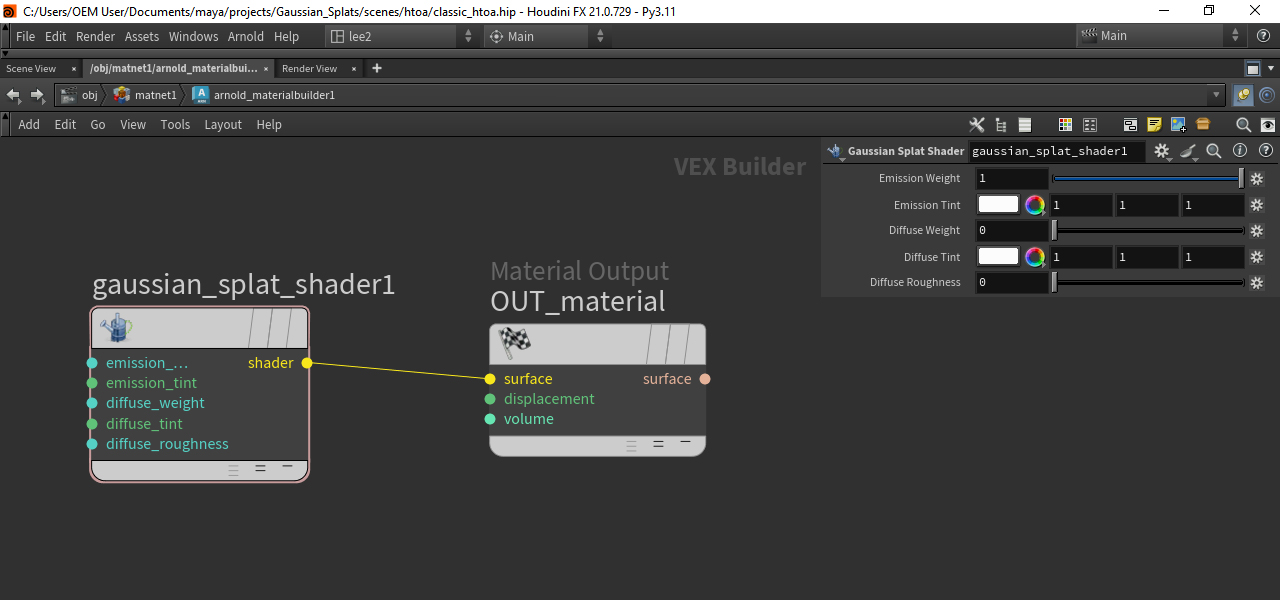
Gaussian Splat Shader applied to Gaussian Splat.
You can override the Gaussian splat shading and assign a different Arnold shader, such as OpenPBR Surface or Utility. Arnold will render the splats as flat ellipsoids.
If you do assign a shader, then the Shading parameters no longer control the splat shading.
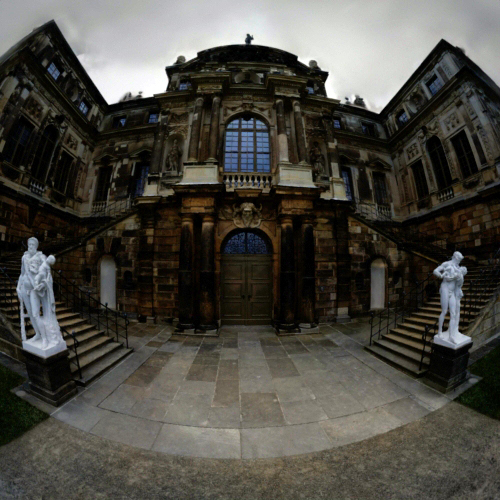
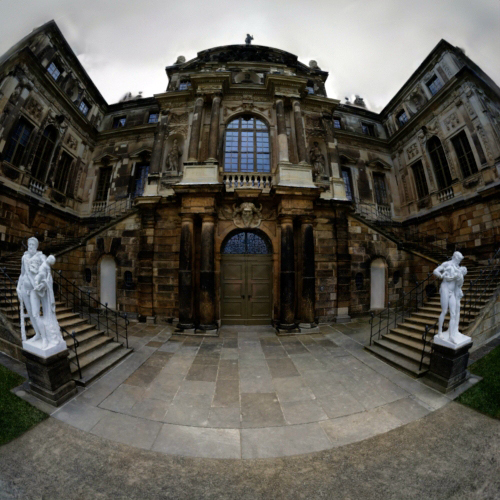
Emission Weight
Scales the contribution of each splat's stored radiance, treating splat color as emitted light. A value of 1.0 renders splats at their captured brightness; 0.0 disables the emission contribution.
 |
 |
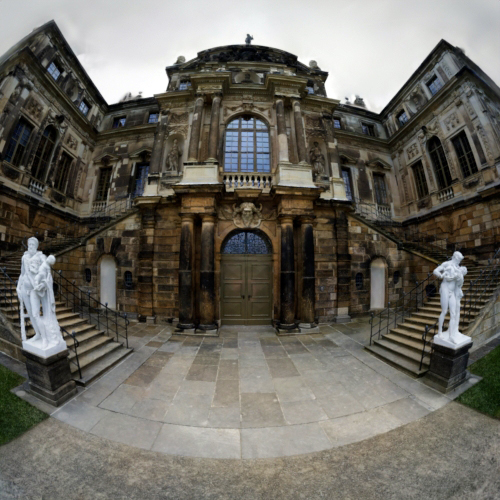 |
| 0.25 | 0.5 | 1 (default) |
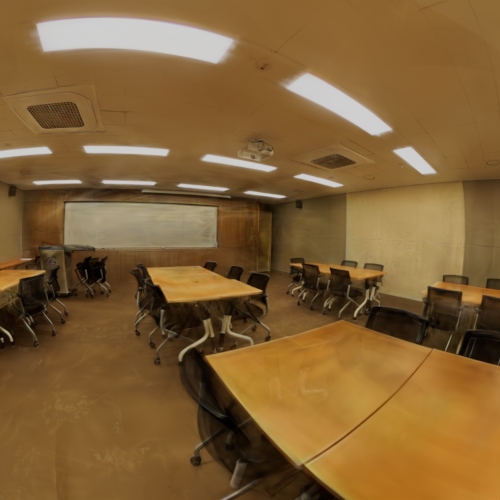
Emission Tint
Applies a color multiplier to the emission component of each splat. White preserves the original captured color; other values shift the emitted appearance for look development, grading, or matching scene lighting.
 |
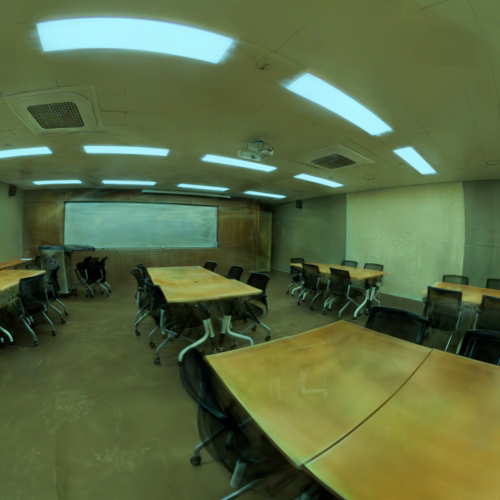 |
| White (default color) | Blue |
Diffuse Weight
Scales the diffuse shading contribution from scene lights. Use a non-zero value to have splats respond to Arnold lights; set to 0.0 for an unshaded, radiance-only look.
Diffuse Tint
Applies a color multiplier to the diffuse component of each splat.
Diffuse Roughness
Controls the roughness of the diffuse response. Higher values produce a flatter, more uniform diffuse falloff across each splat.