Gaussian Splat


The Gaussian Splat node renders point-based scene representations composed of millions of oriented volumetric splats instead of traditional polygonal geometry. Gaussian splats are commonly generated from photogrammetry, neural rendering, or radiance field reconstruction workflows and provide an efficient way to represent highly detailed real-world captures.
Each splat is represented as an anisotropic 3D Gaussian distribution defined by:
- Position — center of the splat in 3D space
- Scale — ellipsoid size along each axis
- Orientation — rotation of the ellipsoid
- Color / Radiance — emitted or reflected appearance
- Opacity — transparency contribution
During rendering, Arnold projects and blends splats together to reconstruct continuous surfaces and volumetric detail with smooth transitions and high visual fidelity.
The Gaussian Splat node loads and renders Gaussian splat datasets inside Arnold.
The middle section of the node graph (below) demonstrates how to create a Gaussian Splat points location manually without using the SuperTool. In this workflow, the Gaussian Splats material must be created and assigned explicitly.
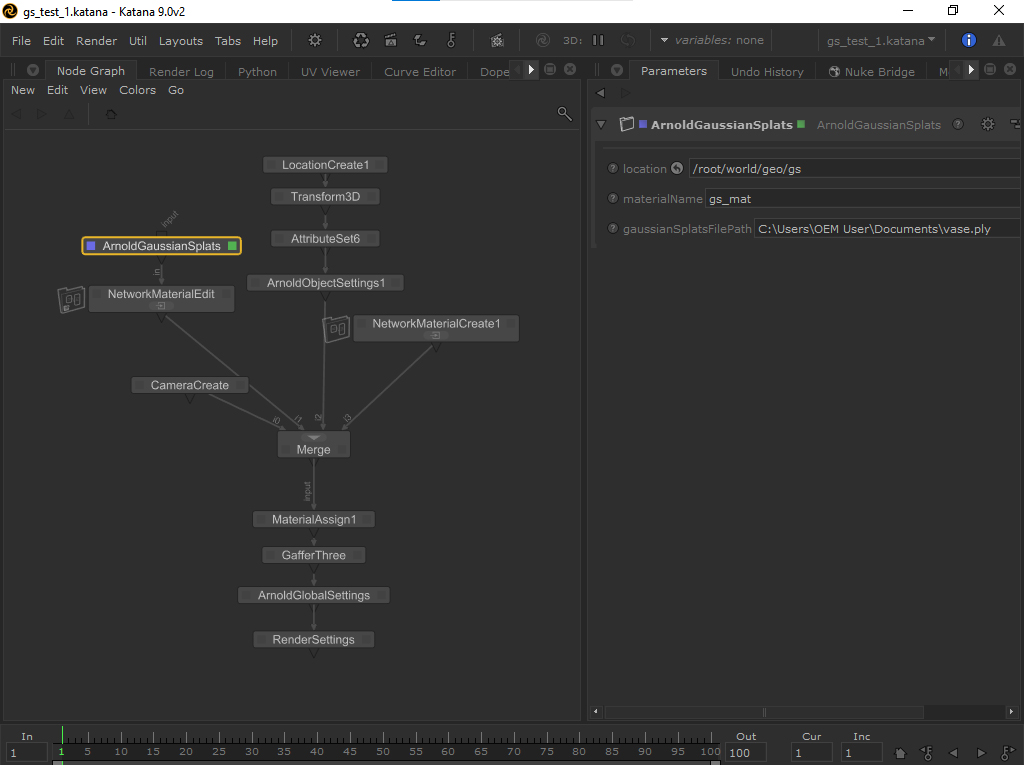
Gaussian Splat node in a Katana scene.
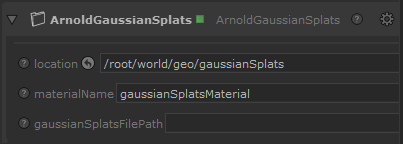
The supertool node ArnoldGaussianSplats creates a Gaussian Splat Shader and assigns it. You can edit the generated shader using a NetworkMaterialEdit node (shown in the screenshot below).
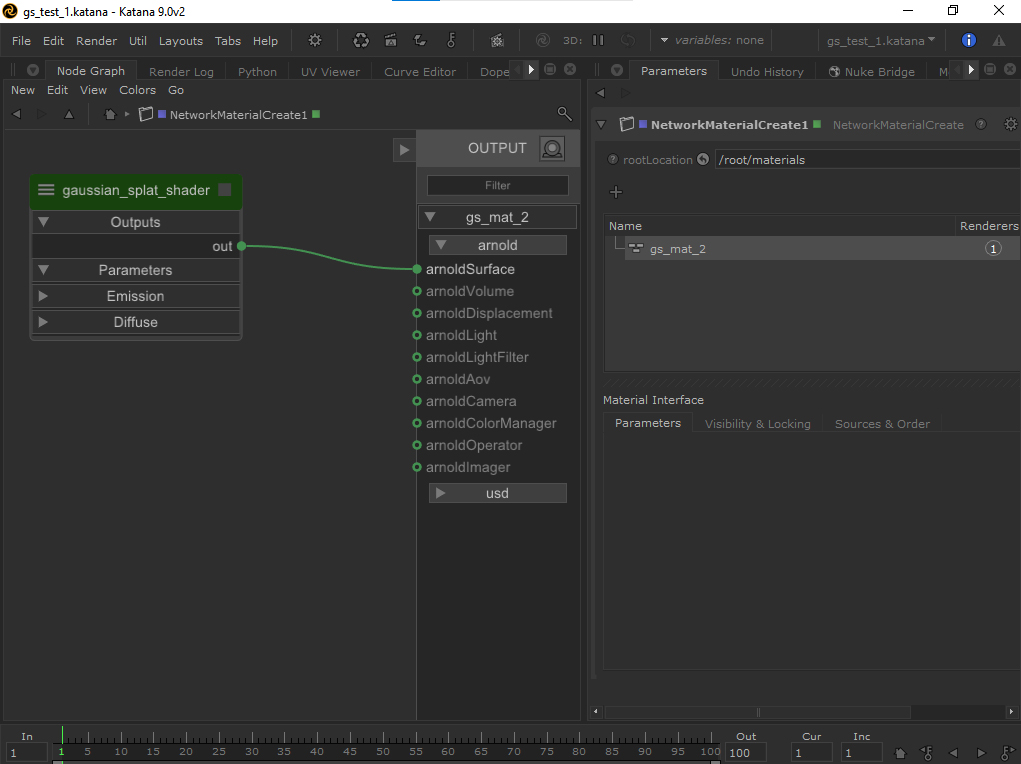
Gaussian Splat shader
Only the ArnoldGaussianSplats supertool automatically creates and assigns the Gaussian Splat Shader. If you build the Gaussian Splat location manually — setting up the points primitive and PLY file yourself without the supertool — no shader is created for you, and you can assign any Arnold material to materialName instead.
GaussianSplatsFilePath
Location of the PLY file.
Min Pixel Width Override
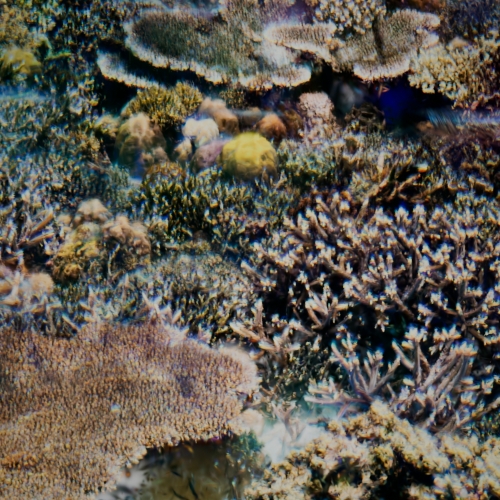
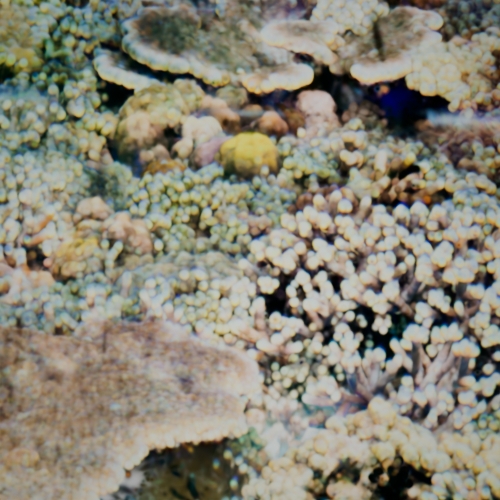
To override the minimum pixel width for a specific Gaussian Splat object, add an ArnoldObjectSettings node and select the location containing the splat points. In the Points settings, adjust Min Pixel Width (MPW) to control the minimum on-screen size of the splats for that object. Increasing this value can help reduce holes and sparse regions, improve the visibility of distant splats, and produce smoother surface reconstructions. Lower values preserve finer detail but may introduce gaps or aliasing in thin regions.
For best results, use an MPW value close to 1.0. Setting MPW too low may cause visible holes or missing coverage.
 |
 |
 |
| 0 (default) | 10 | 20 |
materialName
Specifies the name of the Arnold material assigned to the Gaussian Splat node. This string references a material location in the Katana scene graph. This is typically a material containing a Gaussian Splat Shader, but you can reference any Arnold material here to shade the splats with a different shader instead. If you use a different shader, the splats render as ellipsoids.