Toon
| Further Reading |
|---|
| See Toon in the Arnold User Guide for the full shader documentation. |
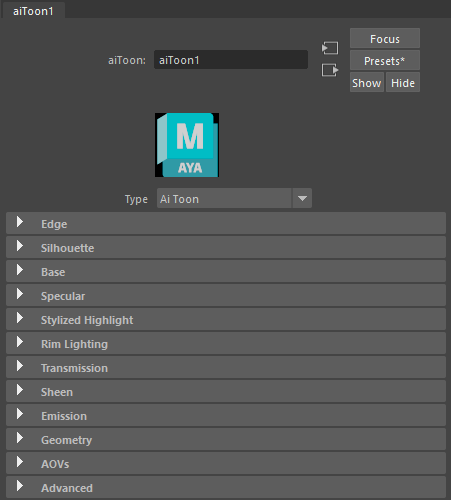
The toon shader is part of a non-photorealistic rendering (NPR) solution that is provided in combination with the contour_filter.
- The Contour Filter can be found in the Filter settings of the Render Settings window.
- When adding bump to the Edge, you should also change the Edge Detection to Shading Normal.
- Toon tutorials can be found here. A video that shows how to achieve a cross-hatching shading effect using the toon shader can be found here. A video that shows how to achieve a pixel art style using the toon shader can be found here.
- Information about custom AOVs can be found here. An example toon scene (with AOVs) can be downloaded here.
A toon example scene file of the Sophie asset can be downloaded here.
Examples
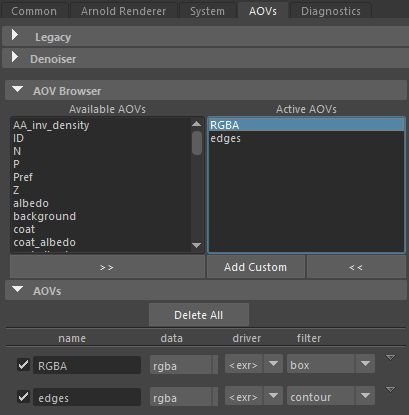
RGBA (box_filter) and edges custom AOV (contour_filter)
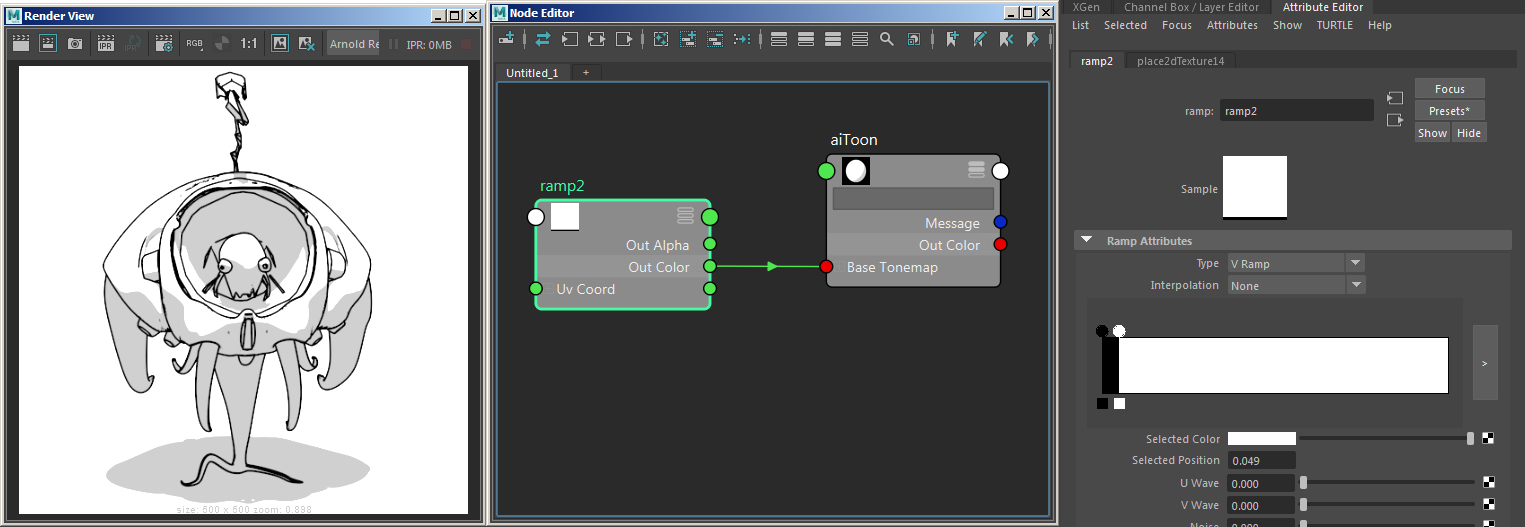
Example use of base_tonemap
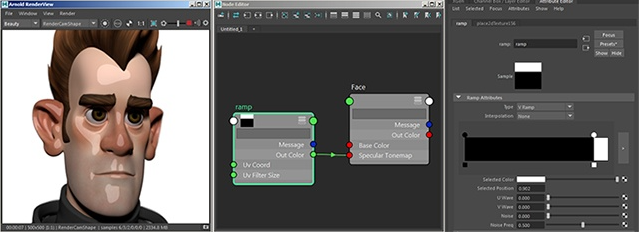
Ramp -> specular_tonemap
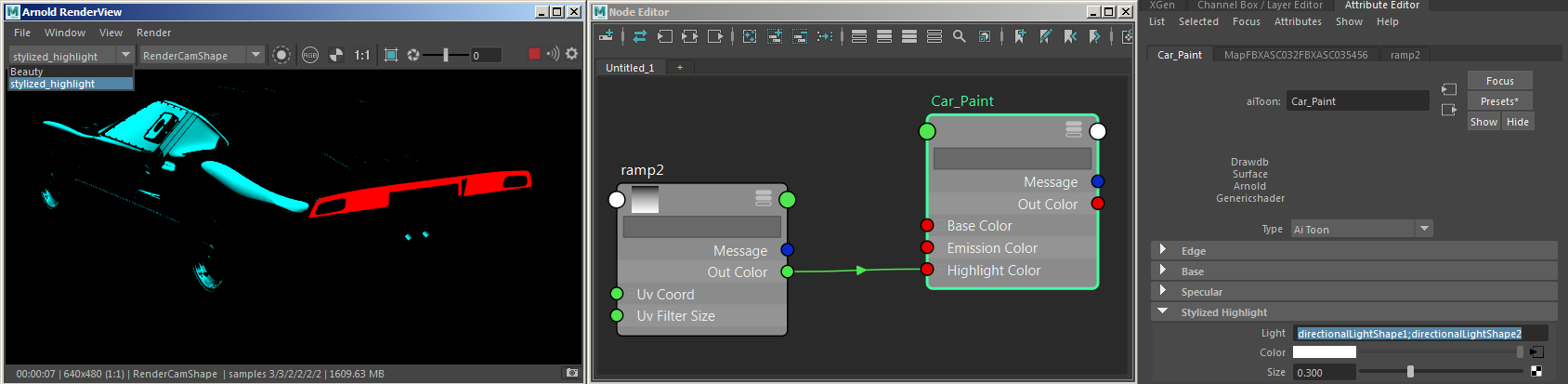
Multiple (blue and red) lights used for Stylized Highlight - 'directionalLightShape1;directionalLightShape2'.
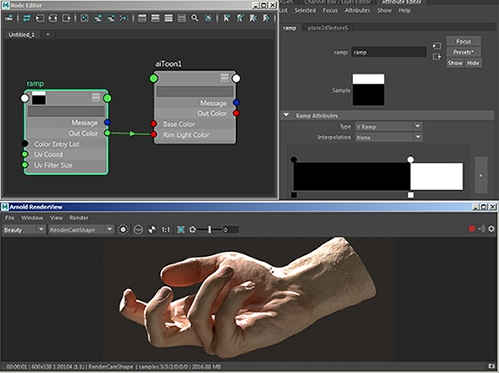
Directional light used for rim_lighting