Model Properties
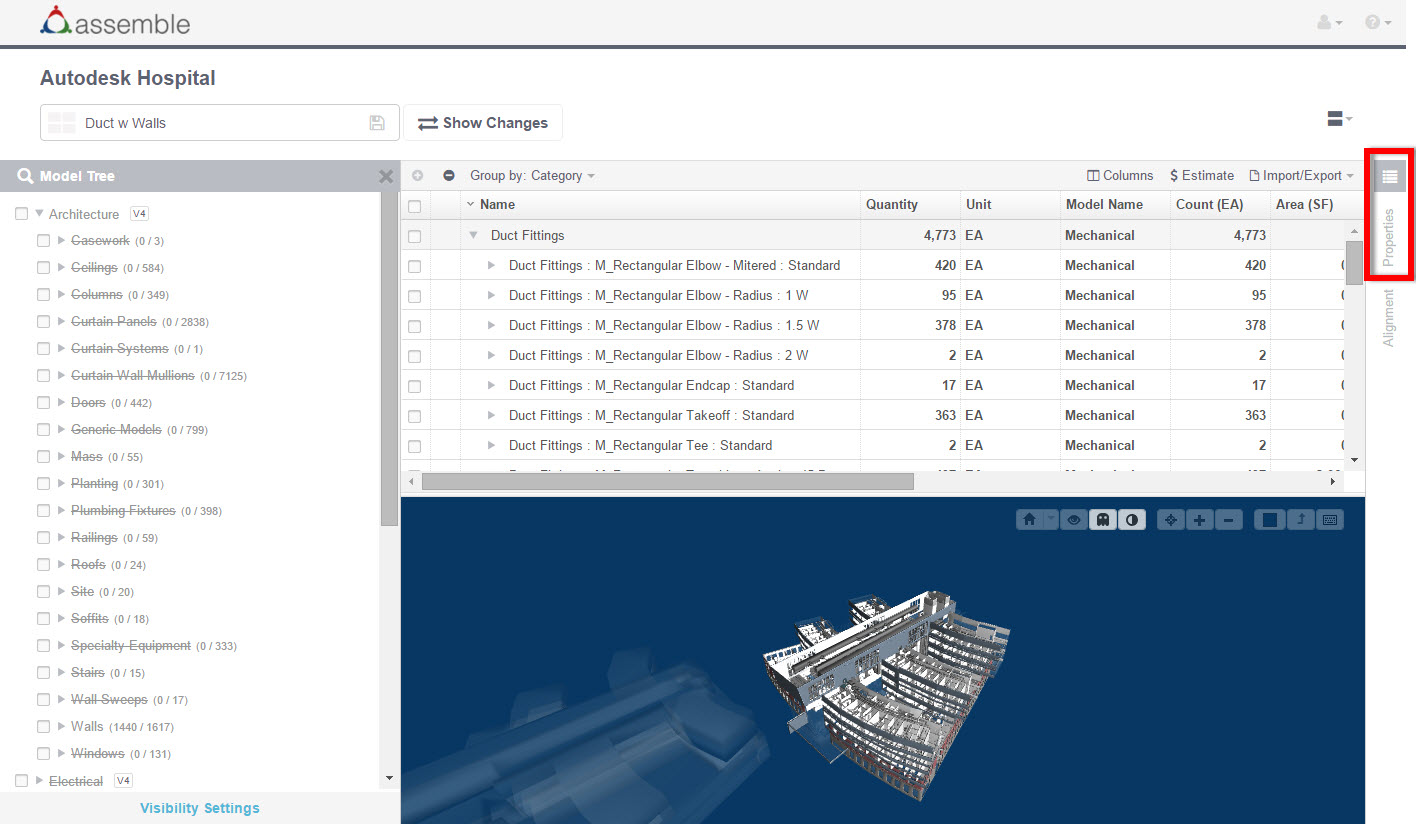
The ability to condition model data lets you add information that is missing or correct inaccurate information. This feature also allows you to edit model elements and perform estimating tasks. Properties can be managed for element instances and model types.
To edit the model data, click the Properties tab or icon, or simply click on a line item in your model inventory. Modify type and instance parameters as necessary, and then click Save.
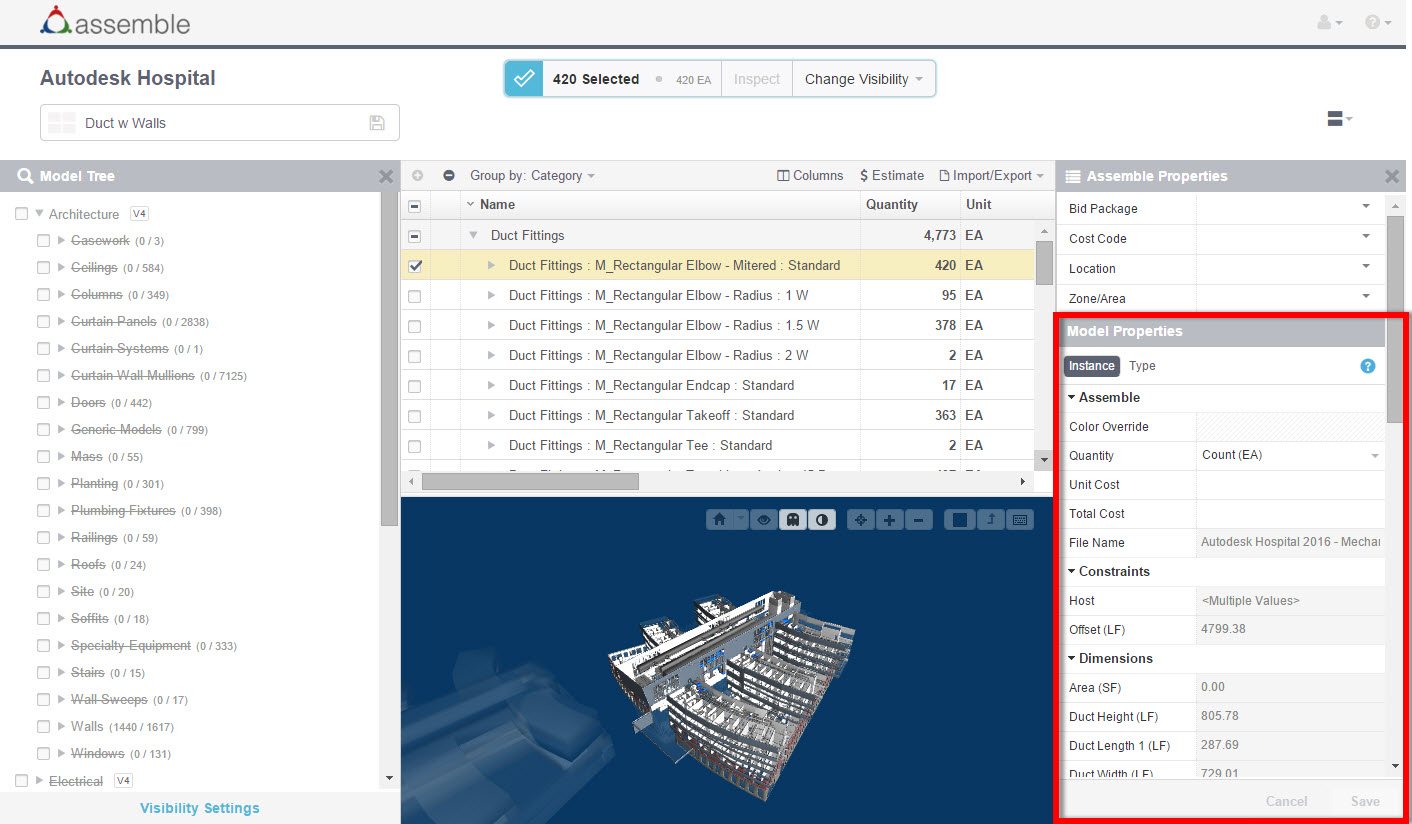
Model Properties Constraints
Fields that are grayed-out cannot be edited within Assemble.
Unit Cost, Total Cost, Quantity (source), and Color Override fields are Assemble proprietary fields that can be edited for all instances and cannot be synced back to Revit.
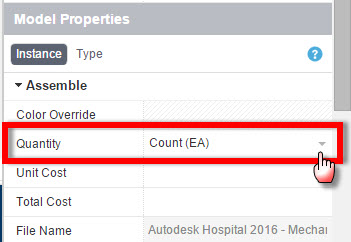
Unit Cost and Total Cost are available for editing when multiple instances are selected when the source quantity specified is the same for all instances, and not when Quantity is
.
Note: The Source Quantity can be changed by selecting an option under the Quantity field on the Instance tab.
There are other properties which Assemble calculates or renames for ease of use and consumption by our users. These are based on one or more parameters as they exist in Revit. These properties will not be synced to the Revit model.
Prior to this feature, in an effort to optimize extraction and load, we did not extract parameters from Revit in which all property values for elements extracted are null. With the release of the Properties Manager, all parameters are extracted and imported, regardless of value, including null values. The existing behavior remains that same for read-only parameters.
Changes to type properties will affect all instances of the Type, including instances which may not be visible in your current view. If multiple types are selected, changes will affect all instances of the selected types.
Type Property example: If you edit the CSI Code field, which is a type property, for ceiling type GWB on Mtl. Stud found on Level CEILING of your model, the CSI Code will also be changed for the same type of ceiling found on Level 1 of your model. All 148 instances of ceiling type GWB on Mtl. Stud will be updated with the CSI Code entered in the Properties panel.
- Assemble Systems commits to preserving the integrity of the model. Therefore, properties that alter the geometry, appearance, or location of the model element cannot be altered.
- URLs can be used to link to external documents and web sites. Assemble Systems recommends adding a custom URL instance property to link individual elements to spec sheets or online documents.
- Topography does not have Types in Revit, and therefore the Type tab in the Properties Manager does not appear. Topography parameters can be edited at the instance level.
- The category "Stacked Wall" does not exist in Revit. This category is created by Assemble to assist with classifying quantities. Since the category Stacked Walls does not exist, except for in Assemble, the Type tab in the Properties Manager does not appear. However, parameters can be edited at the instance level.
- Stacked wall families in Revit will not display any custom parameters created in Revit. Your custom parameters are associated with the wall types that make up the system family. Due to this, your custom parameters for the family will not appear in Assemble, because they do not exist in Revit.
- Wall sweeps, defined as a system family, are excluded from custom instance and type parameters in Revit. Due to this, your custom parameters for the system family will not appear in Assemble, because they do not exist in Revit.
- Basic walls that make up a stacked wall appear as read-only fields in Revit. At Assemble Systems, we are currently looking for a way to tap the Revit API and allow read-only custom parameters to be pushed to Assemble. Until this work-around is developed, basic walls that make up a stacked wall will not reflect your custom parameters defined in Revit.