Malware Detected Documents
Document Management will perform a malware scan on your documents in the:
- Project files folder: The malware detected icon will display for a document if malware is detected in its current version.
- Plans folder: The malware detected icon will display if malware is detected in the seed files of the current version.
Malware Detected - Blocked Commands
The following commands are blocked if malware is detected in a document:
Open - blocked
- List view: The document name and document icon are not clickable.
- Thumbnail view: The thumbnail area is not clickable.
- PDFs: Options to Open in browser and Open in BIM viewer are hidden in menus.
Export/Copy/Share/Download blocked
- Single document selected: Selecting export/copy/share/download is disabled.
- Multiple documents selected: Selecting export/copy/share/download is disabled if malware is detected in one or more documents.
For example:

Malware Icon Displays
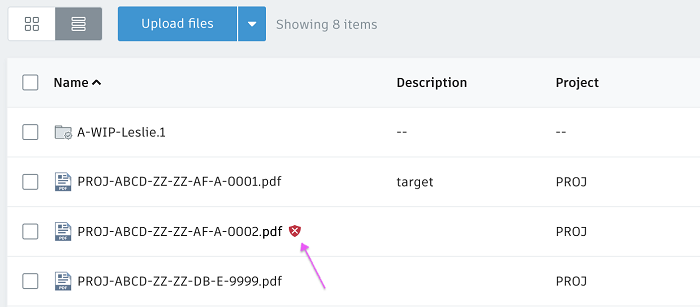
List View
The malware icon displays after the document name in Name column.
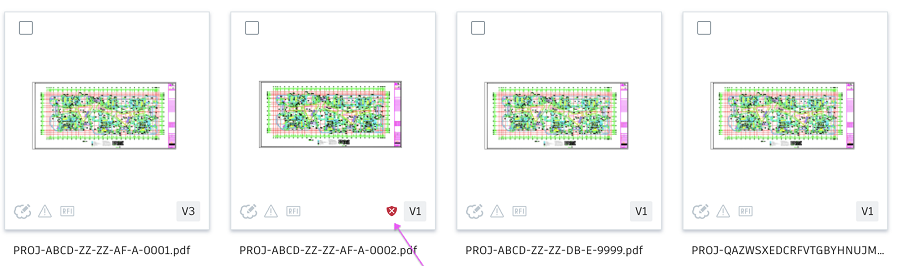
Thumbnail View
The malware icon displays next to the version badge.
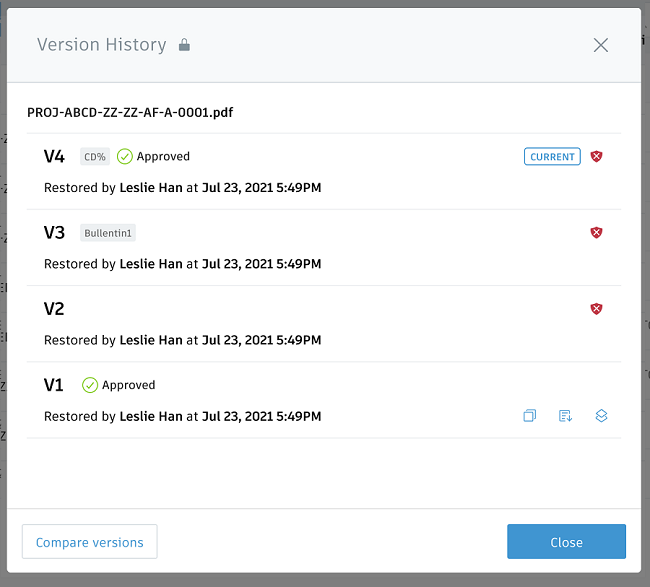
Version history
The malware icon displays for malware detected versions and the relevant options are hidden for these versions, including: Export for PDFs, Copy, Download source file and Make current.
Deleted items
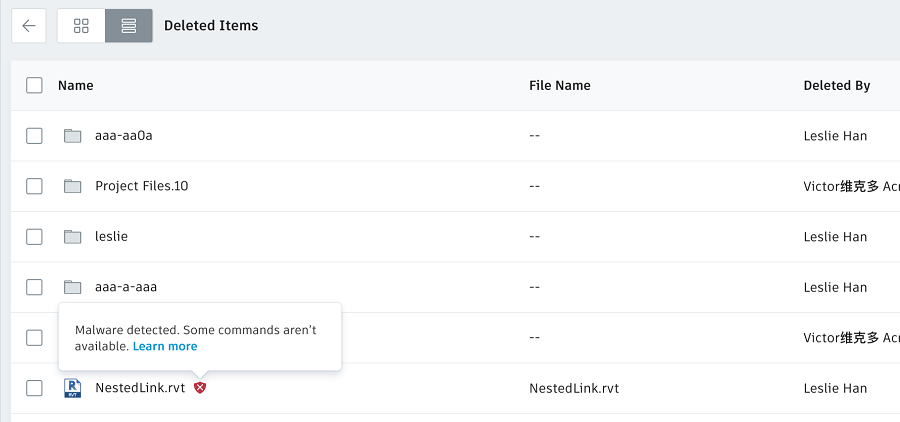
The malware icon displays after the document name in Name column.
Hover it to show the tooltip.