Import Form Templates from Autodesk Forma Library
Hub administrators can create form templates in the Library that can be imported into projects and project templates. Learn more in Form Templates in Library.
When you import templates from the Library, the contents of the template cannot be modified in the Forms tool. Only the permissions can be edited.
To import form templates from the Library:
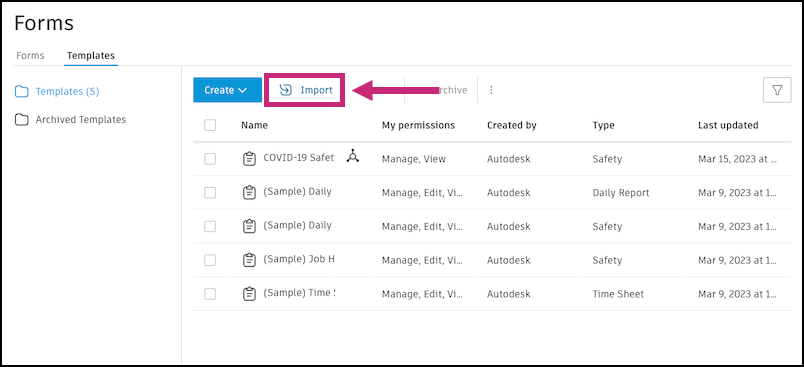
Navigate to the Templates tab of the Forms tool.
Click Import.
Select Forma Library and click Next.
Note: If you are a project administrator and this option is not available, your hub administrator has turned off the ability for you to import form templates from the Library. Contact a hub administrator to see if this setting can be changed. Learn more about form templates in the Library.Select the form templates to import. A maximum of 200 form templates can be imported at one time.
Click Import and wait for the action to complete.